
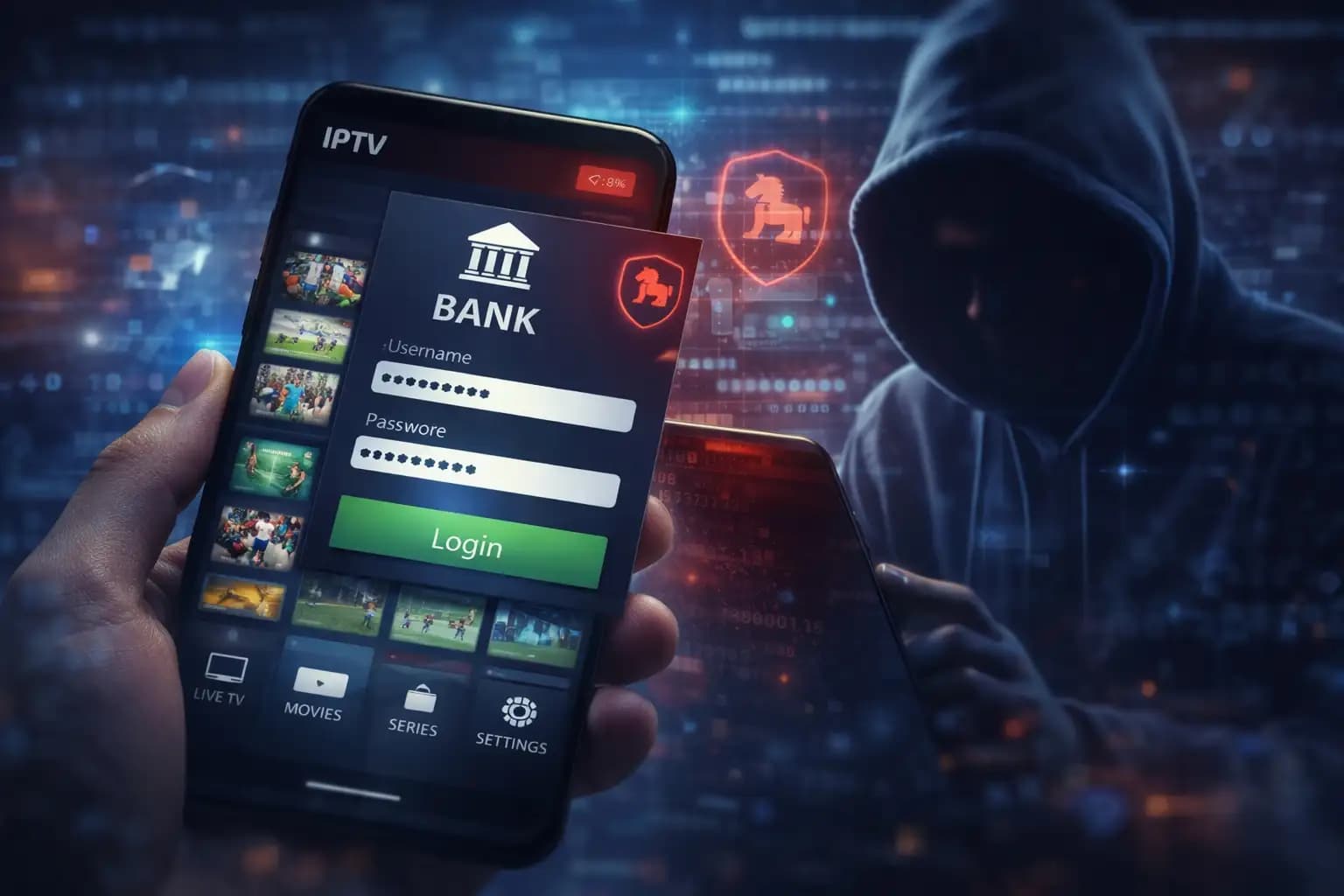
How do these fake IPTV apps take money from Android users?
Cybersecurity experts have found a huge increase in bad IPTV apps as of February 19, 2026. These apps look like regular streaming players, but they have a banking Trojan in them, like the "Klopatra" or "Albiriox" strains.
Once they are on your device, they use "overlay attacks" to cover up your real banking app with a fake login screen. Hackers get your password right away, and they can empty your account in minutes.
The "Free" Trap
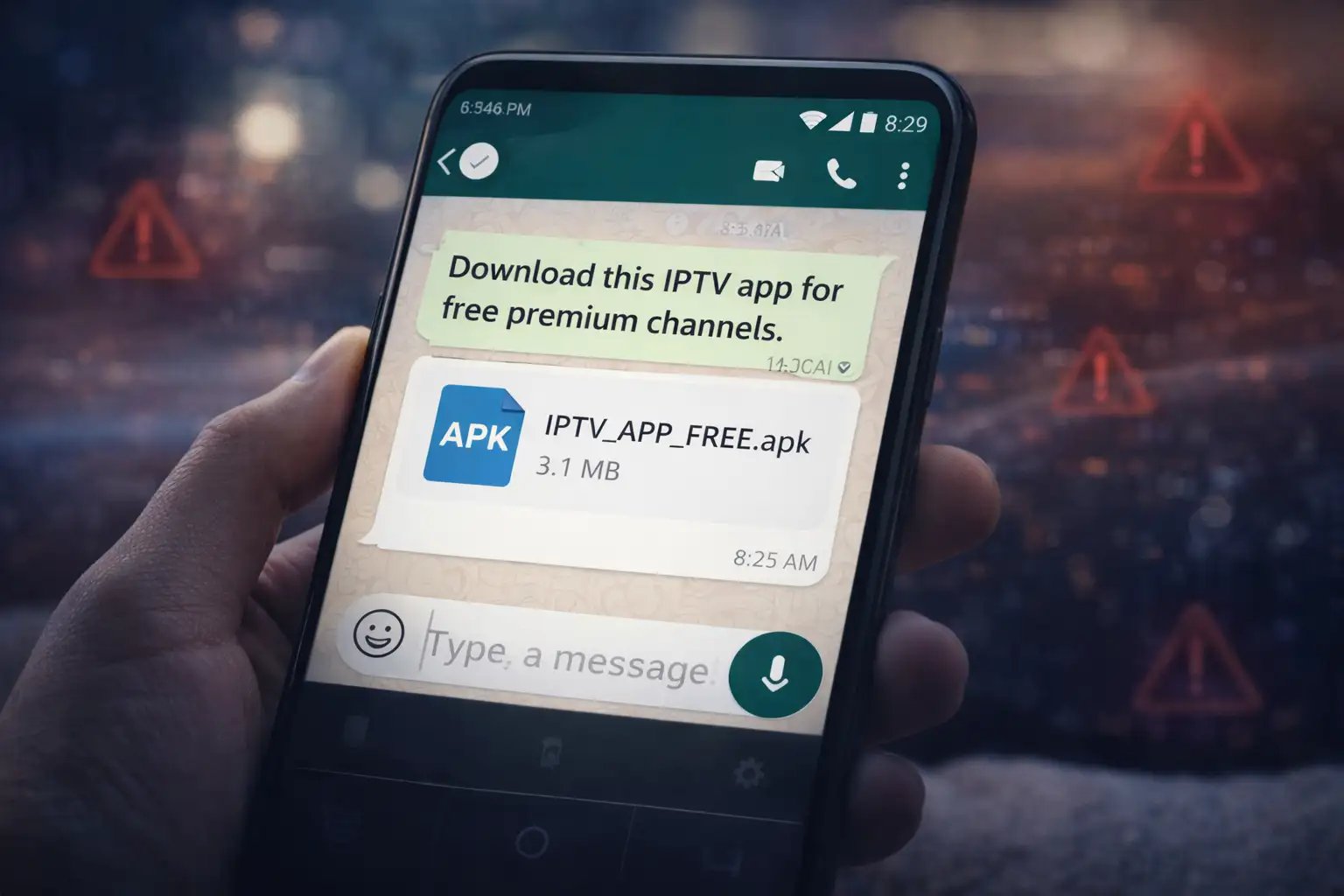
I understand how tempting it is. A person sends you a link on WhatsApp or Telegram that says, "Hey, download this IPTV app and get all the premium channels for free!" Sounds like a win, doesn't it? But since the end of 2025 and the beginning of 2026, this has been the most common way for hackers to get into Android phones.
This is important right now because mobile banking is the main way we handle our money. We use apps for everything, like paying the rent and getting coffee. Hackers don't have to break into the bank; they just wait for you to open the door for them by putting malware in something popular like an IPTV app.
What Happened?
Researchers recently found that a number of "pro" versions of popular IPTV players, which are apps that aren't available on the official Google Play Store, are actually malware in disguise. These are made to get around normal security.
The technical name is DTO, which stands for "Device Takeover." The app doesn't just show you TV channels after you install the APK file. It also starts a hidden process that watches every app you open. It's not just a virus; it's a full-fledged remote control for your phone. It can read your texts, look at your pictures, and even record your screen without the little green "camera active" dot showing up.
What made hackers choose IPTV apps?
You might be wondering, "Why not just put it in a game?" Well, think about how we use IPTV.
Long Use: We watch a movie for two hours or a football game for 90 minutes. This gives the malware a lot of time to make your system its "home."
Permissions: Most people think that a video app should ask for "Files" or "Overlay" permissions to show a mini-player. Hackers take advantage of this expectation to get the risky permissions they need.
Sideloading Culture: Many IPTV apps are technically "grey area" apps, so people are already used to downloading them from random websites (sideloading). This makes it the best disguise.
How the malware works, step by step
This is where things start to get hard. It doesn't just take your data right away. It is patient.
1. The Hook: You get an APK file from a site that isn't official.
2. The Permission Beggar: When you open it, it asks for Accessibility Services. It could say it needs this to "Improve Video Flow" or "Turn on Ad-Block." Don't give this to an app you don't completely trust.
3. The Silent Scan: After it gets access to Accessibility, it looks for apps on your phone like Bank of America, HSBC, PayPal, or even crypto wallets like Binance.
4. The Overlay Attack: You open the real bank app. The malware sees this and quickly adds an invisible "layer" over the real app. You can see a box where you can log in. You think the bank is it. It is the malware, though.
5. OTP Interception: The malware can read your SMS, so it gets the 2FA (two-factor authentication) code that the bank sends you. The hacker now has both your password and your code.
The "Mobdro Pro" Incident: A Real-World Example
Based on recent reports, let's look at a "before vs. after" situation.
Before: A person in London gets "Mobdro Pro + VPN" from a random forum so they can watch a cricket match. Everything looks good; the game is going well.
The Shift: The app turns on the Fake IPTV Apps Android banking malware in the background. It waits three days so that no one will be suspicious.
After: The user logs into their savings account on the fourth day. The malware steals the login information. In less than ten minutes, £2,500 is sent to an account in another country. The user doesn't even get to see the "Transaction Successful" text message because the malware deleted it right away.
Who is in the most danger?
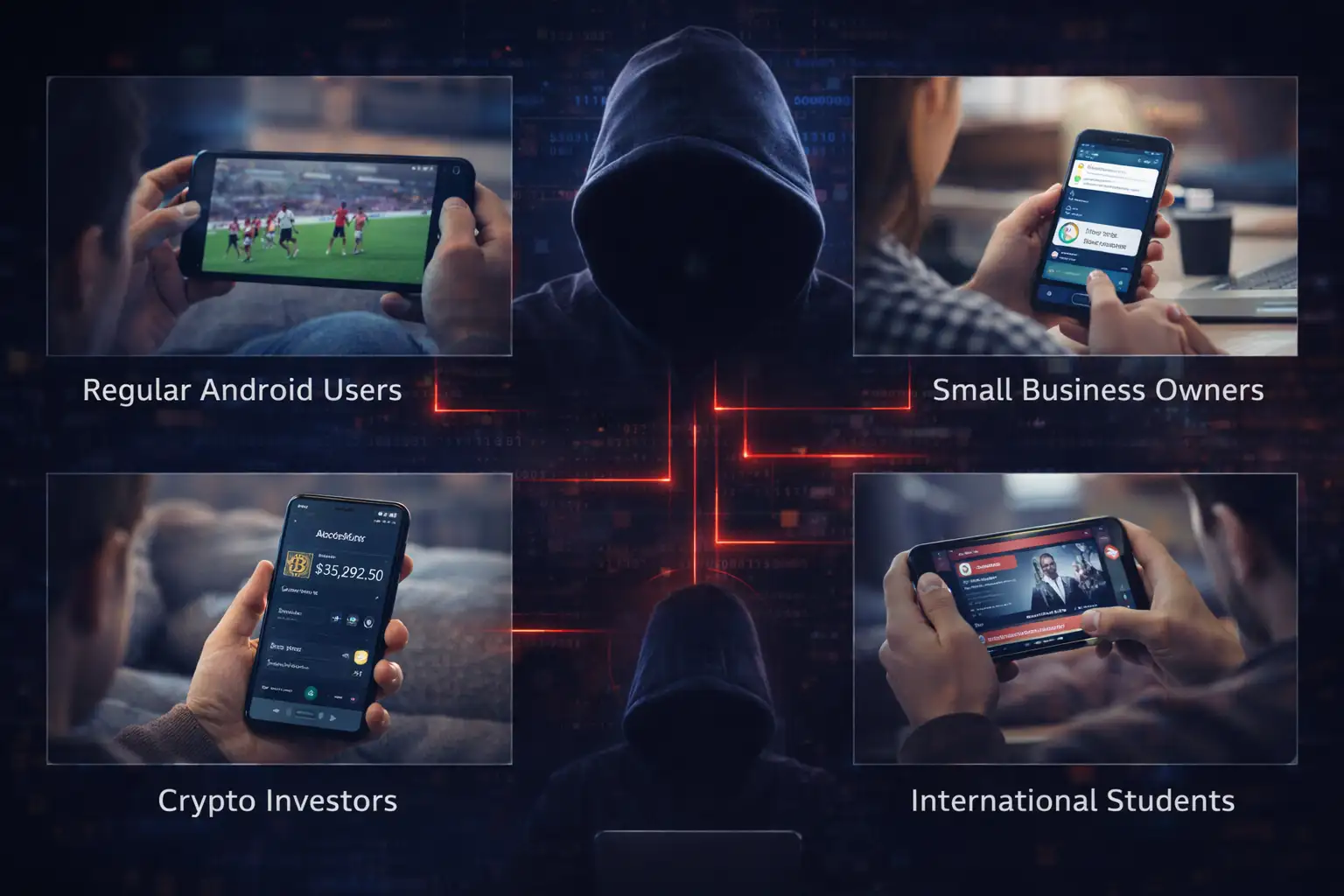
Just because you don't have a lot of money doesn't mean you're safe. These guys go after everyone.
Average Users: Anyone who wants "free" versions of Netflix, Disney+, or live sports.
Owners of small businesses: If you handle your business's payroll from your phone, you are a "high-value" target.
Crypto Owners: If you own crypto, malware like Albiriox is designed to find private keys and seed phrases in your clipboard.
International students: They often use third-party apps to watch channels from their home country, which makes them easy targets for localized banking malware.
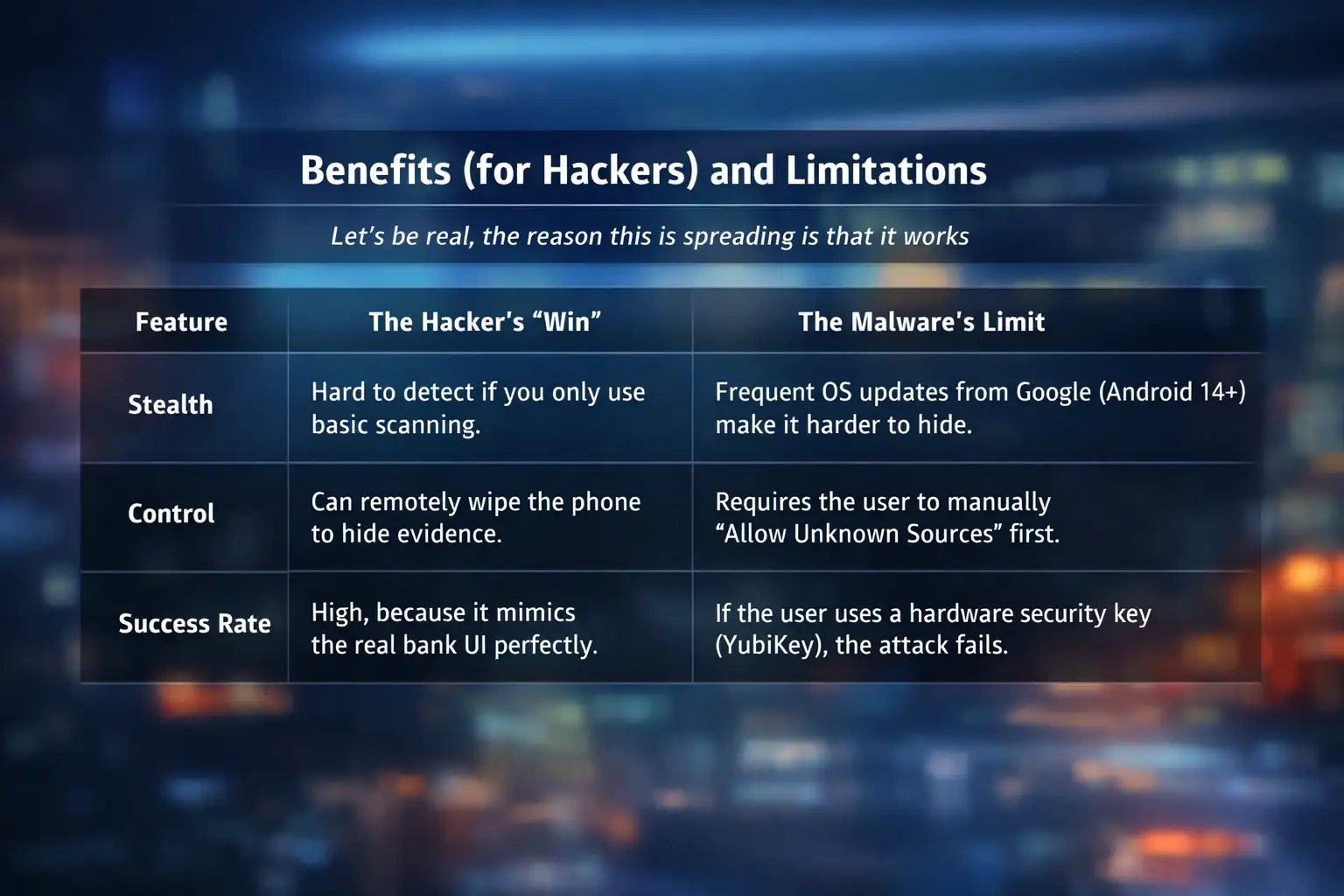
Pros and Cons for Hackers
Let's face it: the only reason this is spreading is because it works. It allows hackers to bypass multi-factor authentication by reading your texts, though it is limited to Android users who are willing to bypass their phone's built-in security warnings to install unofficial files.
What You Should Do Right Now
If you have any apps on your phone that you didn't get from the Play Store, do these four things right away:
1. Check Accessibility Permissions: Open Settings and then Accessibility. If you see an IPTV app or any "Video Player" with "On" next to it, turn it off and uninstall it right away.
2. Turn on Google Play Protect: It's already there. Check to see if it's scanning. It's getting better at finding these fake apps.
3. Change Your Passwords: If you've used a sideloaded app in the last month, change your banking and email passwords from a different device, like a laptop.
4. Get an authenticator app: Don't rely on SMS for codes anymore. Use either Authy or Google Authenticator. Malware has a much harder time getting to these.
Frequently Asked Questions (FAQ)
Q: Is it possible to get this malware from the Google Play Store? A: It's very rare, but "dropper" apps do get through sometimes. But 99% of these fake IPTV apps and Android banking malware cases come from APKs that people download from websites or chat apps.
Q: Is it safe to use IPTV if I pay for it? A: Yes, most of the time, as long as you use services that are known to be safe and have their own official apps. The "free" or "cracked" versions are almost always the ones that are dangerous.
Q: Will a factory reset get rid of the malware? A: Yes. A factory reset is the "nuclear option" that usually gets rid of malware if you think you're infected.
Q: How can I tell if an app is an "overlay"? A: If your banking app suddenly looks a little different, like the font is off or it asks for your PIN twice, close it right away. That's a big warning sign.
Last Thought: The Future of Mobile Security
Hackers and security researchers will always be at odds with each other. As we get closer to 2026, we'll see more "AI-driven" malware that can talk to you to get you to trust it. But the basics of staying safe haven't changed: don't believe offers that seem too good to be true.
A free subscription to a sports channel is not worth as much as your bank account. Stay smart, stay up-to-date, and don't let random APKs get on your phone.
For more latest updates like this, visit our homepage.




-20260925120840.webp&w=3840&q=75)
