
Introduction
The old way was reactive. People reused passwords, clicked first and checked later, trusted public Wi-Fi too easily, and assumed security was mainly an IT issue. The better way is disciplined and boring in the best sense: verify, update, limit exposure, and prepare for recovery.
The result is real risk reduction, not perfect safety, but fewer compromises, less fraud, and a much better chance of bouncing back quickly when something goes wrong.
That matters because the threat volume is not theoretical. The FBI said reported cybercrime losses in its latest annual Internet Crime Report exceeded $16 billion, and the FTC’s Consumer Sentinel Network logged 6.5 million consumer reports in one year across fraud, identity theft, and related issues.
Those numbers do not mean every internet session is dangerous, but they do show why how to stay safe online is now a boardroom issue, a family issue, and frankly just a life skill.
Traditional advice often stops at “be careful online.” That is too vague to be useful. A better approach combines user behavior, device hygiene, account protection, and incident readiness.
This is also where specialist partners can matter. For organizations that need practical security operations, policy support, awareness training, and response planning, a provider such as Hoplon Infosec can help turn scattered advice into repeatable controls without sounding like a full-scale transformation project is the only option.
Why Online Safety Is More Important Than Ever
Online safety matters more because digital life now touches payments, identity, operations, and reputation. One weak password, one fake login page, or one infected device can trigger account fraud, business disruption, or data exposure. Official guidance keeps returning to the same pattern: lower exposure, verify what you see, and prepare to recover.
For a business decision maker, the change is obvious. Security incidents are no longer isolated technical problems buried in a help desk queue. A compromised executive mailbox can affect vendor payments.
A weakly protected customer support account can become a social engineering gateway. A ransomware incident can slow operations, force legal review, damage trust, and create recovery costs long after the first alert lands.
For regular users, the pattern is similar, just more personal. The FTC tracks identity theft, scams, and imposter fraud because these harms hit bank accounts, credit files, and everyday confidence.
The FCC also warns that insecure wireless and Bluetooth use can expose personal and financial information, especially when people connect casually in public settings.
Common Online Threats You Should Know
The biggest verified online risks are phishing, malware, fake sites, identity theft, social engineering, scams, weak privacy settings, and account compromise. They work because they target both technology and human behavior, not because users are careless, but because attackers keep refining what looks normal.
Phishing Scams
Phishing remains one of the clearest examples of why knowing how to stay safe online starts with skepticism. CISA, NSA, FBI, and MS-ISAC jointly warn that phishing emails and related lures are still a primary entry point because they imitate real workflows. Password resets, invoice requests, cloud storage notices, and MFA prompts are common bait.
A practical example helps. Suppose your finance lead receives an email that looks like a routine request to review an invoice. The branding looks fine. The sender name looks familiar. The link even resembles a Microsoft login.
If that page is fake, one rushed click can hand over credentials and sometimes even the second factor if the attacker is running a live session. That is why phishing-resistant MFA matters more than many organizations realize.
Malware and Viruses
Malware is not just “a virus” in the old sense. It may steal passwords, monitor activity, lock files, or create remote access. The NCSC defines ransomware as malware that blocks access to devices or data, usually through encryption, and then demands payment. CISA’s backup guidance treats this as a recovery problem as much as a prevention problem.
Fake Websites
Fake websites imitate banks, retailers, cloud apps, or government services to capture logins and payments. In practice, the most reliable signs are not flashy design but verification details: the exact web address, the certificate state, the login flow, and whether the request makes sense in context. If the domain is off by one character, that is not a small detail. It is the detail.
Identity Theft
Identity theft often grows from smaller pieces of exposed data. The FTC’s guidance focuses on protecting personal information and acting quickly if misuse occurs. Old accounts, oversharing on social media, and poorly protected inboxes all increase the attack surface because attackers build a profile before they strike.
Social Engineering
Social engineering deserves separate attention because it explains why some controls fail. Attackers are not always trying to beat the firewall first. Often they are trying to persuade a person to approve a payment, share a code, change an account email, or trust a fake sense of urgency. That is one reason traditional awareness posters rarely go far enough.
15 Essential Tips to Stay Safe Online
If you want the shortest workable version of how to stay safe online, do these things first: use strong, unique passwords; enable MFA; update software automatically; avoid unverified links and downloads; secure devices; back up important data; and reduce the amount of personal information you expose.
1) Use a secure connection.
Public Wi-Fi is convenient, but the FCC warns it can make theft of sensitive information easier if you connect carelessly. Disable auto-join where possible, confirm the correct network, and avoid sensitive activity on untrusted connections unless a secure business setup or VPN policy is in place.
2) Choose strong, unique passwords.
CISA and NIST are aligned on the basics. Reused and guessable passwords remain one of the easiest routes into accounts. Password managers are not a luxury anymore. They are one of the simplest ways to reduce password reuse at scale.
3) Enable multi-factor authentication.
NIST recommends offering MFA, and CISA has gone further by highlighting phishing-resistant MFA where possible. The key point is simple. Passwords alone are not enough for important systems.
4) Keep software and operating systems updated.
CISA’s Secure Our World guidance explicitly tells users to turn on automatic updates. Patching is not glamorous. It is still one of the highest-return security habits available.
5) Check whether websites are trustworthy.
Do not rely on looks alone. Check the exact URL, the login behavior, and whether the request is expected. A polished fake can still be fake.
6) Review privacy settings
Privacy settings matter because data exposure often starts with what people knowingly, or half knowingly, leave public. That includes email addresses, birth dates, workplace details, location patterns, and family connections.
7) Be careful with suspicious links and attachments.
CISA’s phishing guidance is clear here. Treat unsolicited urgency as a warning sign. Go to the service directly rather than through the message that pushed you there.
8) Secure every device
Phones, tablets, laptops, and even shared household devices need passcodes, current software, and a basic security baseline. One forgotten tablet with stale apps can become the easiest way in.
9) Back up important data regularly.
This is one of the most practical parts of how to stay safe online. CISA defines a backup as a secure copy of critical data stored separately so recovery is possible after a cyber incident. It also cites Verizon’s latest DBIR, which says ransomware appeared in 44 percent of breaches they investigated. That is a measurable reason to take backup design seriously.
10) Close unused accounts
Dormant accounts are easy to forget and easy to miss in risk reviews. If they contain old personal data or weak passwords, they remain useful to attackers long after you stop using them.
11) Download only from trusted sources.
Malware often arrives disguised as something useful, familiar, or free. Official app stores and vendor pages are not perfect, but they are still far safer than random mirrors, pop-ups, and unofficial download sites.
12) Think before you post.
The internet rarely forgets. A post that feels harmless today may reveal enough personal context for a future scam, especially when combined with other public details.
13) Be careful who you meet online.
The FTC continues to warn about friend requests, social media contact, and money requests from people who are not who they claim to be. Romance and relationship-style fraud are especially damaging because they exploit trust, not just attention.
14) Double-check online information.
False claims spread quickly, especially when they are emotional, urgent, or flattering to what people already believe. Reliable information usually points back to original documents, official agencies, or traceable reporting.
15) Use reputable security software where appropriate.
Security software is helpful, but it is not a magic shield. It works best as part of a layered model that includes user awareness, device updates, account controls, and recovery planning.
How to Stay Safe Online on Social Media
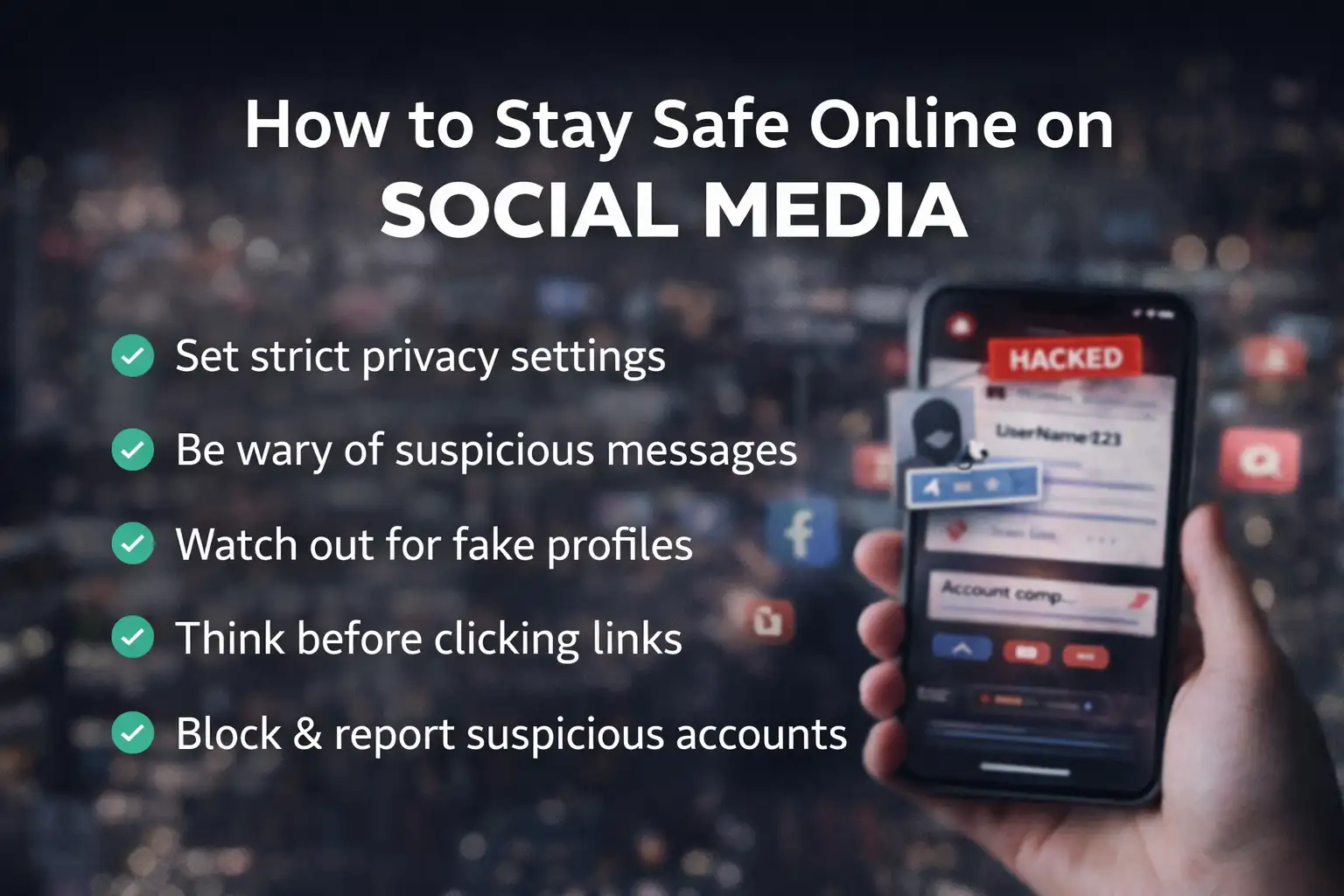
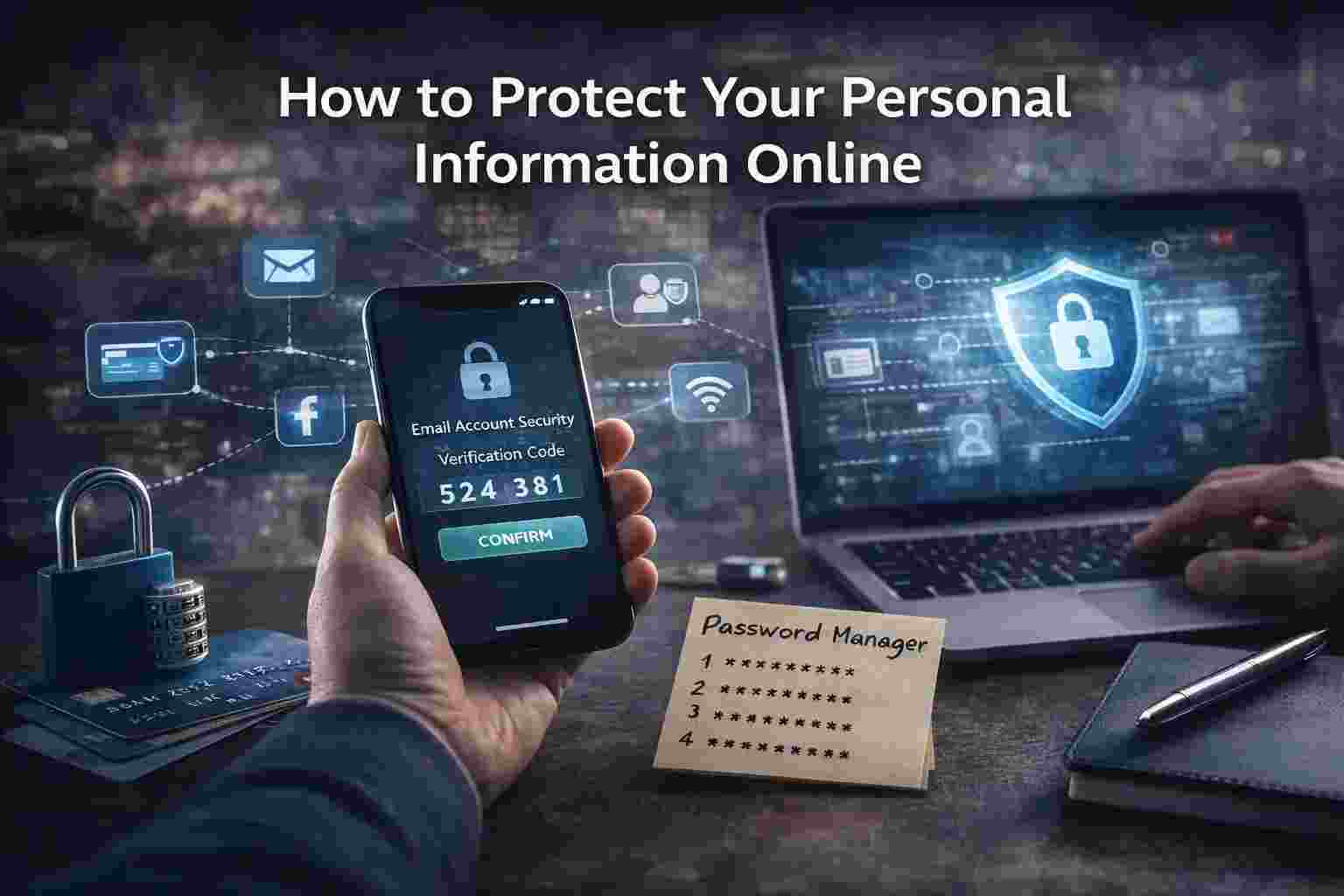
Social media safety depends on limiting what strangers can learn, reducing scam contact paths, and treating inbound messages as potential attack channels. The FTC reported that people have lost billions to scams that started on social media, which makes profile privacy and message skepticism practical safeguards, not optional extras.
A useful rule is this: post for the audience you actually want, not for the platform’s maximum visibility. Review who can see your posts, who can message you, and how much profile detail is publicly exposed. Company leaders should pay special attention here because their role, travel, and vendor relationships can be weaponized in business email compromise attempts.
There is also a simple business angle. Social platforms blur personal and professional identity. That makes impersonation easier. Fake support accounts, cloned executive profiles, and direct messages that ask for urgent action are common enough that teams should know how to verify identity outside the platform.
How to Protect Your Personal Information Online
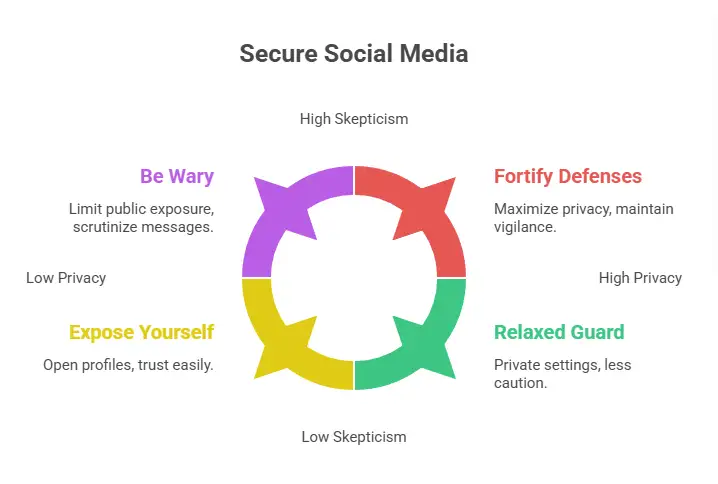
Protecting personal information means reducing what you expose, controlling access to what remains, and having a plan if that information is misused. In practice, that means stronger authentication, fewer public details, monitored accounts, and faster reporting when something looks wrong.
For individuals, start with email. Your email account is often the recovery path for everything else. If it falls, many other accounts can follow. That alone is a strong argument for MFA, password management, and regular review of recovery methods.
For businesses, the issue expands into governance. Customer data, payment details, employee records, and access logs each need their own control logic. A small company does not need a giant enterprise stack to make progress, but it does need clarity on who owns what, how access is granted, and what happens when suspicious activity appears.
This is one area where a practical advisor, including firms like Hoplon Infosec, may help translate generic guidance into a usable operating model.
Internet Safety Tips for Kids and Teens
The best internet safety lessons for kids are digital footprint awareness, strong password habits, and safe communication. The goal is not fear. It is judgment. Children do better when the rules are clear, repeated, and connected to real examples they actually recognize from games, chat apps, and school tools.
Children should understand that a username, photo, school detail, or casual post can reveal more than it seems. Parents and schools often focus on “stranger danger,” but the more realistic lesson is pattern recognition.
Why is this person asking for a code? Why does this game mod need a download? Why would a classmate ask for account access?
One practical example is gaming. A child gets a message offering free in-game currency through an external link. It looks exciting. It also bypasses the normal platform. That is the moment to teach a habit: pause, ask, verify. Not because every unexpected message is malicious, but because that pause often prevents the mistake.
Tools That Help You Stay Safe Online
Helpful tools include password managers, MFA apps or phishing-resistant authenticators, device update controls, backups, and reputable endpoint protection. Tools matter most when they support routine behavior. A tool nobody uses properly is just a box on a checklist.
A traditional approach leans too hard on antivirus alone. A more effective approach combines tools that reduce different types of risk. Password managers reduce reuse. MFA reduces the value of stolen credentials. Patching removes known weaknesses. Backups reduce the impact of destructive events. Together, that mix is far more useful than any single product category.
What to Do If Your Online Account Gets Hacked
If an account is compromised, change the password immediately from a trusted device, revoke active sessions if the service allows it, enable MFA, review recovery details, check linked accounts, and report the incident through the platform or the FTC if fraud or identity theft is involved.
Act in a sequence. First, secure access. Second, contain spread. Third, document what happened. Fourth, decide whether financial institutions, customers, or regulators need notice. In a business setting, the difference between a messy incident and a controlled one is often whether those steps were rehearsed before the day they were needed.
Future of Online Safety
The future of how to stay safe online will likely depend less on one perfect tool and more on faster verification, stronger identity controls, and better resilience. Attackers are adapting quickly, especially around impersonation and credential theft, so defenses need to be easier for normal users to apply correctly.
This is where some caution is useful. Official agencies can confirm patterns and controls, but they do not promise immunity. Good security lowers risk. It does not erase it. That may sound obvious, yet it is one of the most important truths in this entire topic.
Frequently Asked Questions
What is the single most important step in how to stay safe online?
There is no single perfect step, but MFA combined with strong unique passwords and timely updates is one of the highest impact combinations confirmed across CISA and NIST guidance.
Is public Wi-Fi always unsafe?
Not always, but it deserves caution. The FCC advises users to verify the correct network, avoid automatic connections, and treat public wireless use as a higher risk for theft of personal or financial information.
Why do backups matter so much?
Because prevention can fail. Separate backups are one of the most reliable ways to recover after ransomware, deletion, or system failure. CISA and the NCSC both treat backup resilience as a core safeguard.
Are social media scams really that common?
Yes. FTC data shows major losses linked to scams that began on social media, which is why message skepticism and privacy control matter.
How often should businesses review their online safety posture?
There is no universal official interval that fits every company, but access controls, patching status, backups, and phishing readiness should be reviewed regularly and after any material change in tools, staffing, or threat exposure.
Conclusion
If you strip away the noise, how to stay safe online comes down to a manageable discipline. Verify before trusting. Use strong authentication. Update systems. Reduce public exposure. Back up what matters. Prepare for recovery.
Those habits work for households, executives, and growing businesses because they address how real incidents usually begin and how recovery actually happens.
And that is the real takeaway. Online safety is not a single product purchase or a one-time awareness session. It is an operating habit. For teams that want help turning that habit into policy, training, hardening, and response readiness, Hoplon Infosec can be a sensible partner to evaluate.
Summary
The main benefit of knowing how to stay safe online is simple: lower the odds of compromise and improve recovery if a compromise happens anyway. The underlying advantage is not one sharply defined feature, but a more practical model than the old “just be careful” approach.
When security capability needs to move from advice to execution, Hoplon Infosec can support that shift with grounded, business-ready guidance.
Hoplon Insight Box
A sensible next step is not to buy more tools first. It is to fix the basics in order.
Protect email and admin accounts with MFA
Require unique passwords and support them with a password manager
Turn on automatic updates where operationally safe
Review public exposure on social media and old accounts
Test whether backups are actually restorable
Run phishing awareness exercises tied to real workflows
For more latest updates like this, visit our homepage.
Author Credibility
This article was written in a people-first, source-driven style using official guidance and reporting from CISA, NIST, the FTC, the FCC, the FBI IC3, and the UK NCSC, with supplemental breach trend context from Verizon’s DBIR. Where a point could not be tied to a confirmed public source, it was either qualified carefully or left out.
Trusted References
CISA Secure Our World guidance on passwords, software updates, phishing, and backups.
NIST guidance on passwords and multi-factor authentication.
FTC and FBI data on scams, identity theft, and cybercrime losses.




-20260925120840.webp&w=3840&q=75)
