
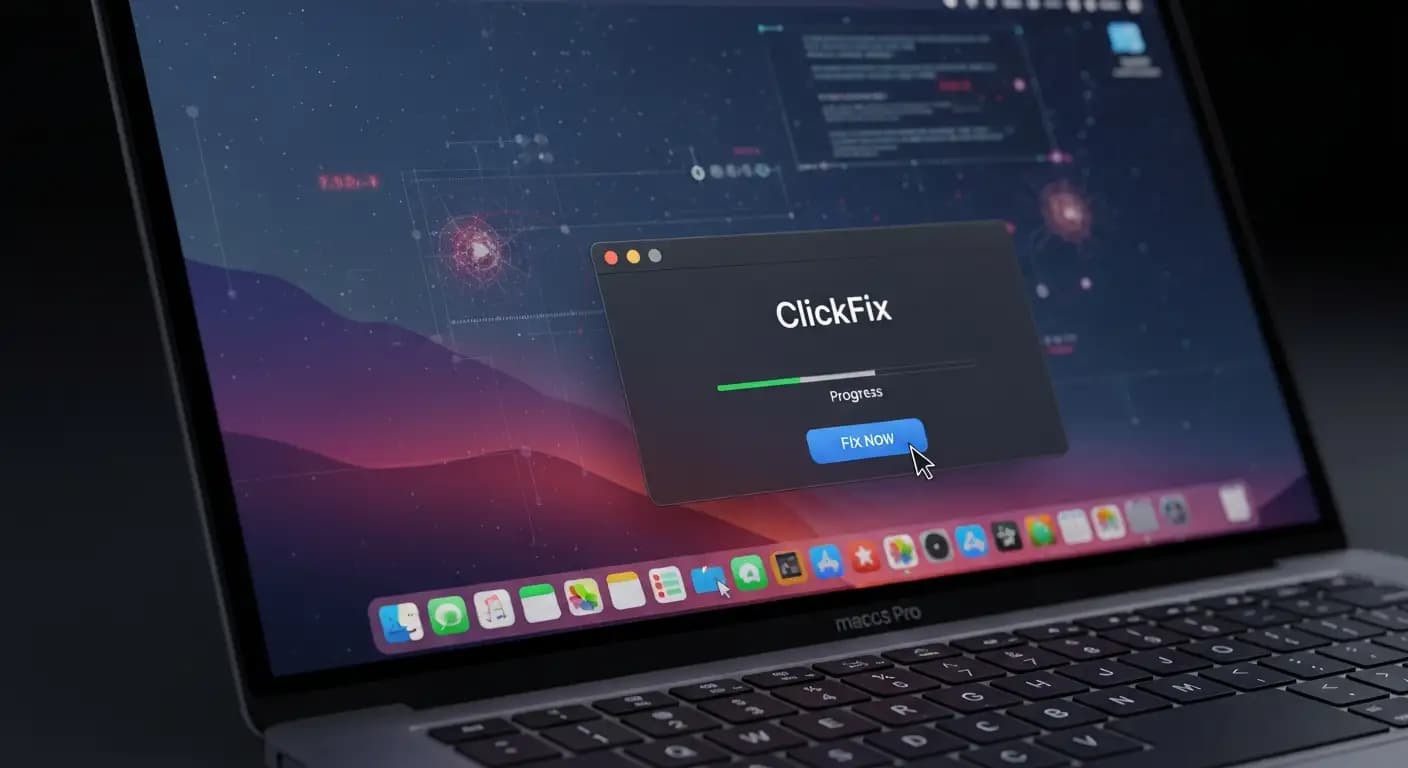
Picture this situation. You think you're fixing a problem or installing a tool on your Mac. To finish what it calls an "installation," a web page tells you to copy and paste a single line of terminal command. You do it without thinking about it. Malware can steal your personal and financial information in just a few seconds. That isn't a story. This is exactly how the ClickFix attack works on macOS. It is part of the most recent MacSync macOS infostealer malware campaign that cybersecurity researchers have found.
This kind of attack isn't like a regular virus or pop-up ad. This type of macOS malware terminal command attack uses social engineering to take advantage of people's trust and familiarity with the Mac operating system. Attackers trick you into running code that completely bypasses defenses like Gatekeeper and installs a powerful tool for stealing data.
Today, we'll talk about what this threat is, how it works, why it matters to Mac users all over the world, and what you can do to keep yourself and your business safe. This isn't about being afraid; it's about getting real information from the best verified reporting we have right now.
What the MacSync macOS Infostealer Malware does
Researchers first called this campaign MacSync macOS infostealer malware when they found it. This program is dangerous and is sold as a Malware-as-a-Service (MaaS) kit. This means that hackers can rent it and use it to attack other people.
Old-fashioned "email attachments" and "drive-by downloads" try to sneak bad code onto your computer without you knowing it. The MacSync attack, on the other hand, uses deception first and code second. The attackers want you to run a command in the macOS Terminal app on purpose. After that, the Terminal command Mac malware attack process starts, and your computer is no longer yours.
The combination of psychology and technology is what makes this threat so powerful. If you've been using a Mac for a long time, you might think it's okay or normal to copy and paste a short command from a guide you think you can trust. Attackers take advantage of this trust.

How the ClickFix Attack Tricks You Into Running Malware
The word "ClickFix" may sound technical, but it really just means a way to trick someone into installing malware by promising to fix a problem that doesn't exist. In a ClickFix malware macOS case, hackers make fake websites that look real. Those pages could look like cloud storage providers, pages for installing software, or even official service login screens.
A common lure might say something like, "To finish installing this tool, open your Mac Terminal and paste the command below."
Things go wrong after this. The victim copies the command, opens Terminal, and pressesEnterr. They just started a script that gets and runs a hidden payload behind the scenes. That payload is often an infostealer like MacSync that starts stealing data without anyone noticing.
Cybersecurity teams have seen this method used to spread MacSync. It works by getting around Apple's built-in security features, such as macOS Gatekeeper and code notarization checks. Attackers can get around the very defenses that are supposed to protect a Mac system by using simple social engineering instead of software flaws.
This is why it's important for anyone who uses Apple devices to know what a ClickFix-style attack on macOS is. These attacks don't just use technical tricks; they also use lies.
The Terminal Command Trick Explained
One of the scariest things about this kind of attack is how easy it is for the virus to spread. Copying just one line into Terminal can completely break your system.
Most of the time, when you paste that command and hit return, this is what happens:
1. The command connects to a server that the attacker controls from a distance.
2. It downloads a script to your Mac without showing you how to install it.
3. The attacker then runs this script right away, giving them control.
Because everything happens in the Terminal shell, this macOS malware terminal command attack gets around Gatekeeper. The gatekeeper's job is to keep an eye on app installs, not commands that a user types in by hand.
This same method was used in earlier ClickFix campaigns against other info thieves like AMOS and Shamos. In those cases, the execution often led to the theft of credentials, cookies, and passwords from browsers, crypto wallets, and system credentials.
One important thing to remember is that this method relies completely on what the user does. The attack can't happen if you never paste random commands into the Terminal when websites you don't trust tell you to.
For example, someone might look for a fix because they get an error when they try to install software. They come across a site that looks real but is actually SEO-poisoned, and without thinking, they follow the "fix" steps. They have immediately let the malware into their system.
After you install MacSync Infostealer, what happens?
The MacSync macOS infostealer malware is a real and serious threat once it starts running. This isn't just annoying software. The main goal is to steal your important digital information.
This is what happens in a lot of infections:
• The malware may keep showing fake system dialogs that ask for your macOS login password.
• The credentials are then stored in plain text and used to decrypt data in the keychain and browser.
• You can get browser profiles from Chrome, Brave, Edge, Opera, and other browsers.
• Seed phrases and private keys may be targeted in cryptocurrency wallet extensions and desktop wallet apps.
• You can copy and steal SSH keys, cloud credentials, Apple Notes, and other private information.
MacSync often looks for apps that are already installed, like Ledger and Trezor, and tries to add harmful parts that try to steal wallet recovery phrases long after the first infection.
Imagine not being able to get into your bank accounts or finding out that someone has your passwords and email session tokens. The effects are not only annoying, but they can also be very bad for your finances.

Why Gatekeeper and Apple's defenses aren't good enough
For a long time, Apple systems have been advertised as safe because they have built-in security features like Gatekeeper, which checks software signatures and notarization before letting you install them.
But a social engineering-based macOS infostealer ClickFix attack can get around these defenses. You don't download a signed app installer; instead, you run a terminal command that installs Mac malware by pulling code directly into memory. This doesn't set off Gatekeeper warnings because the operating system thinks you did it in Terminal.
Some newer versions of MacSync even come in a signed and notarized application, which makes them look like real applications to macOS security tools. In those cases, the malware pretends to be an installer for a messaging app.
This dual-threat model shows why attackers are more interested in tricking users and manipulating their trust than in finding software bugs.
A Real-Life Example of How a User Could Be Tricked
Let's go over a situation that could happen to anyone who uses a Mac:
You're looking for a way to fix something or add a new tool. You click on a link that shows up near the top of the search results. The page you land on looks professional and has a step-by-step guide on how to "fix" the problem. In step three, you are told to copy a command and run it in Terminal. There is even a "copy" button on the page to make this easy.
When you paste and run the command, nothing obvious happens on your screen. After a short time, you start to see strange pop-ups asking for your password. You might think this is just part of the installation at first, but after you type in your password a few times, strange things start happening on the network. There are connections to remote servers that you don't know about. Your passwords, wallet information, and keychain items are quietly taken away.
This is not a dream. A lot of cybersecurity teams have written down attacks that follow this exact pattern.
How to Stay Safe with the macOS Malware Protection Guide
You need more than just faith that "Macs don't get malware" to protect yourself from new threats. These are the useful steps that should be in a good macOS malware protection guide:
Don't ever paste random commands into Terminal.
Attackers are most likely to succeed when they can get people to trust them. Don't do what a site tells you to do if you don't fully understand it.
Check that the source is real.
Before you download or install anything, make sure the domain is real,l and the software is what it says it is. If you're not sure, go straight to the vendor's official site.
Use endpoint protection on your Mac.
Modern endpoint security tools can find patterns of behavior that look suspicious, not just known malware signatures. Think about getting software that can watch over your system and let you know when something goes wrong. This doesn't guarantee anything, but it does add extra layers of protection.
Update your macOS
Apple often puts out security updates that fix problems and make the system more stable. Regular updates make it harder for attackers to get what they want.
These steps are the most important parts of any macOS ransomware and infostealer defense that works for both personal and business systems.
How to Get Rid of macOS Infostealer Malware
If you think your Mac has been infected with the MacSync macOS infostealer malware or something like it, you should act right away. A lot of experts agree on these steps for getting rid of Mac malware:
1. Disconnect from the internet right away to stop data theft.
2. Start your Mac in safe mode.
3. Use well-known antimalware tools to look for harmful files.
4. Look over your login items and launch agents for any strange entries.
5. Change all of your passwords and turn on two-factor authentication.
6. If the system is still compromised, think about restoring from a backup that you know is good.
You might need professional tools or services to get rid of things in a specific way. If you search for "how to remove MacSync malware on Mac," you should find specific steps from well-known security companies.
Keep in mind that some malware can stay on your computer by getting into deeper parts of the system or by getting into real apps.
What Companies Should Do
Casual advice isn't enough for businesses. Enterprise malware protection for macOS that goes beyond signatures is needed in enterprise settings. It is important to have tools that keep an eye on behavioral patterns, network connections, and strange changes to the system.
Security teams should also teach users about phishing, social engineering, and why it's dangerous to run commands that they don't know. Policies should be in place to stop unauthorized installations and flag network activity that looks suspicious.
Questions that are often asked
In the world of malware, what is a ClickFix-style attack?
A ClickFix-style attack is a trick that makes people think they are fixing a problem or installing software when, en in fact, they are installing malware when they do what they are told. This method takes advantage of people's trust to get around a lot of automated defenses.
How does an infostealer get information on macOS?
After it is installed, an infostealer looks for important information like passwords, browser cookies, crypto wallet data, keychain items, and even SSH keys. It makes copies of these things and sends them back to a server that attackers control.
Can macOS Gatekeeper stop MacSync malware?
Gatekeeper can stop apps that aren't signed or notarized from installing, but social engineering attacks like ClickFix use commands that the user starts, which get around these protections. And in some newer versions, the malware comes as a notarized app, which Gatekeeper lets through.
How can you protect macOS from advanced malware?
Don't run code you don't know, use endpoint protection for Mac, keep systems up to date, teach users about social engineering, and keep an eye on network and system behavior for strange things.
Be careful, but don't be afraid.
The ClickFix attack on macOS shows how hackers are now using psychological tricks instead of just taking advantage of software bugs. It's not safe to assume that Macs are safe or that basic defenses are enough anymore, thanks to tools like the MacSync macOS infostealer malware.
Awareness, careful behavior, and reliable security tools that go beyond signature tracking are the best ways to protect yourself.
Stay up to date. Be careful of "fixes" you find online. And most importantly, don't run commands that you don't understand.



-20260925120840.webp&w=3840&q=75)

-20260918120903.webp&w=3840&q=75)