
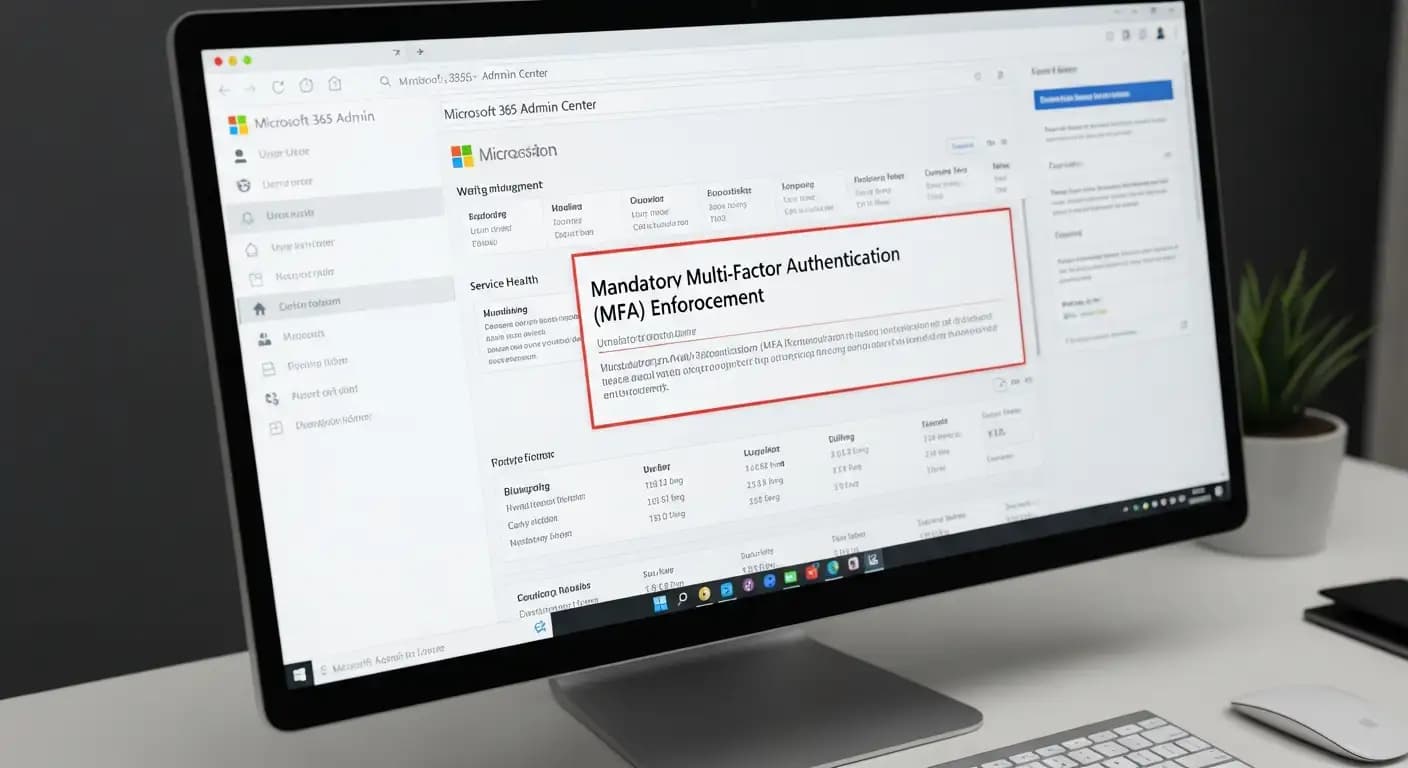
Microsoft started requiring Microsoft 365 Admin Center MFA for all administrators. This means that anyone who wants to log in to the Microsoft 365 admin portals must first go through multifactor authentication. This requirement is part of a bigger change Microsoft is making to make privileged accounts more secure and lower the risk of account compromise for administrators all over the world.
Why This Change Is Important
When someone with administrative rights logs into a cloud service, they have full control over it. For a long time, passwords were the only way to get admin rights in Microsoft 365. Microsoft started to change that in 2024 when it announced a shift in the industry that would require cloud platforms to have better identity and access management.
Microsoft 365 Admin Center now requires mandatory MFA, which means that before a sign-in is successful, you need to verify your identity with something other than just a password, like a code from an authenticator app or a passkey. This is not optional for admins once it is enforced. It works with important administrative portals like the Microsoft 365 Admin Center, the Azure portal, and the Microsoft Entra admin center.
The goal is to stop attackers in their tracks when they get a password. You can't get in without that second piece of proof that you are who you say you are. That kind of protection is very important for privileged accounts that have a lot of power over settings, user data, and security policies.
When Microsoft made the announcement and when MFA enforcement began
Microsoft messed up the timeline for this change into phases. For Azure infrastructure and admin interfaces, the first wave of enforcement started in the second half of 2024. Then, starting on February 3, 2025, tenants started to see Microsoft 365 admin MFA enforcement roll out to each tenant one at a time.
When admins log in to the Microsoft 365 admin center after enforcement starts for their tenant, they will be asked to set up multifactor authentication if they haven't already done so. Microsoft's documentation makes it very clear that there is no way for tenants to opt out of this requirement for admin sign-ins.
Official Microsoft documentation doesn't give a specific final global cut-off date for this requirement, but many community forums and expert blogs say that administrators should expect MFA requirements to continue and possibly spread to other sign-in situations, like PowerShell or API access, in later phases around late 2025 to 2026.
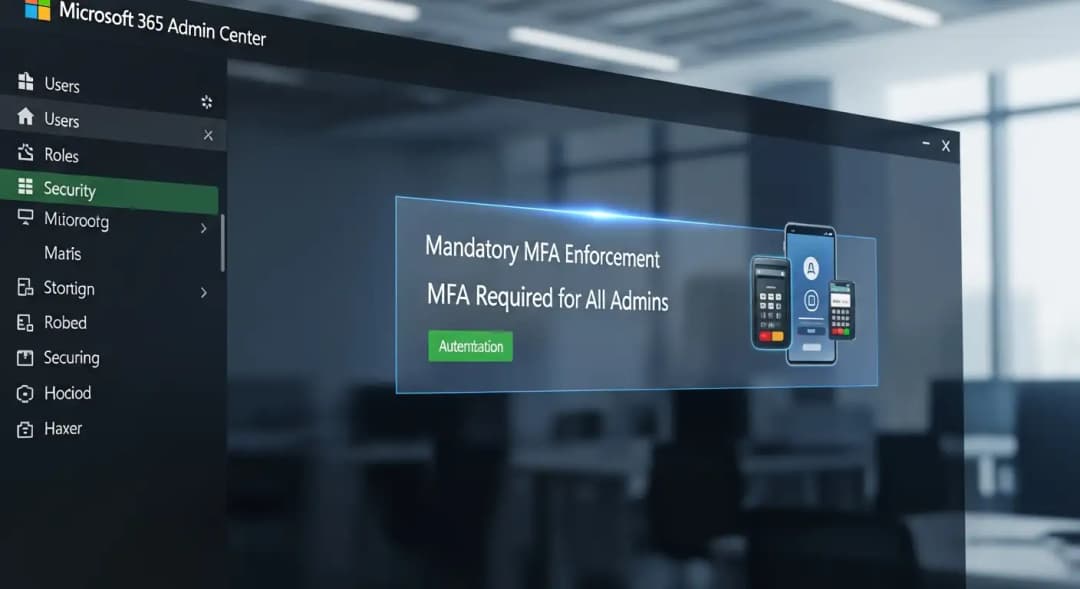
How mandatory MFA works in the Microsoft 365 Admin Center
Most companies that already use Conditional Access MFA policies or Microsoft Secure Defaults are already ahead of this enforcement. In those cases, admins won't see much of a difference because MFA was already needed to sign in.
If tenants haven't enforced these identity protections, here's what will happen when they try to log in:
1. Enter Standard Sign-In
When an administrator logs into the Microsoft 365 admin portal with their username and password, the system checks to see if that account needs two-factor authentication.
2. MFA Sign-Up or Prompt
If the admin doesn't have any MFA verification methods set up, they will be asked to set up at least one right after they enter their password. This could be a phone-based authenticator app, a FIDO2 security key, or another way to verify that is supported.
3. Verification of the Second Step
The admin needs to do the second verification step after entering a password. Access is not allowed if it is not given. This is in line with best practices for identity and access management to keep privileged accounts safe.
4. Accounts for Break-Glass and Emergencies
Even "break-glass" or "emergency" accounts, which some companies keep for critical access in lockout situations, are subject to this enforcement unless their settings are specifically set up to use secure alternative authentication methods that meet MFA requirements.
Microsoft has made it clear throughout the process that administrators will not be locked out just because they haven't finished MFA before enforcement started. Instead, they will be shown how to register for MFA and sign in so they don't suddenly lose access.
Microsoft 365 Admin MFA Requirement and Security Benefits
The main goal of Microsoft 365 Admin Center's mandatory MFA is to keep the most powerful user accounts in a company safe. Credential theft attacks and phishing campaigns often go after privileged accounts. If there isn't a second factor of authentication required, hackers who have stolen a password can access business data, change settings, or turn off other security measures.
Microsoft's own security telemetry shows that multifactor authentication can stop more than 99% of automated and credential-based attempts to break into systems. MFA adds proof of identity beyond just a password, which can be stolen, guessed, or used again across services.
This change also fits with the idea of "zero trust," which says that trusting only a password is no longer safe. Before letting someone in, zero trust says that you need to know more about who they are, where they are signing in from, and how they prove their identity. MFA is a key part of the move toward better identity and access management.
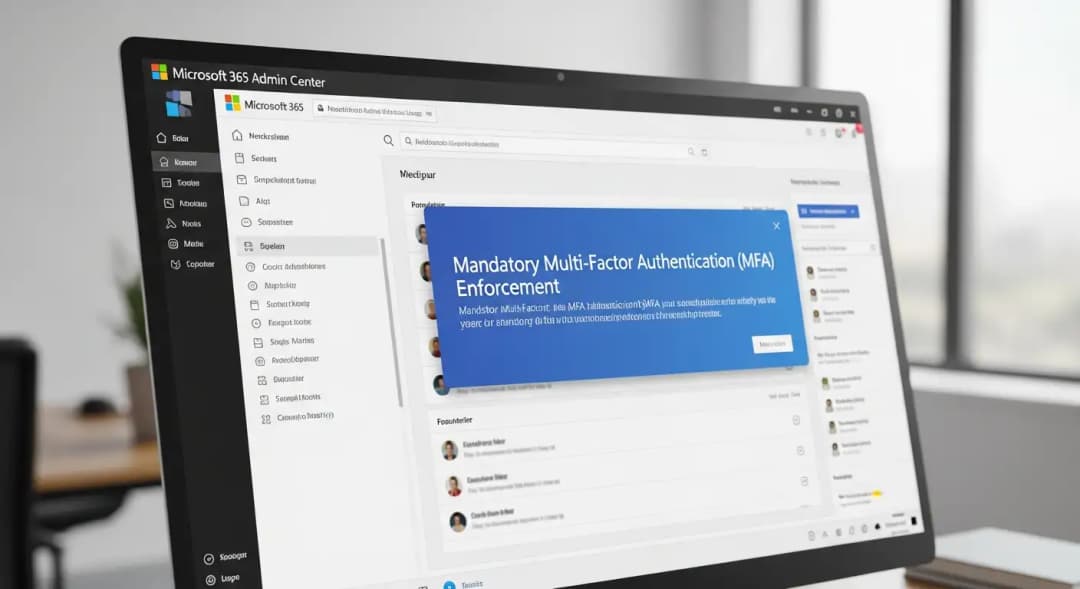
Common Problems and Worries for Administrators
Changes to security that are big cause conversations, confusion, and sometimes anger in IT communities. When Microsoft first talked about enforcing MFA in the Microsoft admin center, administrators raised a number of consistent concerns based on what they had read and heard in forums and professional groups.
One of the most important questions is whether my admin account will be locked out if I don't do anything. Several official Microsoft responses say that a user won't suddenly be locked out of their account. Once this requirement is in effect for their tenant, they will be asked to register for MFA the next time they sign in.
Another worry comes from big or complicated settings with international teams, service accounts, and accounts for emergency access. In these situations, planning is needed to coordinate MFA rollouts, and sometimes Conditional Access policies or licensing levels need to be changed to make sure that no one is accidentally locked out because they couldn't finish MFA on time.
Administrators are also worried about MFA fatigue attacks, in which attackers keep asking users for MFA verification in the hopes that they will accidentally approve a bad prompt. MFA works most of the time, but it's not a full shield without extra security measures like verification methods that can't be fooled by phishing, number matching, and device-based authentication.
Getting Your Business Ready for MFA Enforcement
When Microsoft makes changes like this, a lot of administrators feel like they weren't ready. Reality shows that taking proactive steps can help avoid problems. Here are some useful things you can do to get ready:
1. Check the current MFA settings.
Make sure that your tenant uses Microsoft Secure Defaults or Conditional Access, both of which already require strong authentication. This is the best way to find out if your admins are already following the rules.
2. Ways to check registration early
Before the enforcement date, make sure that all administrators have at least one MFA verification method set up. This makes things easier when the requirement goes into effect.
3. Use methods that are hard to hack.
Use methods like authenticator number matching or hardware keys instead of simple push notifications whenever you can. That can lower the chance of MFA approval fatigue or approvals that were not meant to happen.
4. Check the accounts for emergencies and break glass.
Check any account set up for emergency access to make sure it meets Microsoft's required MFA standards.
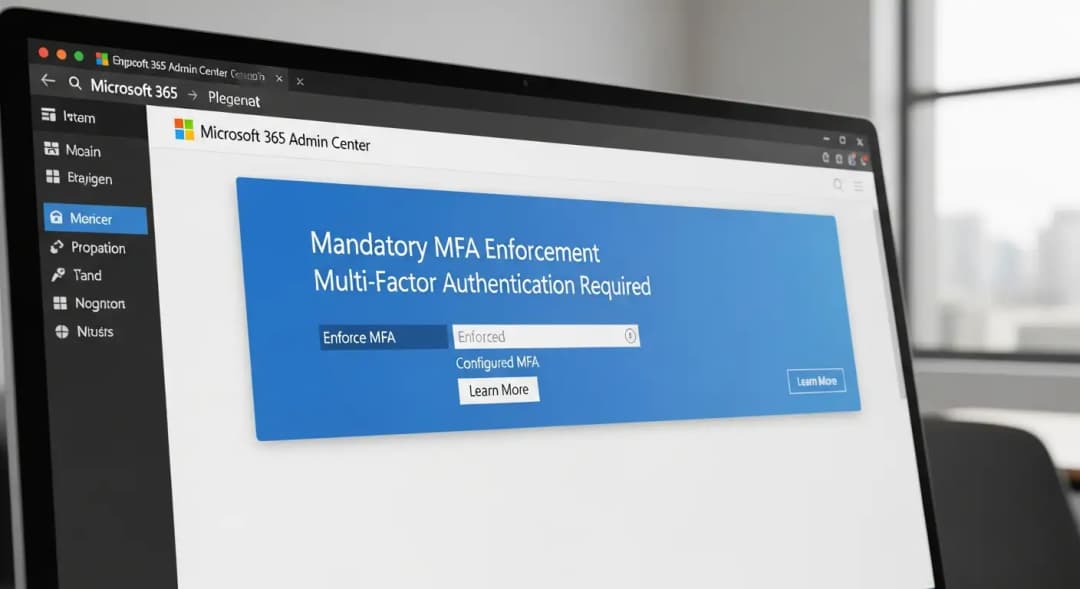
Questions and Answers
Do Microsoft 365 admins have to use MFA right now?
Yes. Microsoft started making Microsoft 365 Admin Center mandatory MFA enforcement in February 2025. This change affects each tenant individually and is part of Microsoft's larger security changes.
Can Microsoft force MFA on people without their permission?
Yes. Microsoft's policy says that companies can't choose not to follow the Microsoft admin MFA requirement for signing in to the admin portal. It is a built-in way to make sure that privileged accounts are better protected.
What will happen if I don't turn on MFA for the admin center?
If you haven't turned on multifactor authentication (MFA) by the time enforcement starts, you'll be asked to register MFA the next time you try to sign in instead of being blocked right away.
How can I keep from getting locked out of Microsoft 365?
Get ready ahead of time by signing up for MFA methods for all admin accounts and going over emergency access accounts. Check that the settings for conditional access and identity protection policies are correct.
Last Thoughts
For the Microsoft 365 admin center, mandatory multifactor authentication is more than just a box to check. It shows a real trend toward protecting privileged access. Microsoft 365 Admin Center requires multi-factor authentication (MFA) to connect identity and access management to the idea that administrators are important protectors of a company's digital assets. Enforcing MFA on these accounts gets rid of a common weakness that attackers use all over the world.
By planning ahead and using strong verification methods and Conditional Access policies, administrators will not only meet Microsoft's security requirements, but they will also make their organizations' defenses stronger.





