
-20260130205521.webp&w=3840&q=75)
Short Summary
Google published the Android Security Bulletin for January 2026 on January 5, 2026. It lists Android vulnerabilities fixed by security patch levels 2026-01-05 or later, and calls out a critical Dolby-related issue, CVE-2025-54957, affecting a Dolby DD+ codec component. Google also notes that platform protections and services like Google Play Protect help reduce exploitation risk, and encourages users to keep devices updated.
If you’ve been online this month, you’ve probably seen dramatic posts claiming “millions of phones are hacked” or “new spyware is everywhere.” A lot of that content is designed to trigger panic, and sometimes it’s simply not verified.
At the same time, the real world does not wait for perfect headlines. Verified risks show up in official security bulletins and research writeups. In January 2026, Google’s official Android bulletin documented fixes tied to patch level 2026-01-05, including a critical vulnerability in a Dolby component, CVE-2025-54957.
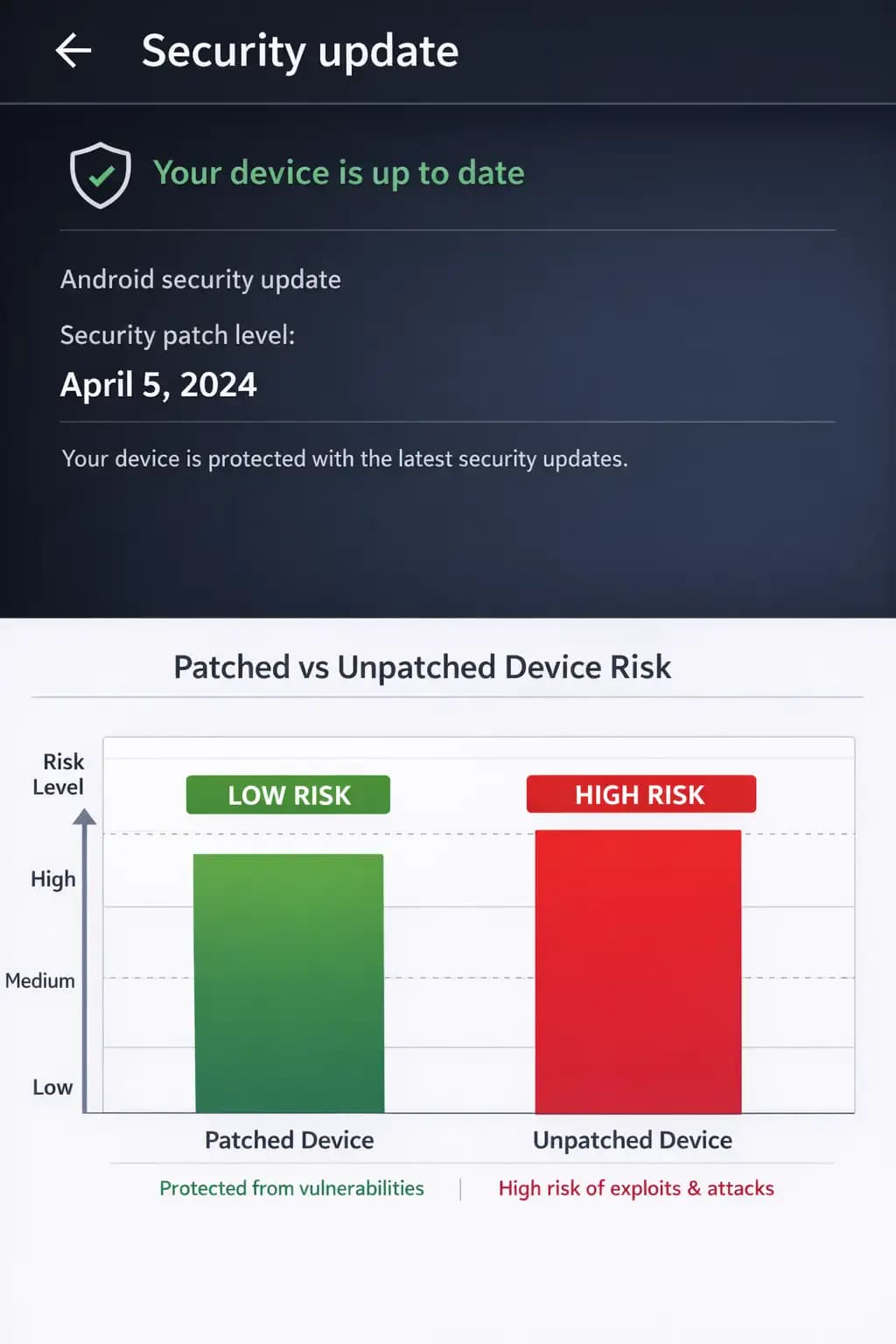
That matters because Android is not one device. It’s an ecosystem. When an official patch lands, it can still take time to reach every phone model. Some people update the same week. Others never get it. That gap is where attackers usually live.
And this is exactly where mobile device security audit services become practical. Not as a scary upsell. As a simple way to answer one question that every business and many families share: “Are we actually protected, or are we guessing?”
I’ll use the focus keyword early and naturally here because it’s the point of this article: mobile device security audit services help you verify what’s real on your phones, spot risky configurations, and close the update and app-permission gaps that cause most mobile incidents in the first place.
Mobile device security and data protection services
mobile device security and data protection services usually include things like:
Checking whether devices are receiving security patches on time
Reviewing app permissions and risky settings
Assessing phishing and scam exposure
Hardening lock screen, encryption, backups, and account recovery
Documenting what you did, so it’s repeatable (and provable)
And yes, this overlaps heavily with mobile device security audit services, which is the cleanest way to turn panic into a checklist.
Mobile device security solutions that make a real difference
There are a thousand “solutions” in mobile security. Most people do not need a thousand. They need the right handful, applied consistently.
A practical set of mobile device security solutions usually includes:
Patch management and update verification
Strong authentication and account recovery controls
App governance (what can be installed, from where, and with which permissions)
Backup and restore planning, so a lost device is an inconvenience, not a disaster.
Monitoring for obvious red flags, like sudden accessibility permission abuse or suspicious SMS links
Google also highlights protections that help reduce exposure to scams and risky actions, including defenses tied to Google Play services and Google Play Protect improvements.
If you’re choosing between “shiny features” and “boring controls,” pick boring. Boring is what stops most incidents.
Mobile security services
A solid audit is not a witch hunt. It’s not someone grabbing your phone and acting like a magician. It’s closer to a home inspection.
You check the foundation first, then the wiring, then the locks on the doors.
A typical mobile security services audit often reviews:
Device OS versions and security patch levels
Lock screen, biometrics, passcode strength, and auto-lock timing
Whether backups are working and recoverable
High-risk permissions (especially accessibility permissions and “display over other apps”)
Account takeover exposure, like weak recovery email/phone setups
Messaging and browsing risks, which is where scams land
And if you’re thinking “this sounds like work,” yes. That’s why audits exist. Most people do not have time to be their own security team.
-20260130205522.webp&w=1080&q=75)
Enterprise mobile security
Personal phone security is about you. Business phone security is about everyone you’re connected to.
In an enterprise mobile security context, a single compromised device can expose:
Corporate email
Client conversations
Shared drive links
Password reset routes
Internal chat tools
MFA prompts that attackers try to fatigue and trick
This is also why “unverified” mobile breach claims cause real business disruption. Even if a viral story is fake, it can trigger real-world mistakes like rushed configuration changes, bad tool installs, or IT teams chasing the wrong thing.
A better approach: use verified advisories and a consistent audit process, then communicate calmly.
Mobile data protection
People think “data protection” is encryption and antiviru softwares. Sometimes it is. But most mobile data loss comes from very human stuff:
A phone left in a rideshare
A child installing a game that asks for insane permissions
A text message scam that looks like a delivery update
A “quick login” on public Wi-Fi at the airport
Mobile data protection is the habit of reducing damage when those moments happen.
That means: backups, remote wipe readiness, account recovery locked down, and fewer risky apps.
Google’s security guidance emphasizes layered protections and warns about risky actions like disabling built-in protections and sideloading apps from unvetted sources.
Managed mobile security
There’s a point where “DIY security” becomes unrealistic.
If your business has dozens or hundreds of phones, you’ll eventually want managed mobile security. Not because your team is lazy. Because consistency is a security control.
With managed mobile security, someone is responsible for:
enforcing baseline settings
tracking patch compliance
investigating suspicious device behavior
documenting controls for compliance
running periodic reviews, not just one-time cleanups
It’s the difference between “we fixed it once” and “we can prove we’re safe continuously.”
-20260130205522.webp&w=1080&q=75)
What the January 2026 Android bulletin tells us
Let’s keep this grounded.
Google’s Android Security Bulletin for January 2026 says:
It was published January 5, 2026
Patch levels 2026-01-05 or later address the issues in the bulletin
It includes a Dolby-related entry listing CVE-2025-54957 as Critical, affecting a DD+ codec component
Third-party reporting also summarizes this as a “critical” issue that could be used in a zero-click style scenario involving an audio file, with the important caveat that rollout timing varies by device maker.
What should you take from that?
Not “your phone is doomed.” The right takeaway is: keep patch levels current, and do not assume your device is updated just because it feels fine.
Google alsoprovidess guidance for checking the patch level and updating Android.
Mobile endpoint security in normal language
Mobile endpoint security sounds like a buzzword until you frame it as: “What stops a single phone from becoming a doorway into everything else?”
On phones, endpoint security often means:
preventing malicious apps from running
detecting suspicious behavior
blocking known bad links
reporting risky configurations
It does not replace updates. It does not replace common sense. But it can catch the stuff that slips past those basics.
If you’ve ever had a coworker say, “I only clicked it once,” you already understand why layered defense matters.
Smartphone data protection is mostly about routines, not apps
I’ve watched people spend an hour researching “the best security app,” then skip the 30-second step of enabling a stronger lock screen.
Smartphone data protection is mostly routine:
keep updates on
Use a strong passcode, not just a simple swipe pattern
Use MFA with an authenticator where possible
back up data, then actually test the restore once
It’s not glamorous. It’s effective.
Mobile threat defense
Mobile threat defense tools tend to focus on behavior and signals that humans do not notice:
a suspicious configuration change during a scam call
a newly installed app behaving like spyware
phishing links that look “almost right.”
apps trying to hide themselves or change icons
Google describes added protections against scam patterns and risky actions, including warnings and blocks tied to scam calls and app installs.
If you work with a team that travels, handles payments, or uses personal phones for work, this category gets more relevant fast.
-20260130205522.webp&w=1080&q=75)
Secure mobile devices: the “minimum standard” checklist
If I had to summarize what it means to secure mobile devices in one page, it would be:
Updates verified (not assumed)
Strong lock screen, short auto-lock timer
App installsare controlled and reviewed
Backup and restore tested
Account recovery hardened
Staff trained on smishing and QR scams
This is the kind of list a good audit produces, then rechecks quarterly.
Which brings us back to mobile device security audit services, because consistency beats one-time cleanups.
Step-by-step: how to run a practical audit
Step 1: Verify patch level and update status
Do not guess. Check the security patch date. Google’s bulletin explicitly ties fixes to patch levels 2026-01-05 or later.
On Android, this is usually under Settings → Security & privacy → Updates. Different brands label it differently, which is part of the problem.
Step 2: Review app permissions like you are reading a lease
You do not need to be paranoid. Just curious.
Look for permissions that do not fit the app’s job. A flashlight does not need contact access. A calculator does not need SMS. When permissions are out of place, that’s a clue.
Step 3: Check for high-risk settings
If you do one thing, do this: review accessibility permissions and “install unknown apps” settings. Scam-driven installs often rely on people flipping one setting under pressure.
Google notes that scammers try to trick users into changing default security settings or granting elevated permissions, and highlights protections against these patterns.
Step 4: Test backups and restore
Backups that cannot restore are wishful thinking.
Pick one device and test a restore path. Time it. Write it down. That becomes your playbook.
Step 5: Confirm account recovery
Most account takeovers succeed because the recovery was weak. Old email addresses, unused phone numbers, or shared recovery inboxes are common culprits.
Step 6: Document and repeat
This is what separates a hobby from mobile device security audit services. Documentation makes the next audit faster, and it makes compliance conversations much easier.
Final thoughts
The January 2026 Android Security Bulletin shows that real mobile risk comes from verified issues, not viral panic. Vulnerabilities like CVE-2025-54957 matter because updates don’t reach every device at the same time.
That’s why mobile device security audit services are useful: they replace guesswork with clarity. Consistent updates, sensible permissions, tested backups, and routine audits stop most mobile incidents, not hype or fear-driven reactions.





