
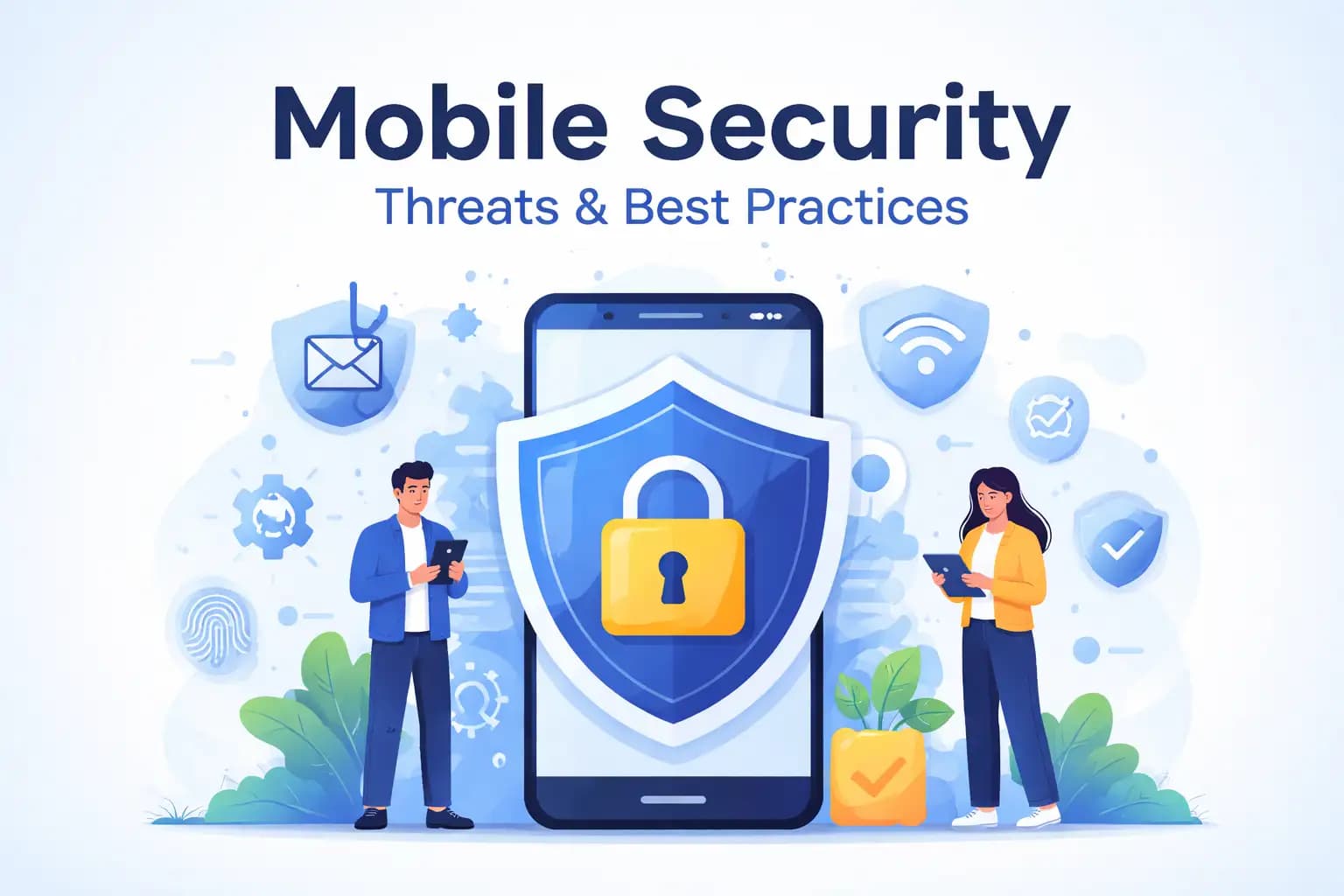
Think about how often your phone is in your hand. You wake up with it and fall asleep next to it. In between, it manages your money, work, photos, passwords, and private chats. Most people trust their phone more than their laptop, yet very few stop to think about how exposed it actually is.
That is where mobile security quietly becomes important. Not in a dramatic, hacker-movie way, but in small, ordinary moments. A message you tap without thinking. An app you install because it looks useful. A public Wi-Fi network you join while waiting for coffee. These everyday actions are where real mobile security problems usually begin.
This guide is not about fear or technical complexity. It is about understanding how mobile threats work, why people fall for them, and what really helps in real life. No scare tactics. Just clear explanations and practical thinking.
What Mobile Security Really Looks Like Today
When people hear "mobile security," they often imagine antivirus apps or complex settings buried deep in the phone menu. In reality, it is much simpler and much broader than that.
Mobile security is about protecting your phone as an extension of yourself. Your device knows where you go, who you talk to, how you pay, and how you work. It holds more personal context than almost any other piece of technology you own.
Phones are designed to be fast and convenient. That convenience is also their weakness. Apps ask for permissions quickly. Notifications encourage instant responses. Most users are trained to tap first and think later. Attackers understand this behavior very well, and they design their methods around it.
Why Mobile Security Is Easier to Ignore Than It Should Be
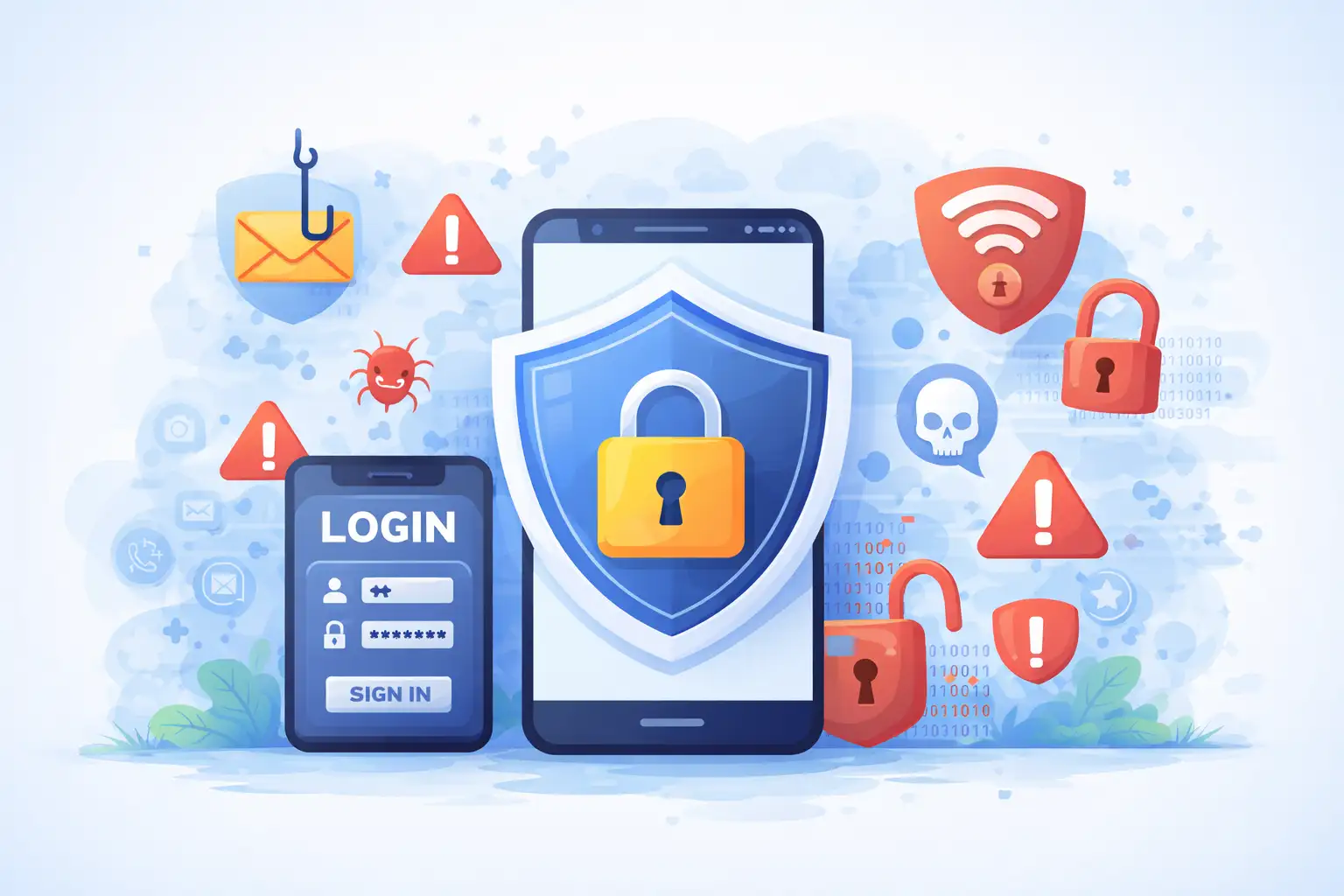
One reason mobile security is often neglected is because phones usually keep working even when something is wrong. Unlike a computer infected with obvious malware, a compromised phone might look completely normal.
There are no loud alarms when data is being quietly copied. No warning when credentials are reused somewhere else. Many people only realize there is a problem after their bank account looks strange or their online accounts are locked.
Another reason is emotional trust. Phones feel personal. They sit in our pockets. They unlock with our face or fingerprint. That sense of familiarity makes it harder to imagine them being used against us.
The Most Common Mobile Security Threats People Face
Most mobile threats are not sophisticated. They are simply well-timed and believable.
Malicious apps are one example. They often promise something simple and harmless. A utility tool, a game, a photo editor. Once installed, they may collect personal data or run hidden processes that users never notice.
Phishing has adapted perfectly to mobile habits. Short messages, simple language, and urgent tones work better on phones than long emails. A fake delivery notice or account warning feels normal because people already receive dozens of real ones.
Unsecured Wi-Fi networks are another quiet risk. Many users connect automatically without thinking. Attackers can watch traffic on these networks or send users to fake login pages that look real on small screens.
How mobile attacks usually begin and spread
Most mobile attacks start with a moment of trust.
A message comes in that seems familiar. It could talk about a service you use. It sounds like everyday language, not technical language.
There is often a sense of urgency that pushes you to act quickly.
When you tap the link or install the app, nothing bad happens immediately. That is intentional. The goal is to blend in, not to alarm you. Permissions are requested in a way that feels reasonable, and access is granted.
From there, the attack becomes invisible. Information is collected slowly. Credentials are reused elsewhere. The phone continues to work as usual while damage builds quietly in the background.
How to Think About Mobile Security Without Stress
Improving mobile security does not mean becoming suspicious of everything. It means slowing down just enough to notice what feels off.
Updates matter more than people realize. They are not just new features. They are repairs for weaknesses that attackers already know how to exploit. Skipping updates is like leaving a door unlocked because it has not been opened yet.
Apps deserve more attention than they usually get. A small habit that stops big problems is asking why an app needs certain permissions. Most apps ask for more access than they really need.
Another easy change is to add authentication. It may be annoying to use strong passwords and extra verification steps, but they make it harder for attackers to get what they want.
Easy Habits That Really Matter
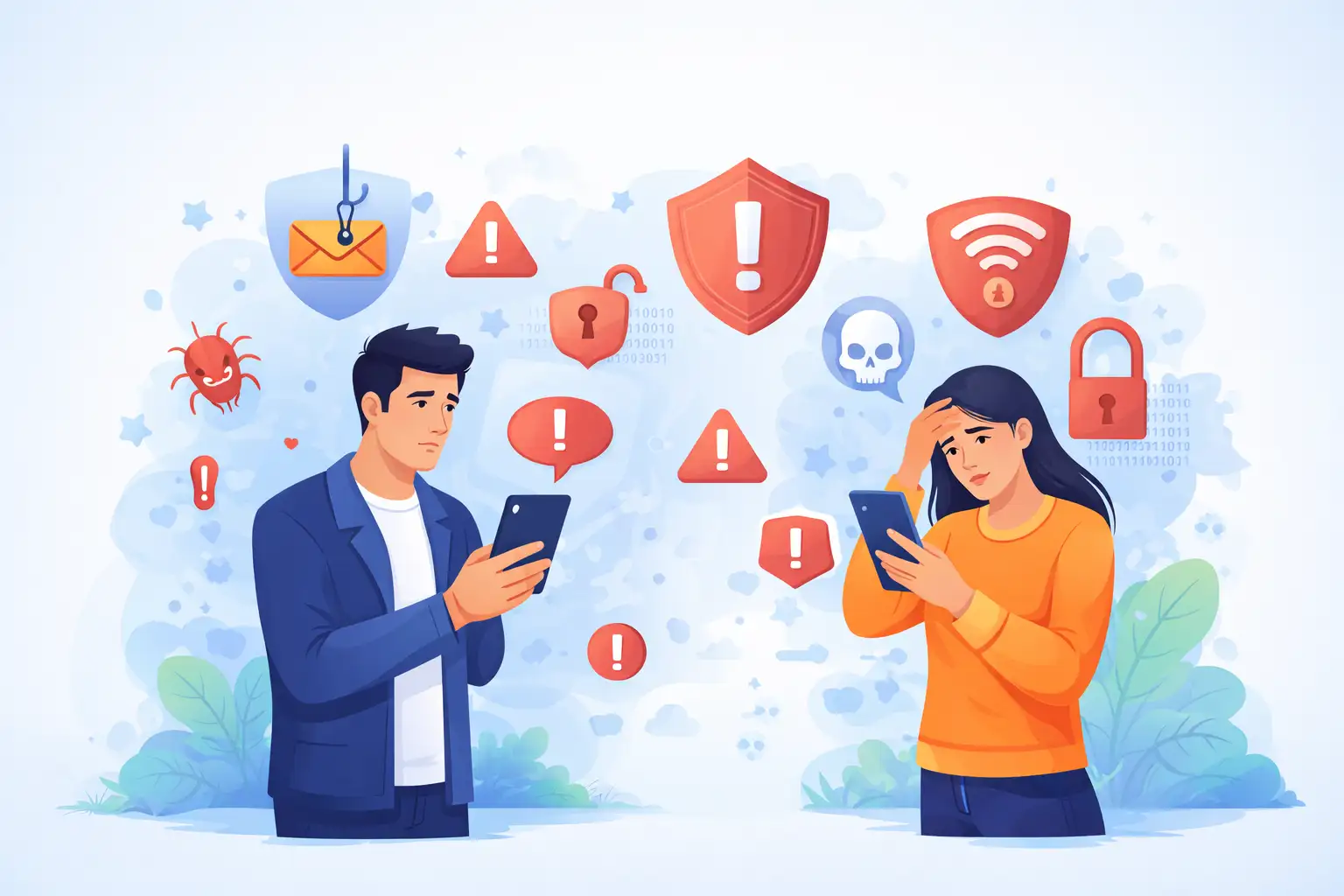
Good mobile security habits are easy to make a part of your daily life.
Stop before you click on links you didn't expect.
That single pause is often enough to stop an attack before it starts. Verifying a message through another channel may feel slow, but it saves far more time later.
Backing up your phone protects you from more than hackers. Devices get lost, damaged, or stolen. Having a backup means you can recover without panic or permanent loss.
Security apps can add helpful visibility. They warn about unsafe networks and risky behavior. They do not replace good judgment, but they support it.
A Story That Shows How This Usually Happens
Consider someone who manages their freelance work entirely from their phone. Client messages, invoices, payments, everything runs through one device.
One afternoon, they receive a message about a failed payment. It looks normal. They tap the link, log in, and move on.
Days later, accounts are locked and funds are missing. Client data has been accessed. The damage came from a moment that felt routine, not risky.
This is the reality of mobile security incidents. They rarely feel dramatic when they happen. They feel ordinary.
What Poor Mobile Security Really Costs
Weak mobile security costs more than just money. People often face stress and lost time. They also go through a long process to recover their accounts and identity. People don't always know how much stress it puts on them.
It can be very bad for businesses. A single hacked phone can put systems, data, and customer trust at risk. Cleaning up after yourself costs a lot of money, and damage to your reputation lasts.
Confidence could be the most expensive thing. When people stop trusting their devices, they lose peace of mind and productivity.
Where Mobile Security Is Going
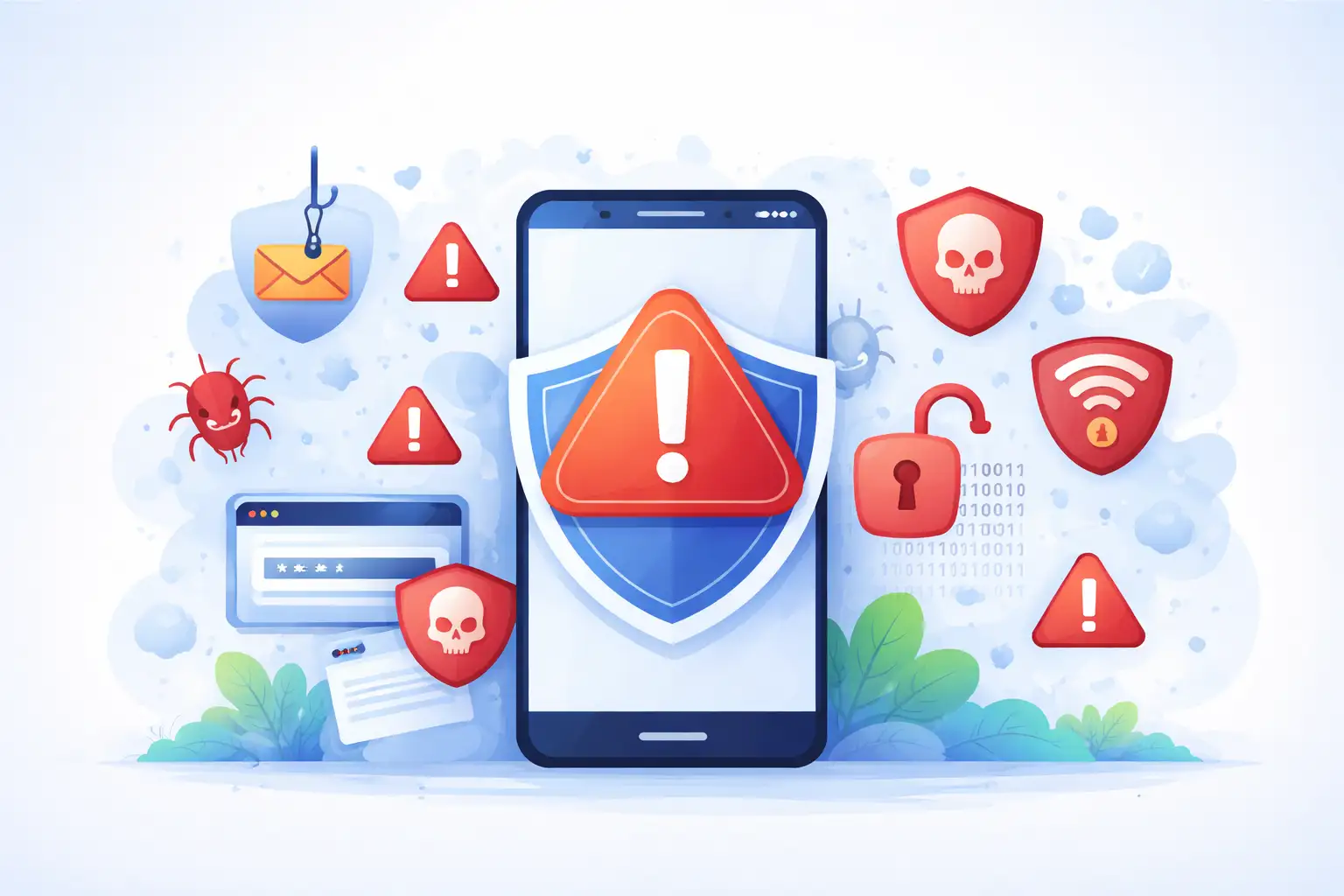
The future of mobile security will involve smarter attacks that feel even more human. Automated scams already sound more natural than ever before.
Faster networks and more connected devices will increase convenience and risk at the same time. Phones will continue to replace wallets, keys, and IDs, making them even more valuable targets.
Education will always be important. Technology can help, but knowing how threats work will always be one of the best ways to protect yourself.
Final Thoughts
Being perfect or paranoid isn't what strong mobile security is all about. It's about being a little more aware of how the things you do every day can be dangerous.
Phones are powerful tools that need to be protected with care. You can avoid many serious threats by taking your time. Ask simple questions and make small changes to your daily routine.
Mobile security is not something you set once and forget. It is part of modern life, just like locking your door or checking both ways before crossing the street.
Hoplon Infosec helps with mobile security. They find risks on mobile devices. They also help organizations see how real attacks can affect their data and users.




-20260925120840.webp&w=3840&q=75)
