
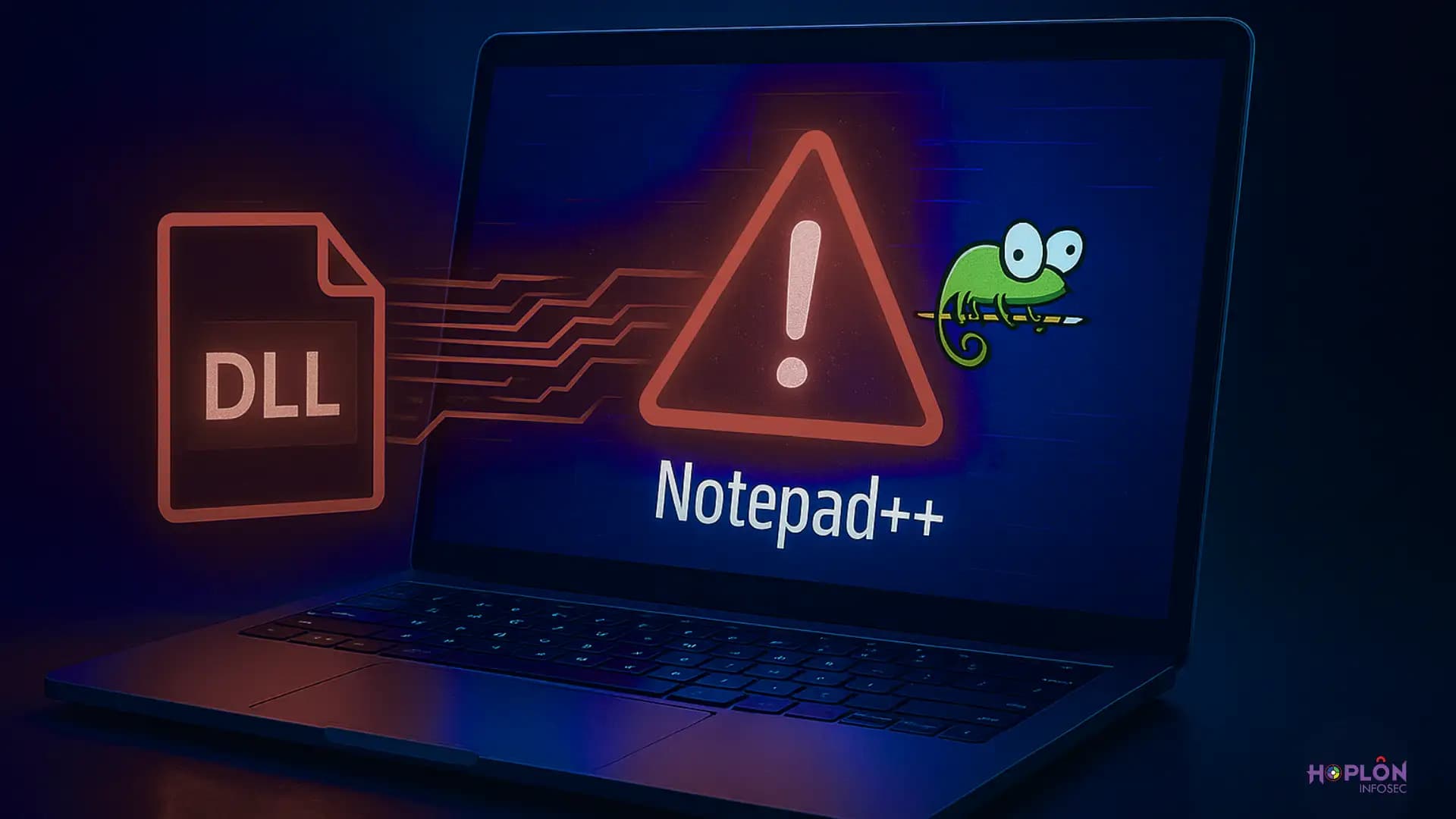
That morning was just like any other. I opened Notepad++ to fix a line in a configuration file and saw a DLL that didn't belong there next to the editor. It was small, unimportant, and wrong. That one file made a normal job into an emergency. That day, I learned something simple but scary: small, trusted tools can be powerful ways to attack.
This article is a helpful, human guide to understanding the threat, spotting it early, and stopping it.
Why Notepad++ DLL Hijacking Is a Real Threat
We don't usually think of editors as being dangerous. We see them as helpers: the quiet tools that save drafts and open code. That easy trust is what makes an editor a target for attackers. Notepad++ DLL hijacking is a group of methods that make the editor load a bad helper library instead of the right one.
The outcome could be anything from a file that leaks quietly to a full system breach.
How DLL Loading Works in the Background
DLLs are shared libraries that Windows programs use. When a program asks Windows to load a library by name, Windows looks through a list of places until it finds a file that matches.
The loader will use a malicious file with the same name if it is in a place that was checked early on. The simple path precedence is what causes Notepad++ DLL hijacking problems.
Why Search Order Is the Weak Point
You go to the cupboard to get a jar of salt, but you find one with the right label but the wrong contents. You probably won't check to see if your food is salty.
That's how the loader works. It looks through the system folders, app folders, current working folder, and PATH entries in that order. If any of those places has a bad copy of a library that the application needs, it might load it.
Why Hackers Like to Attack Notepad++
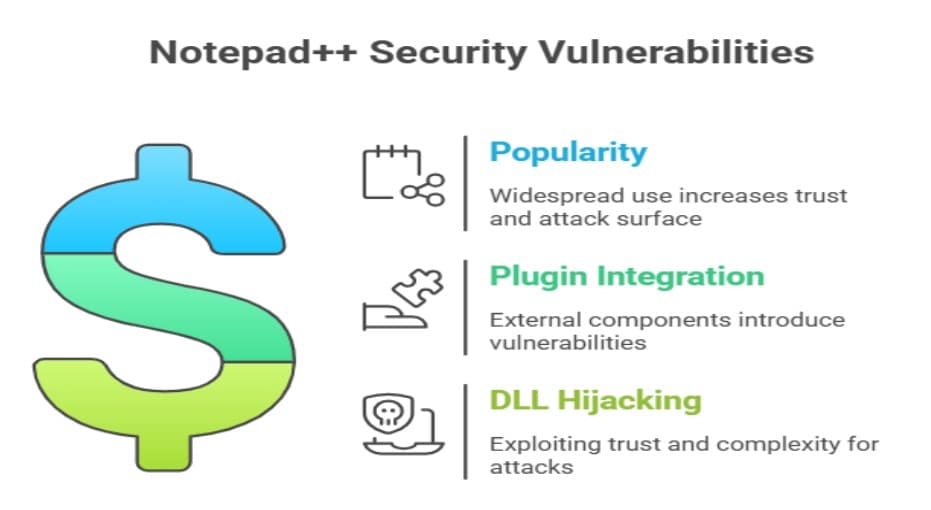
A lot of people like Notepad++. It is used every day by developers and system administrators. Popularity gives attackers two benefits.
First, a hacked instance runs where people trust it.
Second, the editor works with plugins and external components, which means that more libraries are involved. Notepad++ DLL hijacking is a good chance because it is both easy to trust and hard to understand.
Which DLLs Are Most Often Faked?
You can't switch out every DLL. Attackers look for libraries that the program asks for by name and that the loader might find in a place that the user can control. An attacker can fool the loader by giving a bad file the same name as a good one. That is the basic way that most Notepad++ DLL hijacking happens.
Things That Really Happened That Got People Talking
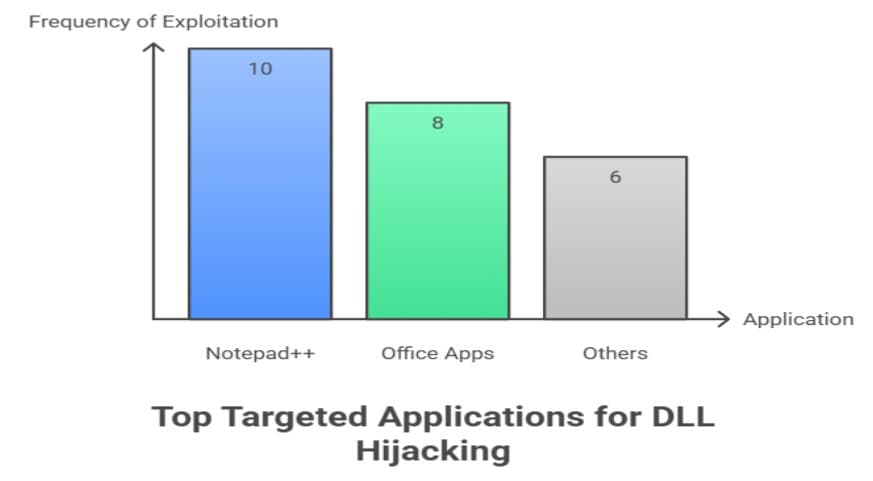
In one case that was recorded, Notepad++ asked for a library by name. Someone who wanted to hurt the loader put a bad copy in a folder that it had already checked. The fake library ran code, opened connections, or installed more tools when someone opened the editor. Stories like that turned a small problem into a big, repeatable problem.
How Installers Become a New Risk
You might think that installing software is safe because you are in charge, but people can also misuse installer logic. If an installer uses system utilities without using absolute paths, it could run a malicious executable that is in the same folder instead.
This installer trick is related to Notepad++ DLL hijacking and should get the same amount of attention.
The Supply Chain and Plugin Abuse Factor
Sometimes, attackers put bad code into plugins or changed installer packages. People trust an installer bundle and install it. The plugin loads every time the editor starts up.
That supply chain angle makes casual downloads into permanent backdoors. Notepad++ DLL hijacking is often the first step in this pattern, which then turns into long-running campaigns.
How a Typical Attack Works Step by Step
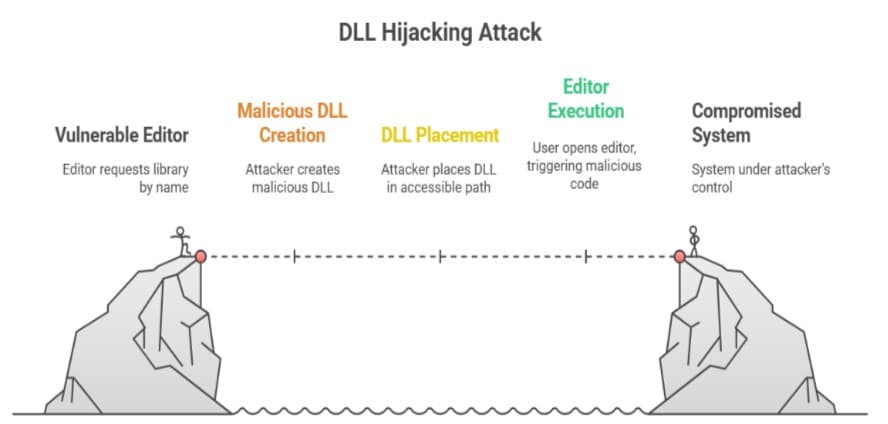
The attacker finds a library name that the editor will ask for without giving a full path.
They make a bad DLL with that name.
They put that file in a place where the loader will find it first.
The user opens the editor, and the bad code runs.
The attacker may then install persistence or spread even more.
Signs of DLL Hijacking That Show Up Early
Not every compromise is obvious. A new DLL in the program folder, strange network connections from a process you trust, or a setup that runs an unknown child process are all signs that something is wrong.
If Notepad++ tries to open a library from a Downloads folder or another strange path, that is a sign that Notepad++ DLL hijacking is going on.
Tools That Help Find the Attack
A mix of tools and habits is what makes for good detection. Process Explorer and Process Monitor show process trees and the paths that DLLs take to load.
Endpoint detection tools can mark DLLs that aren't signed or that spawn in strange ways. Scanning program folders and checking signatures on a regular basis are easy ways to stop a lot of attempts before they do any real harm.
Helpful Steps for Individual Users
• Only get Notepad++ from official sites.
• Don't run installers straight from Downloads.
Trusted Source
For official details on Notepad++ DLL hijacking, see the NVD entry for CVE-2022-32168.
Cybereason notes that attackers “leverage Notepad++ plugins to persist and evade security mechanisms.”
Hoplon Insight Box: Quick Tips
Keep Notepad++ updated
Download only from official sites
Avoid running installers from Downloads
Restrict write access to program folders
Validate DLL signatures
Review plugins regularly
Our Penetration Testing service helps uncover DLL hijacking and similar vulnerabilities before attackers exploit them. Stay secure with real-world assessments and expert guidance.





