Getting hit by ransomware is a scary experience. One moment, everything seems fine, and the next, your files are locked, and your screen shows a ransom demand. But don’t panic. The U.S. Cybersecurity and Infrastructure Security Agency (CISA) and the FBI, NSA, and other cyber authorities have laid out a clear and structured plan to help you respond to a ransomware attack.
This blog breaks down the official response checklist from the #StopRansomware Guide (updated May 2023) in a way that’s easy to understand and follow, even if you’re not a tech expert.
Contain the Threat Immediately
The first and most urgent action is containment. When you suspect or confirm a ransomware attack, you must prevent it from spreading further. Disconnect the affected systems from the internet and Wi-Fi immediately. If many systems appear compromised, taking entire sections of the network offline at the switch level might be necessary. This may sound extreme, but ransomware spreads rapidly, and every second counts. If you can’t disconnect a machine, power it down to stop additional infection, though be aware that this could erase volatile forensic data. In cloud environments, take a snapshot of affected virtual machines to preserve evidence for analysis.
Communicate Securely and Quietly
During these early moments, communication must be secure and controlled. Avoid using email or chat platforms that may have been compromised. Use phone calls or out-of-band communication methods to coordinate a response with your team. Hackers sometimes monitor systems after their malware is deployed; sudden changes might alert them. That could lead them to escalate the attack or take steps to maintain control. Quiet, coordinated containment is key.
Assess the Damage and Triage Systems
Once the immediate threat is under control, it’s time to assess the damage. Identify which systems were affected, what kind of data they contain, and how essential those systems are to your operations. Critical systems—those tied to safety, healthcare, finances, or customer operations—should be prioritized for recovery. Triage which systems need immediate attention and which can wait. Keep track of unaffected systems to avoid wasting time and resources restoring clean machines.
Hunt for Clues: How Did This Happen?
You’ll also want to dive deeper to find out how the attack happened. Look through antivirus logs, endpoint protection alerts, and firewall reports. Search for earlier signs of compromise—like malware such as Emotet, QakBot, or Dridex—that might have given attackers access. Sometimes ransomware is just the final stage of a long-term infiltration, and you’ll need to find and remove those earlier backdoors. Look for suspicious new accounts, unexpected remote desktop connections, or unusual administrative activity. Also, watch for changes to backups, security policies, or firewall rules—hackers often turn off defences before launching the final attack.
Watch for Data Theft and Exfiltration
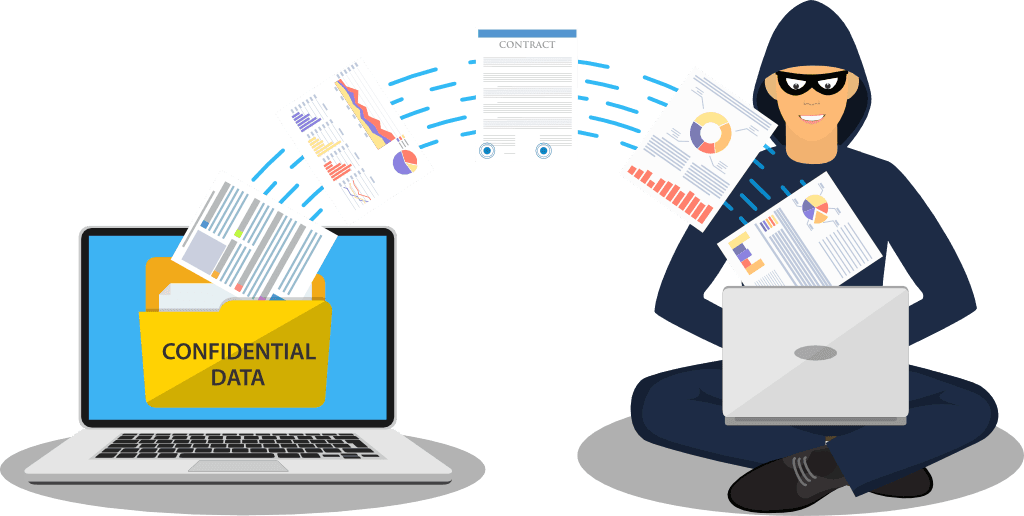
The investigation is about identifying the “how” and finding any signs that data was stolen. Ransomware gangs often copy sensitive data before locking your systems, then threaten to leak it if you don’t pay. Monitor for large file transfers to unknown locations, file-sharing tools like Rclone, or new software installations related to remote access or data transfer. The more you know about the attacker’s steps, the better you’ll be able to clean up and defend against future incidents.
Notify the Right People
Once you understand the scope, it’s time to notify others. Your organization’s cybersecurity response plan should include who to contact internally and externally. Inform key departments, leadership, IT vendors, and legal teams. If you have cyber insurance, contact your provider immediately—they may offer support services to help with the response. Don’t forget to notify government agencies. Report the incident to CISA (Cybersecurity and Infrastructure Security Agency), your local FBI field office, or the Internet Crime Complaint Center (IC3). These agencies can offer guidance and may already have experience with the specific ransomware variant you’re facing.
Public Disclosure and Legal Requirements
Depending on your industry or jurisdiction, you may also have a legal obligation to inform customers or regulators, especially if personal or sensitive data is exposed. Coordinate with public relations or communications teams to ensure accurate information is shared with the public. Misinformation or delayed announcements can further damage your reputation.
Remove the Intruders and Clean Your Systems
With containment and reporting underway, focus on eradication. You must ensure the attackers are completely removed before restoring your systems. For forensic purposes, capture memory dumps and disk images of infected machines. Examine these closely for hidden malware or unauthorized changes. Remove or turn off any ransomware binaries, registry changes, or newly installed software that shouldn’t be there. Be especially cautious about cloud infrastructure—check for new firewall rules, modified identity permissions, or automation scripts that could allow attackers to return.
Secure Access and Prepare for Rebuild
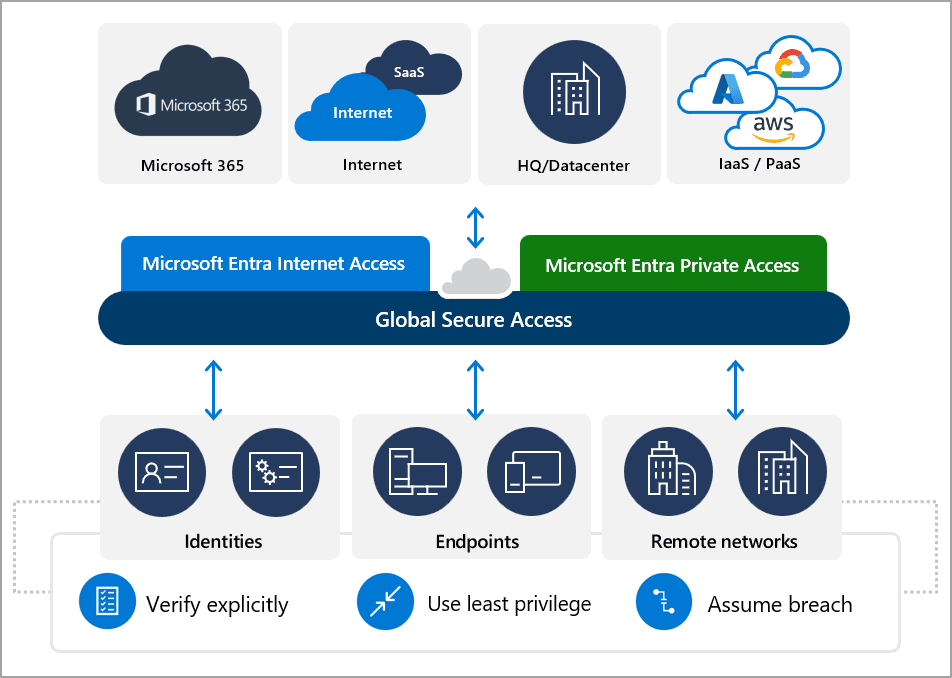
This is also the time to change all passwords for affected systems and accounts. Ransomware attackers often steal credentials during an attack. Disable remote access points like VPNs and remote desktop services until the threat is gone. Rebuilding clean systems from secure backups should be done carefully to avoid reinfection. Avoid restoring backups until the environment is verified clean, and if possible, restore to a newly created network or VLAN to isolate recovered systems from others.
Restore Critical Services Safely
Once the systems are rebuilt and cleaned, it’s time to begin restoring them from backups. Ensure your backup data is clean and stored offline or in a secure environment. Prioritize restoring the most critical services related to health, safety, customer access, or financial operations. Continue monitoring for unusual activity as systems come back online. The goal is to return to normal operations while remaining alert for signs of a lingering threat.
Reflect, Learn, and Share
After recovering, take time to reflect and learn from the experience. Conduct a complete debrief with your IT, leadership, and response teams. Document every step you took—what worked well, what could’ve improved, and where gaps in your defences were discovered. Use this incident to strengthen your cybersecurity posture by updating incident response plans, patching vulnerabilities, tightening access controls, and providing staff training.
Sharing what you’ve learned can help others avoid the same fate. Report the indicators of compromise and lessons learned to industry groups or government organizations like CISA or MS-ISAC. Ransomware is a shared threat, and knowledge is one of our best defences.
Stay Prepared, Stay Resilient
No one ever wants to face a ransomware attack, but being prepared and following a clear response path can make a big difference. By acting quickly, staying calm, and working methodically, your organization can minimize damage and emerge more resilient.