
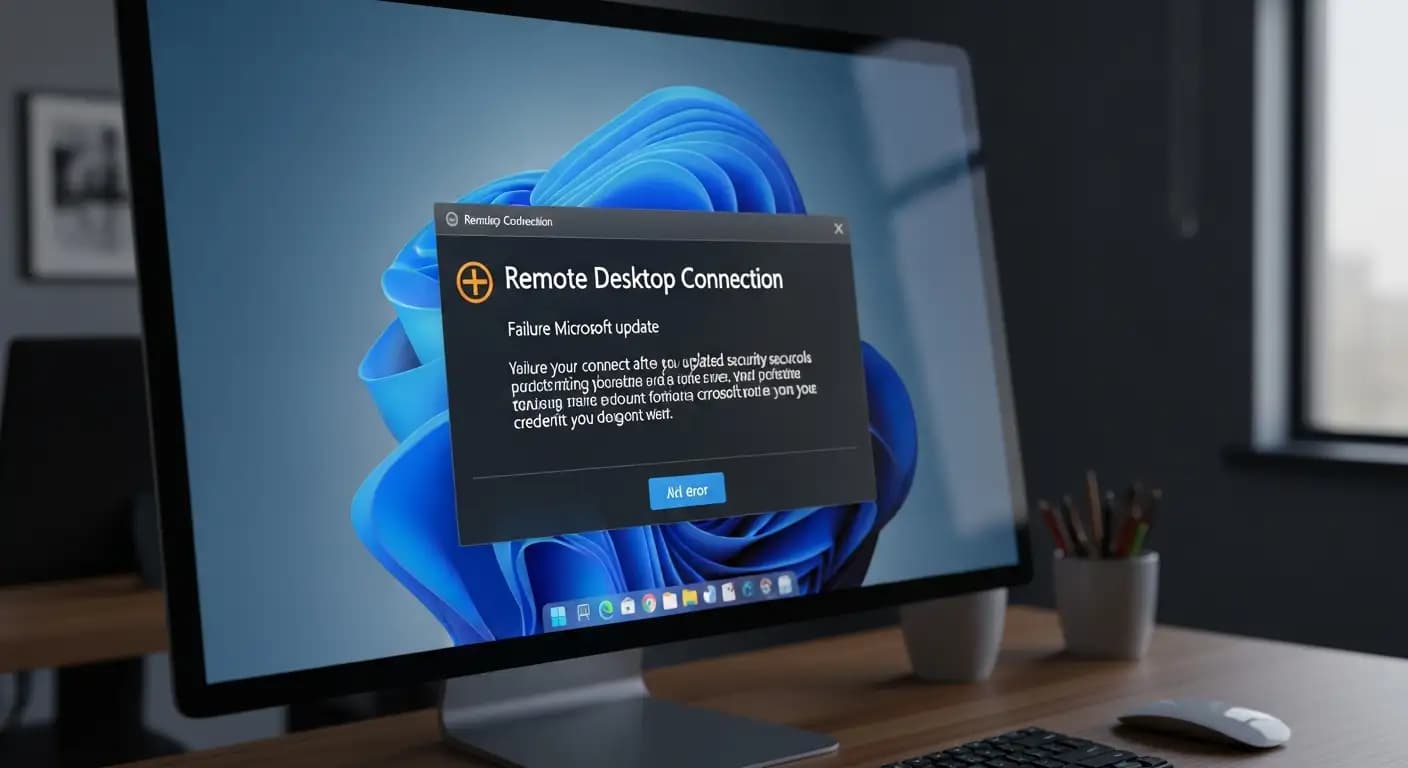
What exactly is happening with Remote Desktop credential prompt failures after the Microsoft update in January 2026, and why are millions of users suddenly unable to connect to their remote sessions? In early January, Microsoft released its monthly security rollup, and almost immediately users around the world began reporting that their computers could no longer handle Remote Desktop sign-in as expected. The update was meant to patch serious security flaws, but instead it introduced a surprising problem that has become front‑page news across tech communities and enterprise forums alike.
Remote Desktop credential prompt failures after the Microsoft update have become a real headache for IT admins, hybrid workers, and business users who depend on seamless remote access to work machines, cloud desktops, and Azure Virtual Desktop services. That prompt box that asks for your credentials before connecting no longer responds or simply rejects valid logins. This issue has emerged primarily on Windows 11 devices running the January cumulative security update and has been confirmed by Microsoft.
In this article I take you through what happened, who is affected, what Microsoft has done so far, how this impacts you if you rely on Remote Desktop, and what practical steps you can take right now. The goal here is not just to repeat headlines but to help you understand the issue in depth and how to navigate around it while real fixes roll out.
Why Remote Desktop Credential Prompt Failures Are Happening After the Microsoft Update
Shortly after Microsoft shipped its January 2026 cumulative security update on January 13, many users began experiencing failures when launching Remote Desktop sessions through the Windows app. The authentication step where the system should prompt for login info stopped working correctly. Instead, the connection failed almost instantly with errors like “Unable to Authenticate” or a credential prompt that either never appeared or immediately closed.
This is specifically about the credential prompt within the Remote Desktop connection flow. When you try to connect to an Azure Virtual Desktop session or a Windows 365 Cloud PC through the Windows App, the system should present a window asking for your username and password or other credentials. With this regression, that flow gets interrupted before it can complete, leaving users stuck.
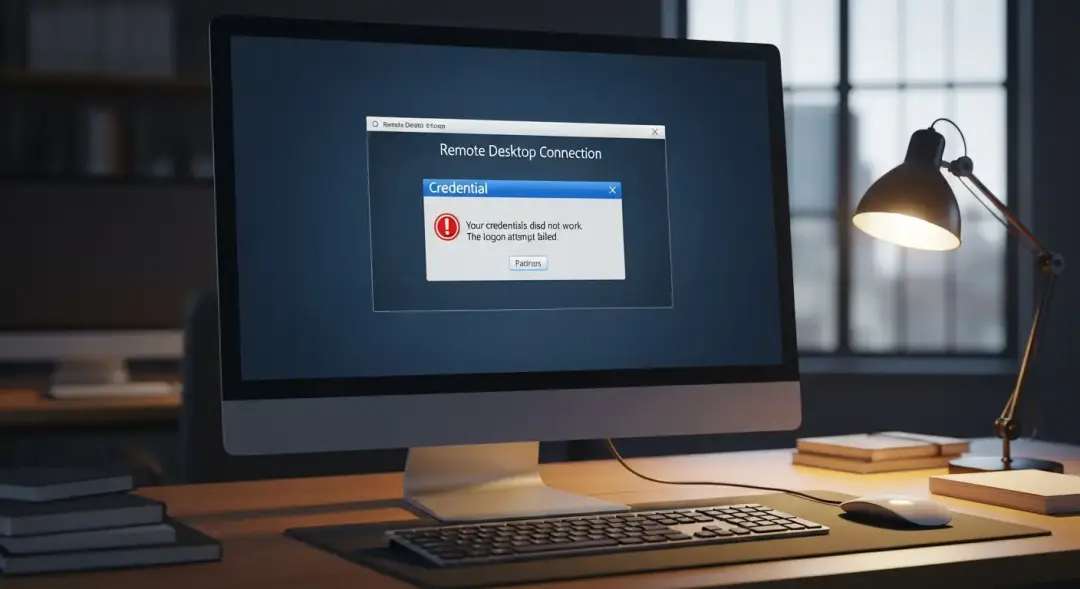
The issue appears to be tied to how authentication paths were altered in the January patch (notably KB5074109 for Windows 11 24H2 and 25H2 builds). The update changed some internal authentication behavior, and that change unintentionally broke how Remote Desktop sessions handle credential prompts under certain conditions. The session never reaches the stage where credentials can be properly validated, which means users cannot connect even with correct login information.
This is not a security breach or compromise of stored credentials. The failure happens before a successful remote session is established. What is impacted is availability and productivity for users who rely on remote access workflows every day.
Which Systems and Users Are Affected?
One of the tricky parts of this story is that the credential prompt failures after the Microsoft update have impacted a wide range of Windows versions and use cases. While much of the early coverage focused on Windows 11, it turns out that Windows 10 extended servicing releases, Windows Server editions, and hybrid cloud setups also show similar behavior.
Here’s a breakdown:
Windows 11 25H2 and 24H2 devices that installed the January cumulative update (KB5074109) saw the most reports of credential prompt failures for Remote Desktop.
Windows 11 23H2 installations running the corresponding cumulative update (KB5073455) also displayed Remote Desktop login failures, among other regressions.
Windows Server 2025 and related server branches that received equivalent security rollups encountered authentication issues in their remote admin tools.
Azure Virtual Desktop and Windows 365 Cloud PCs are specifically affected when users try to connect via the Windows App, though alternative connection paths often still work.
Organizations that work in hybrid environments, especially those that depend heavily on Azure Virtual Desktop (AVD Remote Desktop credential prompt failure workflows), reported the issue almost immediately after deployment. What added to the confusion is that not every device was impacted in exactly the same way, and some users saw intermittent behavior while others could not connect at all until a patch was applied.
How Microsoft Responded to These Failures
Once the credential prompt failures skyrocketed in reports and opened tickets, Microsoft stepped in with a dual strategy: clarify the issue publicly and begin rolling out fixes in out‑of‑band updates. This is not typical, because most cumulative updates are meant to arrive only on Patch Tuesday. But given the severity of the breakage in Remote Desktop and other functions, Microsoft published several out‑of‑band patches to address the situation quickly.
Here’s how the company tackled it:
Out‑of‑band updates such as KB5077744 for 24H2/25H2 and KB5077797 for 23H2 were released to repair the broken Remote Desktop credential prompt flows and other bugs caused by the original January updates. These updates restore normal sign‑in behavior for Remote Desktop connections launched from the Windows App and related services.
Microsoft also published Known Issue Rollback (KIR) policies for IT administrators. These policies let admins enable a rollback of the specific behavior causing credential prompt failures without uninstalling important security patches. That way, organizations could keep their systems secure while restoring productivity for remote access workflows.
It is still possible that additional minor issues might linger, as Microsoft continues to monitor feedback and adjust guidance for specific versions of Windows client and server OSes.
Real-World Impact on Remote Work and Cloud Access
For many IT teams the effects of the Remote Desktop credential prompt failures stretch far beyond a few error messages. With so many enterprises depending on hybrid cloud services such as Azure Virtual Desktop and Windows 365, even a few hours of failed connections can disrupt operations and burn support resources.
Imagine a team where half the staff is remote and needs regular RDP access to internal systems or cloud PCs. Suddenly they click “Connect” and the system throws an authentication error. The login box may pop up repeatedly or disappear. That kind of interruption shakes confidence in update stability, especially when that update is a security patch intended to protect systems.
In smaller businesses or managed service providers, the problem was loud and clear on forum threads and community boards. IT help desk workers described a spike in tickets about users seeing unreachable cloud PCs and error codes during sign‑in.
Some organizations even chose to temporarily roll back the entire January security update because the Remote Desktop authentication failure was blocking business‑critical operations. That is often a last‑resort move, because it removes important protections against real threats.
Temporary Workarounds You Can Use Today
While waiting for the latest out‑of‑band patch, users and administrators found a few reliable ways to keep working around the credential prompt failures after the Microsoft“Connect,” update.
1. Use the classic Remote Desktop client instead of the Windows app.
The older Remote Desktop client still accepts credentials normally and can connect to Azure Virtual Desktop and cloud PCs in many cases. This is often the easiest workaround.
2. Connect through the Azure Virtual Desktop web client.
By accessing AVD sessions through a browser, users can bypass the broken authentication flow in the Windows app altogether. It is not ideal for everyone, but it works.
3. Apply Known Issue Rollback policies.
IT teams can deploy KIR to target only the problematic update behavior without removing all the security patches. This is more complex but safer in enterprise environments.
4. Install the out‑of‑band fixes manually.
For users who are comfortable managing updates manually, you can download the specific patches from the Microsoft Update Catalog and install them to restore Remote Desktop credential handling.
These workarounds provide alternatives until every affected device receives the official fix. That can take a little time in businesses with slow‑rolling update policies or mixed OS inventory.
What This Means for the Future of Windows Updates
It may seem surprising that a security update from Microsoft, intended to close vulnerabilities and protect systems, would break something as fundamental as Remote Desktop. But past history shows that even the best testing environments cannot catch every possible interaction between updates and real‑world setups.
For administrators this serves as a reminder of the importance of staged rollouts and testing updates on pilot devices before broad deployment. Remote Desktop authentication workflows vary from one environment to another, especially when hybrid cloud services like Azure Virtual Desktop and Windows 365 are involved.
Until now, credential prompt failures after Microsoft updates were rare in rolling out security patches. That makes this January 2026 case unusual, not just in how many users it affected, but in how widely the impact was felt across the Windows ecosystem.
A Small Business Case
A friend of mine runs IT for a growing marketing agency. On the morning of January 14, they saw a sudden surge in support calls. “People were locked out of their cloud desktops,” she told me. She spent hours troubleshooting until discovering other admins were reporting the same remote desktop credential prompt failures after the Microsoft update across LinkedIn groups and forums. After applying the Remote Desktop client workaround, they restored access for staff, but it was a clear productivity hit. Notices were sent out, and her team worked through the weekend to confirm out‑of‑band patches applied smoothly.
Stories like this are becoming common now in January 2026. It is not just enterprises with dedicated help desks that are struggling. Small businesses with limited technical support feel the pain more acutely.
Technical Takeaway and What You Should Do Next
Check your installed updates immediately.
Open Windows Update history and confirm whether the January cumulative updates (especially KB5074109 or KB5073455) are installed.Look for the out‑of‑band patch for your version of Windows.
Install KB5077744, KB5077797, or the corresponding package for your OS to restore Remote Desktop credential prompt functionality.Use alternative connection paths if needed.
Until patches are applied, the classic Remote Desktop client or AVD web client provides a usable way to access cloud PCs.Plan for staged testing of future updates.
Do not deploy major updates across your organization without first testing on a small group of devices. It could save a lot of downtime.
Frequently Asked Questions

Why does Remote Desktop fail after installing the Windows January 2026 update?
The Remote Desktop credential prompt failures occur because the January cumulative update unintentionally changed the authentication flow in the Windows app, preventing it from completing the login step. Microsoft acknowledged this issue.
What causes RDP authentication errors on Azure Virtual Desktop?
Remote Desktop authentication errors often appear when the Windows app cannot handle the credential prompt due to a regression introduced in the January update. Alternative connection clients often still work.
How can I connect to Cloud PCs if the Windows app fails?
Connecting through the classic Remote Desktop client or the Azure Virtual Desktop web client are reliable workarounds until the patch is applied.
Has Microsoft released a fix for credential prompt failures?
Yes, Microsoft has released out‑of‑band updates that address the authentication regression. Administrators can also use Known Issue Rollback policies for managed environments.
Insight and Recommendation Box
Hoplon Insight Box: Practical Tips
Validate device exposure today.
Every Windows device that updated in January 2026 should be checked for Remote Desktop credential prompt failures. Look for installation history and confirm whether credential failures are logged.Install remediation patches as soon as possible.
Fully patched systems are not only secure but also stable. Waiting increases exposure to unexpected downtime.Educate users about alternative access paths.
Staff should know how to launch cloud PCs using the web client or classic RDP client if the Windows app is not working.Consider updating staging and pilot rings.
Roll out major updates to a small group first to catch regressions in your unique environment before widespread deployment.
Reference:
Microsoft Official Support - KB5077744 Out‑of‑band Update History Microsoft Support: KB5077744 Out‑of‑band Update History





