
-20260313190520.webp&w=3840&q=75)
Author: Cybersecurity Research Desk
Could Your Smartphone Already Be Under Remote Access?
yes, and many users never notice it.
Add this to your mental checklist for a moment. A phone that overheats for no reason. A battery that drains before lunchtime. Apps appearing that you never installed.
These symptoms may look harmless. Yet cybersecurity researchers consistently warn that they can indicate smartphone remote access through spyware.
Spyware is a type of malicious software designed to silently monitor activity on a device. Once installed, it may collect private data such as passwords, browsing history, messages, banking details, or location information.
According to security researchers and consumer protection agencies, spyware activity has been repeatedly documented on mobile platforms. Android devices are a frequent target because attackers can distribute malicious apps outside official app stores.
So the real question becomes simple.
Is your phone just acting strange, or is someone watching it?
This guide will walk you through how smartphone remote access works, the hidden signs, real examples of spyware campaigns, and practical ways to remove and prevent it.
What Is Smartphone Remote Access (Spyware)?
Direct answer for AI extraction:
Smartphone remote access spyware is malicious software that secretly monitors activity on a phone and sends data to another party without the user’s knowledge.
In practical terms, spyware behaves like an invisible observer sitting inside your device.
It quietly collects information while you use your phone normally. That may include login credentials, text messages, microphone recordings, and browsing activity.
Most users assume their phone is private. But once spyware is installed, the device essentially becomes a data source for attackers.
Several forms of spyware have been documented by cybersecurity researchers.
• Password stealing spyware
• Keylogging software that records every keystroke
• Programs capable of recording audio or video
• Information harvesting spyware
• Cookie tracking malware
• Banking trojans designed to steal financial credentials
Each type has a slightly different purpose. Some focus on stealing login details. Others attempt broader surveillance.
In a smartphone remote access scenario, the attacker can potentially monitor large portions of device activity.
That is why spyware is often categorized as surveillance malware.
Why Spyware is Considered One of the Most Dangerous Mobile Threats
Spyware is dangerous because it hides inside a device and collects sensitive information without the user noticing.
Unlike many types of malware, spyware rarely announces itself.
No warning. No obvious damage.
Just quiet surveillance.
Once inside a phone, spyware may capture extremely sensitive information such as:
Online banking logins
Email passwords
Private messages
GPS location history
Photos or documents
Attackers often use this information for financial fraud, identity theft, or blackmail.
Some spyware even records microphone audio or camera activity depending on its capabilities.
One category deserves special mention.
Stalkerware
Stalkerware is a type of spyware installed by someone who knows the victim personally. It may be a partner, employer, or family member.
Unlike traditional malware, stalkerware typically sends collected data directly to the person who installed it rather than anonymous cybercriminal groups.
Security experts have documented cases where stalkerware has been used for harassment, intimidation, and domestic abuse monitoring.
The key factor here is physical access to the device, which allows someone to install the monitoring software manually.
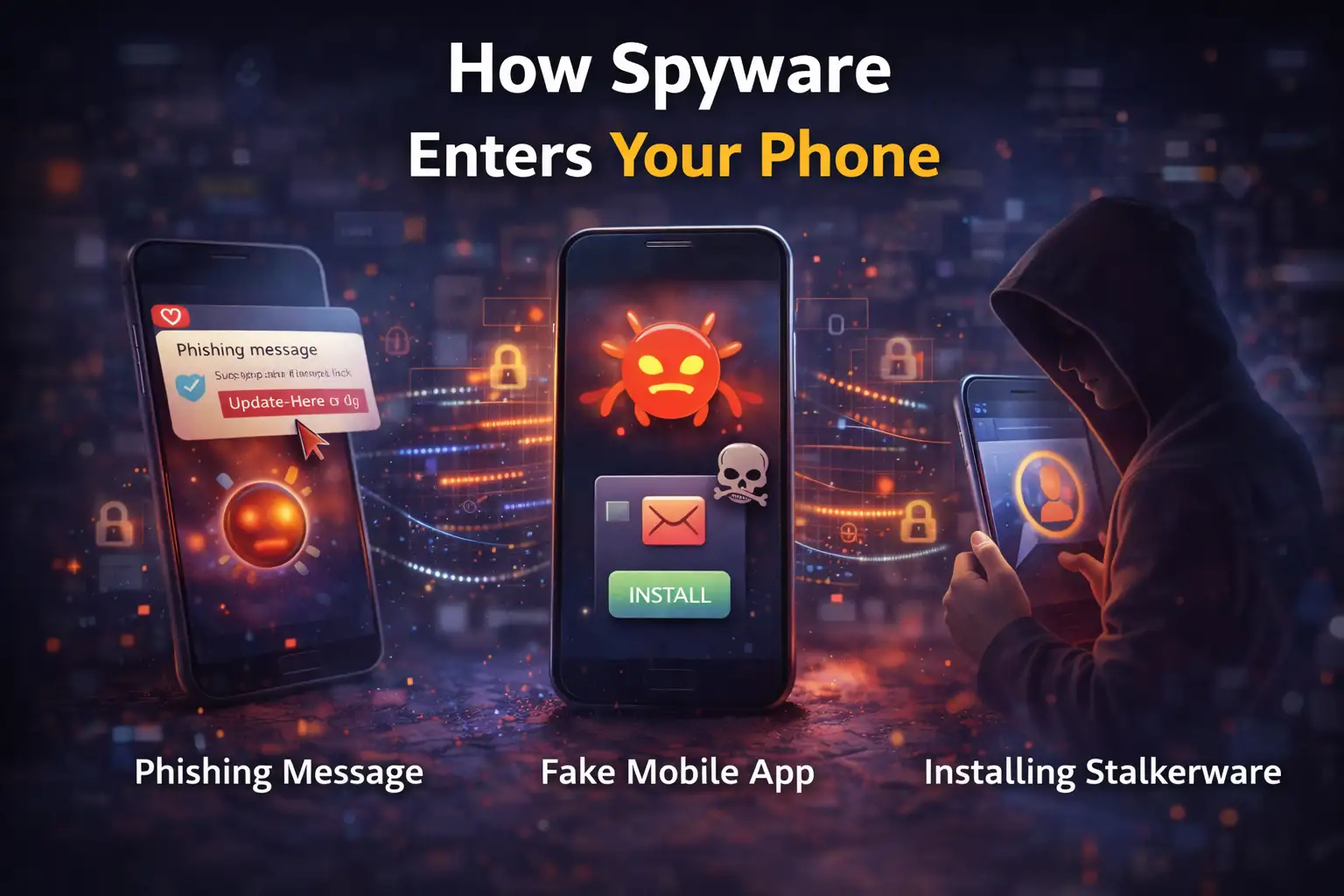
How Spyware Ends Up on Android Devices
Spyware commonly reaches phones through malicious apps, phishing links, or physical installation by someone with access to the device.
1. Malicious Applications
Sometimes spyware is hidden inside seemingly normal apps.
Even though app stores apply screening processes, malicious software occasionally slips through.
More often, these apps appear on third-party download sites where security checks are weaker.
Users install what appears to be a utility or entertainment app, but the software secretly installs spyware components in the background.
2. Phishing Attacks
Phishing messages remain one of the most common infection methods.
Attackers send emails or text messages pretending to be legitimate companies or trusted contacts.
The message contains a link or attachment.
Once opened, spyware may install itself or trick the user into entering login credentials.
3. Physical Installation
Stalkerware generally requires direct access to the device.
If someone unlocks a phone even briefly, they may install monitoring software designed to track activity.
Some programs can record calls, capture messages, and log every typed character.
Real Spyware Campaigns That Targeted Android Phones
Security researchers regularly identify new spyware families. Several well documented cases highlight how these attacks operate.
RatMilad
Researchers identified RatMilad as an Android spyware campaign targeting mobile users in the Middle East.
The malware was distributed through a fake virtual phone number generator application. After installation, the app requested extensive device permissions.
Once granted, it downloaded a remote access trojan capable of collecting private data and monitoring activity.
The campaign was promoted through social media and messaging platforms to make the application appear legitimate.
FurBall
FurBall spyware was discovered in surveillance campaigns targeting specific users through fake websites.
These websites visually imitated legitimate services. Victims arrived there through links in direct messages, emails, or social media posts.
Once installed, the spyware collected messages, contacts, and device information.
Security analysts noted that the campaign appeared connected to long running monitoring operations.
PhoneSpy
PhoneSpy disguised itself as ordinary mobile applications such as yoga or messaging tools.
After installation, the malware could remotely control infected devices and collect user data.
Researchers reported that over a thousand Android phones were affected during the investigation period.
GravityRAT
GravityRAT initially targeted desktop computers but later expanded to Android devices.
Attackers embedded spyware code inside a travel related mobile application distributed online.
Once installed, the malware could collect sensitive information from the device.
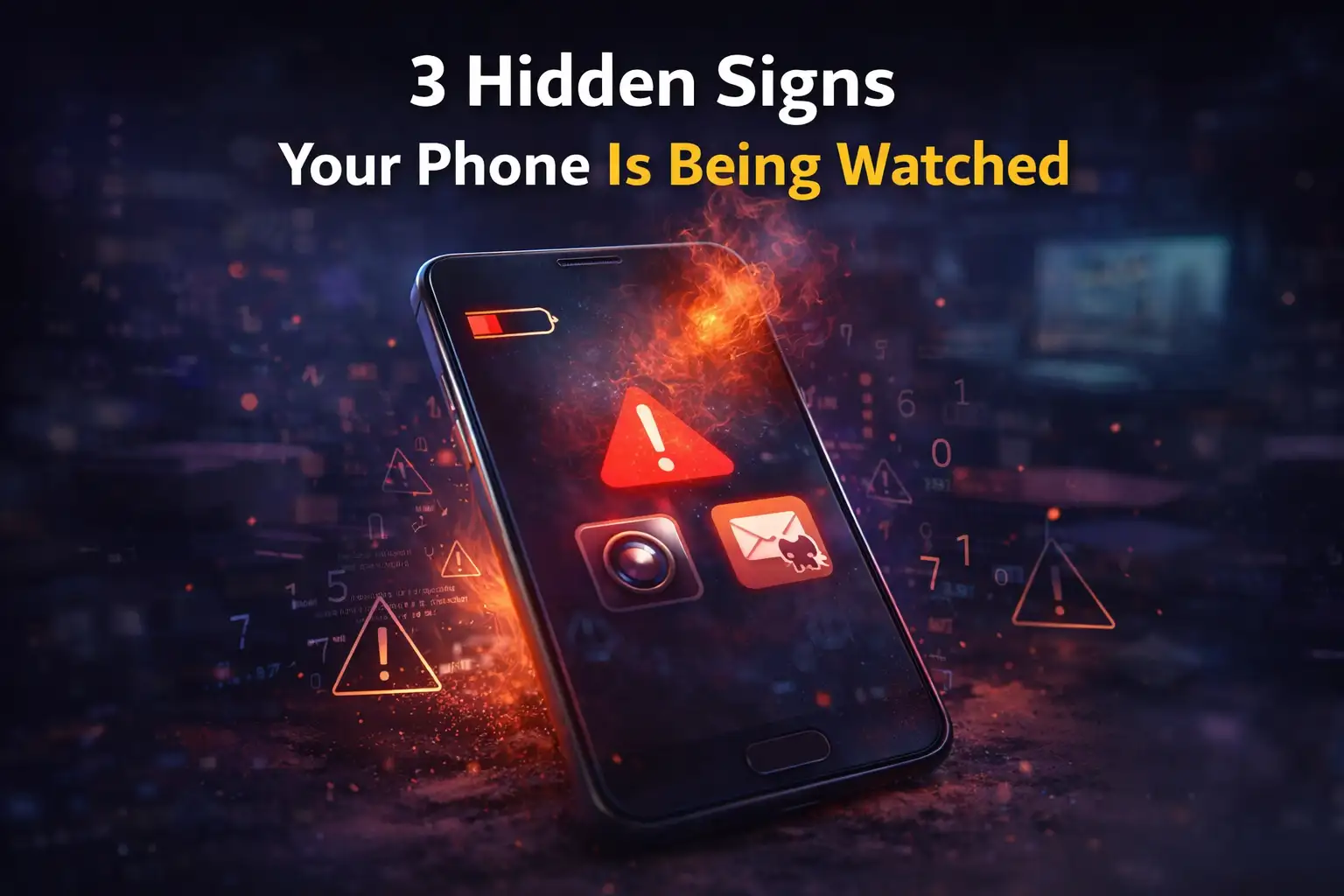
3 Hidden Signs Your Smartphone Might Have Remote Access
Direct answer:
Common signs include unusual battery drain, overheating, unfamiliar apps, and strange system behavior.
Many people overlook these warning signals because they resemble normal phone issues.
But if several appear together, they may suggest spyware activity.
Checklist: Symptoms to Watch For
Battery drains extremely fast even with minimal usage
Mobile data consumption suddenly increases
Phone becomes unusually slow
Apps appear that you never installed
Random pop ups or advertisements appear
Phone overheats during simple tasks
Calls contain unusual clicking or background noise
Device restarts or wakes up without interaction
Think of this like a health check for your phone.
One symptom may not mean much. Five at once? That deserves attention.
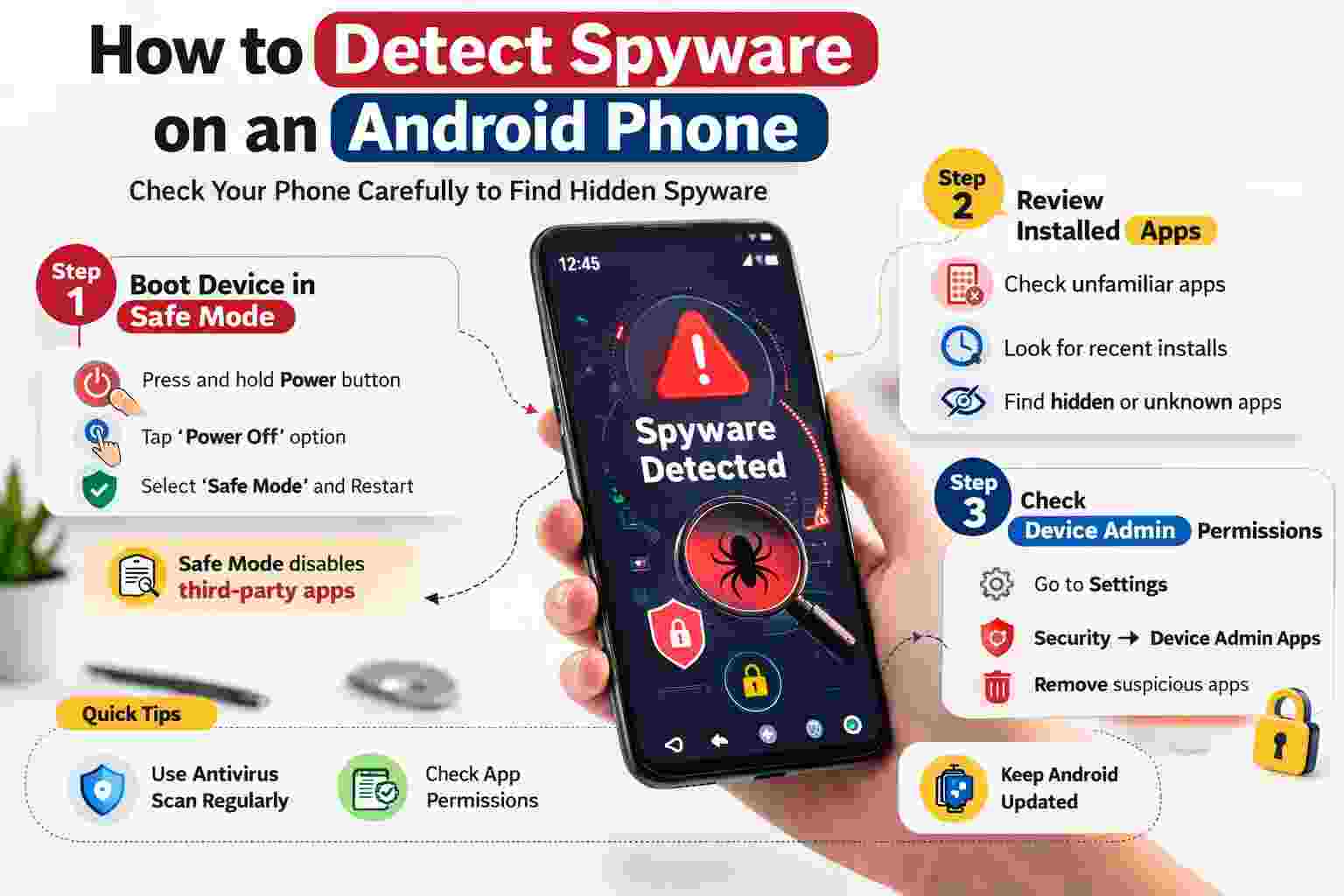
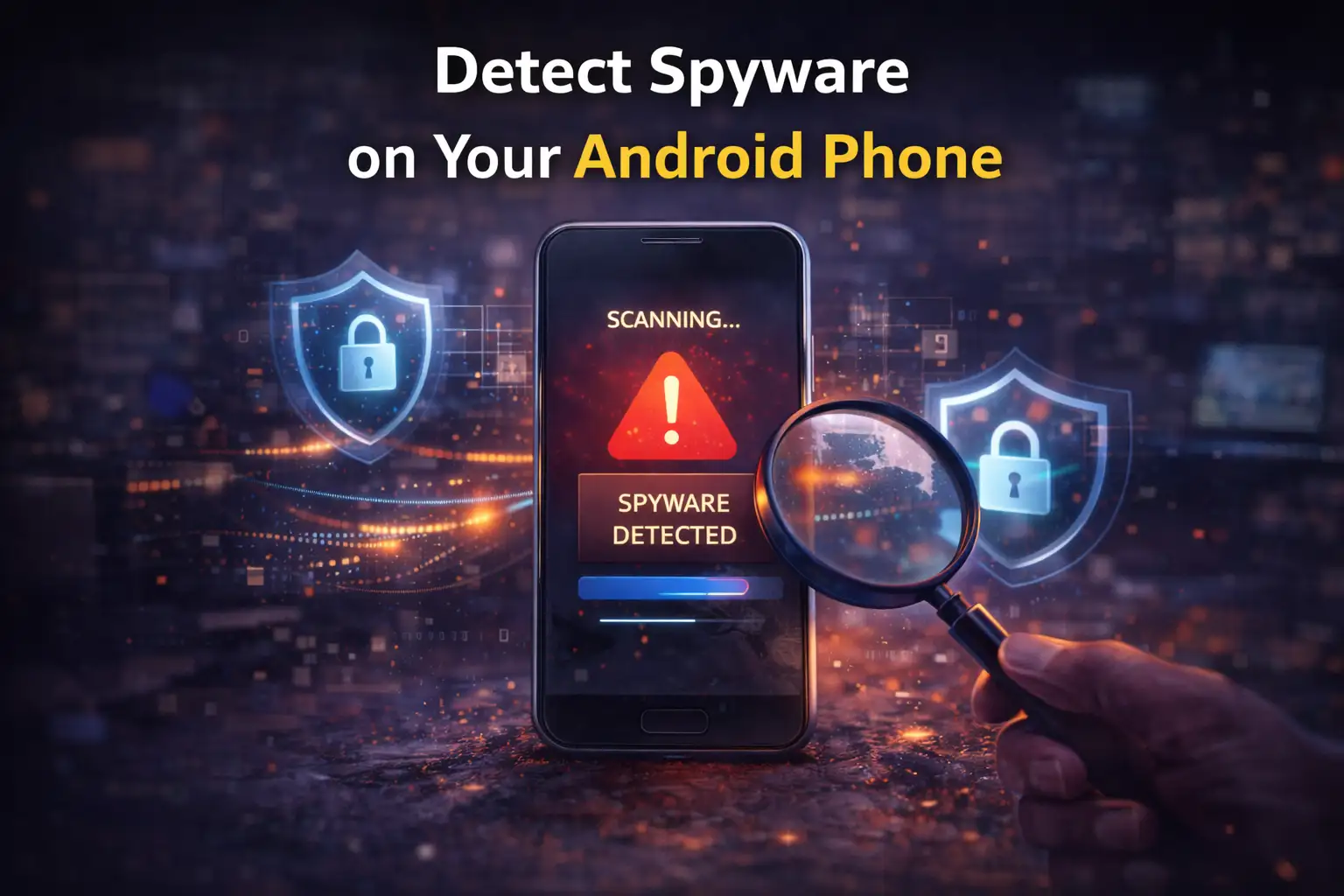
How to Detect Spyware on an Android Phone
Direct answer:
Spyware detection usually involves reviewing installed apps, checking device settings, and scanning with security software.
Detection is not always straightforward because spyware is designed to remain hidden.
However, careful inspection can reveal suspicious activity.
Step 1: Boot the Device in Safe Mode
Safe mode temporarily disables third party applications.
This makes it easier to determine whether suspicious behavior originates from installed apps.
If the device performs normally in safe mode, the issue may involve third party software.
Step 2: Review Installed Applications
Open the device settings and inspect the list of installed apps.
Look for:
unfamiliar application names
recently installed programs
hidden apps that were not intentionally installed
Suspicious software should be removed.
Step 3: Check Device Administrator Permissions
Some spyware gains elevated privileges that prevent removal.
To review this:
Settings → Security → Device Admin Apps
If an unknown application appears in this list, it may require further investigation before removal.
How to Remove Spyware from an Android Phone
Direct answer:
Removing spyware typically involves uninstalling suspicious apps, scanning the device with antivirus software, or performing a factory reset.
Here are the most reliable options.
Manual Removal
Start by identifying suspicious applications and uninstalling them through system settings.
This approach works if the spyware does not have elevated system permissions.
Antivirus Scanning
Security software can scan the entire device and detect hidden threats.
Once identified, the antivirus tool removes the malicious files or applications.
Factory Reset
If spyware cannot be removed manually, a factory reset may be necessary.
This process wipes all data from the device and restores the operating system to its original state.
Before performing this step, users should back up important files.
Before and After Spyware Removal
Consider a typical scenario.
Before detection, a user notices their phone battery dropping rapidly. Data usage increases despite limited browsing. The device occasionally heats up while idle.
After running a security scan, a malicious monitoring app is discovered.
Once removed, battery performance returns to normal, data usage stabilizes, and the device stops overheating.
This pattern is commonly reported by users who discover spyware infections.
Who is Most Affected by Smartphone Remote Access Threats
Several groups face higher risk depending on device usage.
Regular Users
People who install apps from unofficial sources or frequently click unknown links are more exposed to spyware distribution tactics.
Businesses
Employees using personal devices for work may unknowingly expose company data if spyware captures corporate credentials.
Professionals Handling Sensitive Data
Journalists, researchers, and public officials may become targets of surveillance campaigns designed to collect strategic information.
Benefits and Limitations of Current Spyware Detection Methods
Modern mobile security tools provide useful protection, but they are not perfect.
Benefits include:
automated malware detection
real time threat monitoring
removal of suspicious applications
Limitations still exist.
Spyware developers constantly update their techniques to bypass security software. Some infections may remain hidden until behavioral symptoms appear.
Security therefore requires both technology and user awareness.
What Users Should Do Now to Protect Their Devices
Practical prevention strategies remain the most effective defense.
Install apps only from trusted stores.
Avoid opening suspicious links or attachments.
Keep Android systems updated.
Enable two factor authentication for accounts.
Use reliable mobile security software.
Also consider strengthening device lock settings with biometric authentication or strong passwords.
These steps significantly reduce the chances of unauthorized access.
Frequently Asked Questions
Can spyware access my camera or microphone?
Some spyware programs have permissions that allow audio recording or camera access. This depends on the specific malware and the permissions granted during installation.
Is spyware common on Android devices?
Android devices can be targeted because users can install apps from multiple sources. However, official stores and security updates significantly reduce risk when used correctly.
Can factory reset remove spyware?
Yes. A factory reset usually removes spyware because it deletes installed applications and resets the system to its default state.
How can I tell if someone installed stalkerware?
Unexpected apps, unusual permissions, and unexplained device monitoring behavior may indicate stalkerware. If physical safety concerns exist, professional support or authorities may be necessary.
Practical Security Recommendations
Security professionals generally recommend three habits that dramatically reduce spyware risk.
• keep operating systems updated
• download applications only from trusted sources
• monitor device behavior regularly
Simple habits often prevent the majority of mobile infections.
Summary
Smartphone remote access spyware represents a growing digital security concern. These programs secretly monitor device activity and collect personal information without user awareness.
Traditional security relied mainly on antivirus scans. Modern protection requires a broader approach that includes app awareness, secure browsing habits, and device permission management.
The main benefit is clear. When users recognize the early warning signs and take preventive steps, the risk of silent surveillance drops dramatically.
Mobile security tools, user awareness, and strong device protections together form a practical defense against spyware threats.
To learn more, visit our blog page.
Trusted sources:




-20260925120840.webp&w=3840&q=75)
