
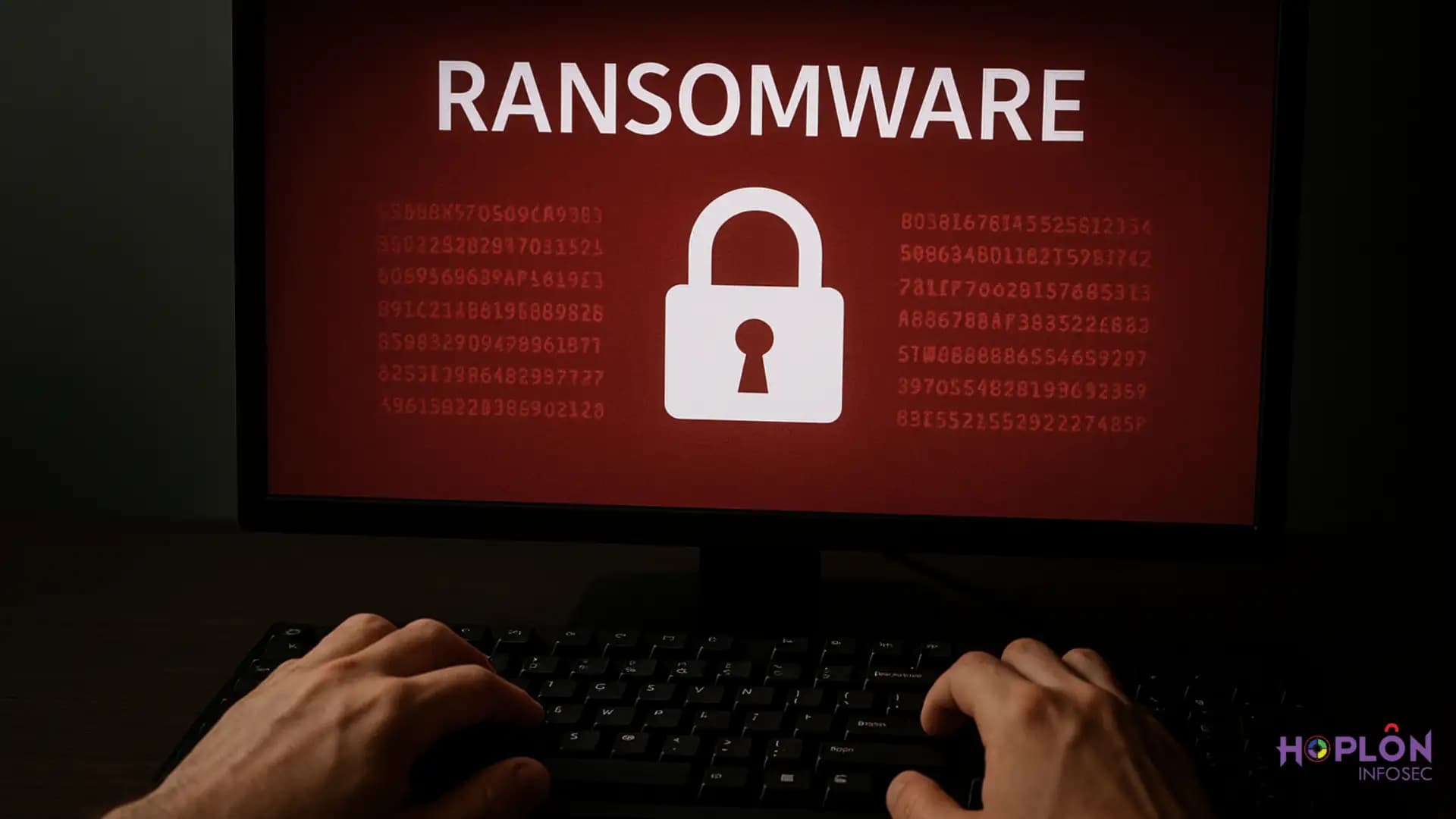
HOOK Android Trojan ransomware
It usually starts with something normal. You get an app that seems handy. It might promise free streaming or a way to better manage your phone. Your phone slows down after a few hours, and then a ransom screen pops up out of nowhere, asking for money. That’s how many people get into contact with HOOK, a new and dangerous sort of mobile virus that acts like ransomware.This virus doesn’t only bother people like old-school ones; it locks up your digital existence. It doesn’t only steal data; it takes over. And it comes with a growing list of tactics that make it difficult to find and almost impossible to ignore.
A New Player in Mobile Malware: How It All Started
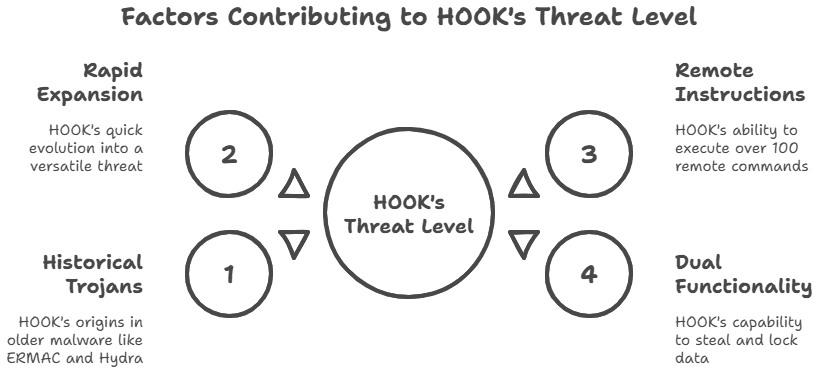
Security reports first mentioned HOOK not too long ago, although it goes back further than that. Experts think it came from older Trojans like ERMAC and Hydra, but it has more power. It doesn’t just use one trick; it combines several attack strategies into one devastating package.
It’s interesting how quickly HOOK expanded. In just a few months, it went from being simply another remote access Trojan to a tool that can now do things like steal credentials, run commands, and add ransomware overlays. Because of how quickly it grew, it has become one of the most talked-about risks in Android security.
What Makes HOOK Different from Other Android Threats
There are hundreds of types of malware that attack Android, but HOOK is not just another one of them. What makes it unusual is that it can run more than 100 remote instructions on the victim’s device. Take a moment to think about that.
Someone on the other side of the world may read your texts, record your screen, log your keystrokes, and even do things as if they were holding your phone.
Some Trojans are good at stealing, and others are good at locking up data. HOOK performs both. That two-sidedness makes it especially bad. It’s like having a thief get into your house, steal your things, and then change the locks so you can’t get back in.
What Remote Commands Really Mean for Victims
Remote commands sound complicated, but for victims, it’s just losing control. Think about typing in your bank password while a stranger you can’t see is filming every tap. Or picture your phone’s camera turning on without you knowing it. That’s what HOOK hands are for: to give cybercriminals power.
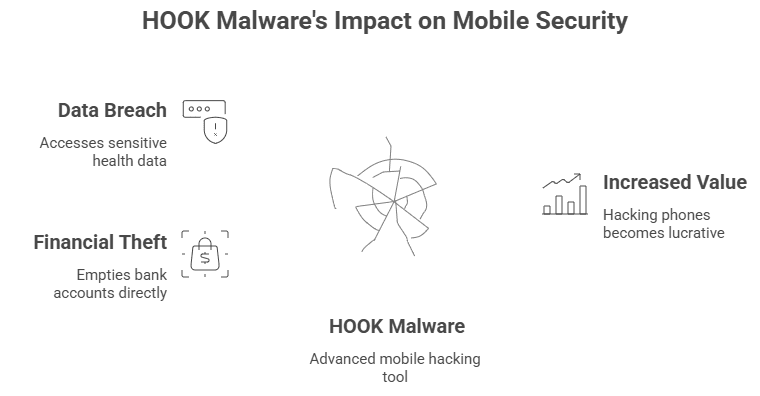
With these commands, attackers can do things like steal two-factor authentication codes, copy private messages, or move money without anybody knowing. A lot of the time, victims don’t even notice until their money is gone or their accounts are taken over.
The Overlay Trick: How Fake Screens Can Fool Real People
One of the frightening things about the HOOK The usage of overlays is what makes Android Trojan ransomware so dangerous. These are phony screens that show up on top of real apps. For instance, when you open your banking app, you see a flawless copy of it that hackers are controlling. You type in your password, and in a few seconds, they have it.
This method has been used in malware for a while, but HOOK takes it to the next level. Its overlays look more natural, are smoother, and are harder for most people to notice. In the fast-paced realm of mobile security, HOOK stands out as a professional-grade tool for crooks.
Banking Apps Under Attack: How Thieves Steal Money
The basic goal of HOOK is to get money. Your money in particular. Attackers can empty accounts in real time by concentrating on banking apps, e-wallets, and payment systems. Once inside, they can even skip some authentication processes because HOOK can scan SMS codes and push alerts.People have really woken up to find that all of their money was gone overnight. It’s not simply about stealing things directly. Hackers often sell stolen bank account information on dark web markets, so the problem doesn’t go away when the first attacker departs.
A Closer Look at How HOOK Ransomware Works
When HOOK initially came out, ransomware wasn’t its main feature. Over time, it got the capacity to block screens with ransom messages. If victims want to have their data back, they have to pay. This doesn’t always encrypt files like regular ransomware does on computers. Instead, it locks the phone and makes people freak out.
HOOK is a double-edged sword since it can steal data and install malware. Victims can lose money right away, and then they have to pay again to get their equipment back.
The Secret Business of Hacking Mobile Phones
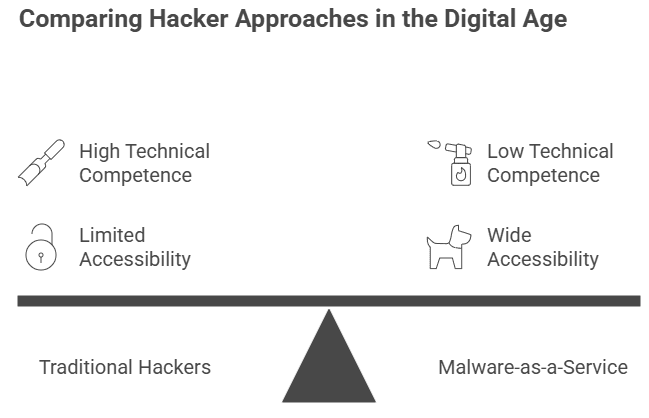
It’s tempting to picture hackers as people who work alone in dark rooms, but HOOK is part of a much wider system. Cybercrime is like a business these days. People with little technical competence can buy HOOK and use it to wage attacks on underground forums.
This type of business, which is sometimes called Malware-as-a-Service, makes it easier for people to get started. Anyone with a few hundred dollars can buy HOOK and start going after people. That’s why it’s spreading so swiftly over the world.
Consider the case of a young professional in Europe. She got texting software from a third-party store because it had “extra features.” Hours later, her phone locked and showed a message asking for money. Her bank told her that there had been unlawful transfers, which was much worse. She lost her phone and all of her savings.
In another situation, the person was a small business owner. Hackers exploited HOOK to get into his device from a distance, steal client invoices, and send funds to fake accounts. The loss of trust was even worse than the money loss.
Why HOOK Is Bad for Users and Businesses
For people, HOOK means personal upheaval. It’s even worse for corporations. Think about workers using phones that have viruses on them that are connected to workplace networks. Hackers can get into both personal accounts and business systems.
Small firms are especially at risk since a lot of them let workers use their own devices for work. If your phone is infected, it might easily let someone into private files, client data, and banking systems.
How Android malware has changed over time, from spyware to ransomware
HOOK is part of a larger trend when you look at the big picture. Android malware has changed from basic adware and spyware into powerful weapons that can do many things. Most mobile threats ten years ago were popups that were just annoying. Today, they are advanced tools that can empty bank accounts.
The change illustrates that hackers follow the money. The value of hacking phones has gone through the roof since people use them for everything from banking to keeping track of their health. HOOK is just the most recent and best example of this tendency.
How hackers spread HOOK all over the world
HOOK doesn’t only show up on phones. Attackers find smart ways to get it out there. Some people put it in bogus apps that may be found on dodgy websites. Some people send phishing URLs through email or text messages.
Social engineering is commonly used to get people to click without thinking.
In other situations, HOOK has even been made to look like upgrades for well-known apps. That’s why even people who know a lot about technology might fall for it. Just one careless tap is all it takes.
Signs That Your Device Might Be Hacked
Most people don’t know they have an infection until it’s too late. But HOOK does leave marks. Some indicators are unusual power depletion, programs asking for strange permissions, unexpected screen overlays, or random restarts.
If your phone starts acting weird after you install a new app, that’s a sign that something is wrong. Being aware of these early warning indicators could mean the difference between stopping HOOK early or becoming its next victim.
How to Keep Yourself Safe from HOOK and Other Mobile Threats
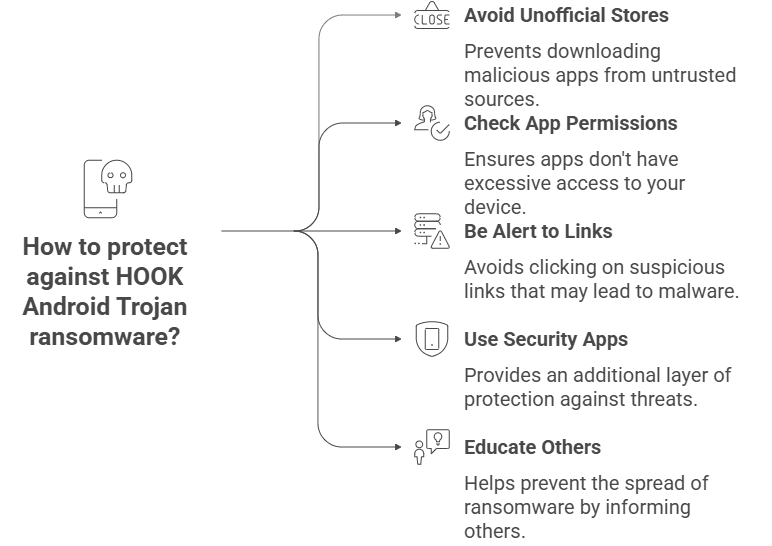
It’s always better to stop something from happening than to fix it. Being careful is the greatest way to protect yourself from HOOK Android Trojan ransomware. Don’t download apps from stores that aren’t official. Before installing an app, always check its permissions. Even if they look like they come from your bank, don’t click on links that look dubious.
Mobile security apps can help, but being alert is the best defense. You can help stop HOOK from spreading by teaching your friends and family, especially people who aren’t very good with technology.
What the Future Holds for Android Security
The development of HOOK shows that mobile risks are getting worse all the time. Experts in security think that future Android malware will have even more features, such as spyware, ransomware, and complex social engineering.
But it’s not all bad news. Defenses change as threats do. Tech corporations are spending a lot of money on enhanced authentication methods and safer app stores. The hardest part is keeping up. The lesson for regular people is easy: don’t use your phone like a wallet. Take good care of it, because if it gets stolen, the cost can be very high.





