
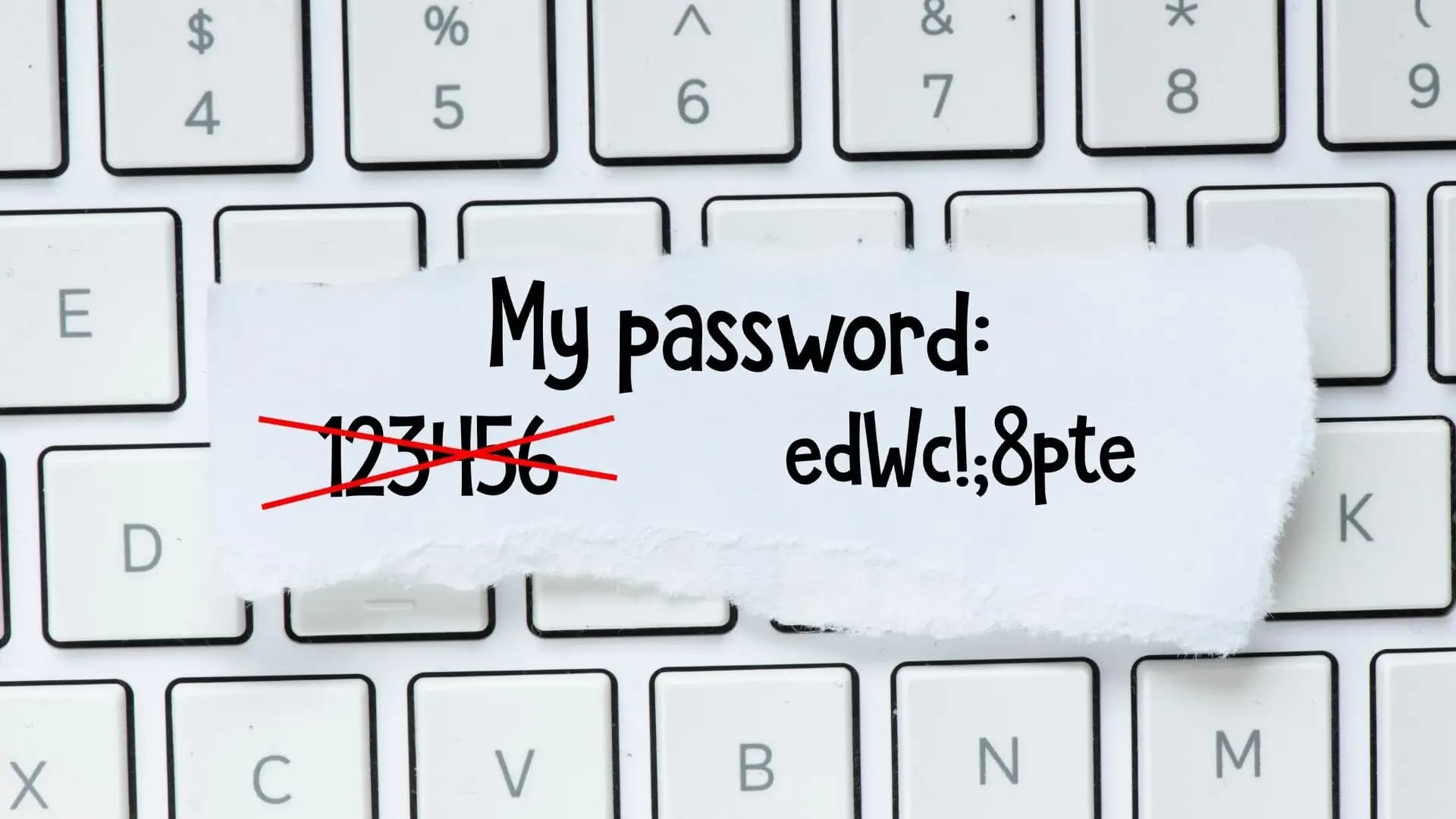
Passwords are the first line of defense in the digital world. Every time you open your email, log in to social media, or make an online payment, your password protects you. But many people still use weak and easy-to-guess passwords, which puts them at risk. A weak password is like leaving your door open for strangers.
This article explains 10 practical tips to create a strong password and also shares real case studies that show why this is so important.
Why Strong Passwords Are Important
Cybercriminals are always searching for ways to break into accounts. They use tools that can try millions of password combinations in seconds. If your password is short or simple, it will not last long against these attacks.
A strong password protects:
– Your financial data
– Your private conversations
– Your work documents
– Your identity online
Now let’s look at the 10 best tips to create strong and safe passwords
1. Make it longer:
The longer the password, the harder it is to crack. Experts recommend at least 12–16 characters. If we create a password like ‘@Skydrive$BookRain2025’ it will be much stronger than ‘Book2025’.
2. Mixing the uppercase and lowercase letters, like combined:
Make sure when creating the password, before creating the password, ‘do not stick to only small letters.’
If we add random capital letters, our password will be unpredictable.
e.g.,
– Weak password: applejuice
– Stronger password: ApPlEjUicE
3. Inserting some numbers in the password:
The ‘Numbers’ make your password stronger. But don’t just add them at the end. Combining them inside words.
Such as:
– Weak password: Summer123
– Stronger password: 5uMMerTiM3
4. Use Special Characters to confuse:
Symbols like !, @, #, $, %, or & confuse hackers and tools. For example:
Weaker Password : Football2025
Stronger Password: F00tB@ll!2025
5. We Need to Avoid the ‘Common Words and ‘Patterns’:
Usually ‘hackers’ often try the most common passwords at first. Words like ‘password,’ ‘qwerty,’ or ‘123456’ are always on their list. We need to avoid predictable patterns like ‘abcd1234’.
6. Do Not Use Personal Information:
Never use your birthday, phone number, or your child’s name. These are easy to find through social media. For example, if your name is John and you were born in 1990, John1990 is a terrible choice.
7. We need to ‘Create a Passphrase’
Instead of single words, we need to create a sentence or group of random words.
Such as:
Blue$Horse!RunsFast2025
Time#Coffee@SkyRain88
Because passphrases are stronger and easier to remember compared to random characters.
8. Using different passwords for different accounts will be very good practice
Listen carefully: if we use the same password everywhere, one hack could open all of your accounts. e.g., if your Facebook account gets hacked, your email account and bank account could be at risk too. So do not forget this thing. Always try to use separate passwords for separate accounts.
9. Update Your Passwords Regularly
Passwords should not stay the same for years. Change them every 3–6 months. If a website you use gets hacked, updating quickly can protect you.
10. Try to use a password manager
If you feel that you have so many strong passwords but you cannot remember them easily, it will feel more difficult to you. So that you can use a password manager. It will store all your passwords and also create strong passkeys for you.
This is the easiest way;you need to remember each of the master/strongest passwords.
Some Additional Security Steps that you can follow
Besides creating strong passwords, here are some extra tips to secure your accounts:
1. Turn on two-factor authentication (2FA). It requires a code from your phone when you log in.
2. Do not share your passwords with others anyway.
3. You must avoid writing your passwords on sticky notes or in your mobile phone’s notes app.
4. Do not forget to log out from public computers if you use them.
Reed Some Case Studies on ‘Why Strong Passwords Are Important:
Case Study 1: The “123456” Problem
In 2020, a security report showed that “123456” was still the most common password used worldwide. Millions of accounts using it were hacked in seconds. Hackers used automated tools to break into social media, emails, and even work accounts. This case proves how weak and simple passwords make you an easy target.
Case Study 2: The Dropbox Data Breach
In 2012, Dropbox experienced a major security breach. Hackers stole over 68 million user accounts because many users had reused the same weak password on different sites. When one site was hacked, attackers used the same password to get into Dropbox. This shows the importance of unique passwords for every account.
Case Study 3: The Celebrity Email Hacks
Several celebrities had their emails hacked because they used simple personal details as passwords, like pet names or birthdays. Most of the time the ‘hackers’ guessed those passwords easily by looking at interviews, social media content, and public data. This thing is one of the big reminders to avoid using personal information as a password.
Why Do Hackers Love Weak Passwords All the Time?
‘Hackers’ use techniques most likely:
– Brute force attacks: trying every possible combination.
– Dictionary attacks: using lists of common words.
– Credential stuffing: testing leaked passwords on many websites.
A weak password can fall to these methods in seconds. But a strong one can take years or even centuries to crack.
Final Thoughts
Basically, creating strong passwords is not just about rules; we need to make it our habit. By making your password longer or mixing letters, numbers, and symbols, and also avoiding personal details, you will be able to build a strong shield against cybercrime.
One last thing to remember: those golden rules.
– Use different passwords for every account.
– Update them one time in a month at least.
– Consider a password manager for safety.
A strong password is like a strong lock. Make sure your digital life is always locked and protected.





