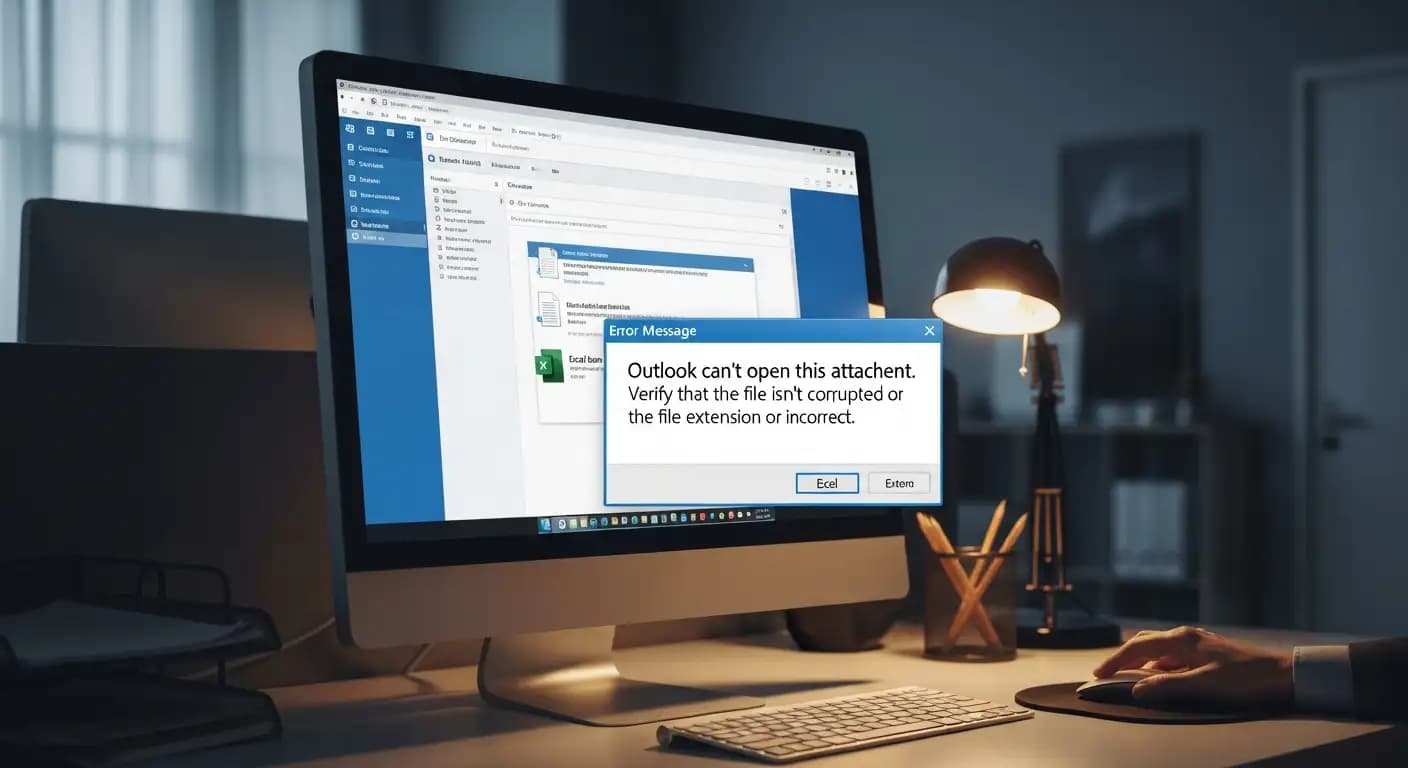
Why can’t the new Outlook open some Excel attachments? What happened, and how do I fix it?
Why is it that on December 1, 2025, users of the latest Outlook desktop client suddenly saw some Excel files refuse to open? Microsoft has acknowledged that the new Outlook can’t open Excel attachments under certain conditions, and many people rely on those attachments daily. This article explains what went wrong, who is affected, and how you might work around the problem until a full fix rolls out.
What went wrong: Outlook can't open Excel attachments
What bug did Microsoft describe?
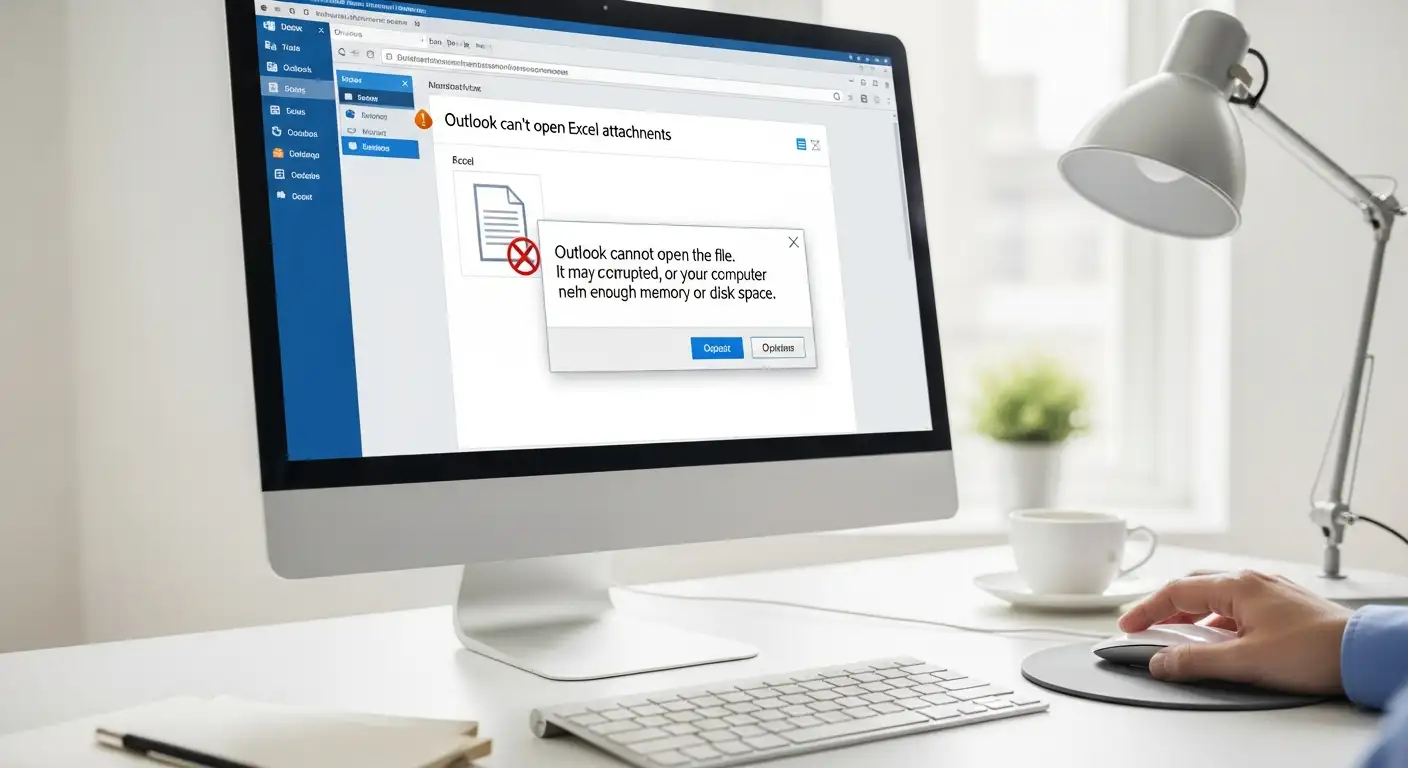
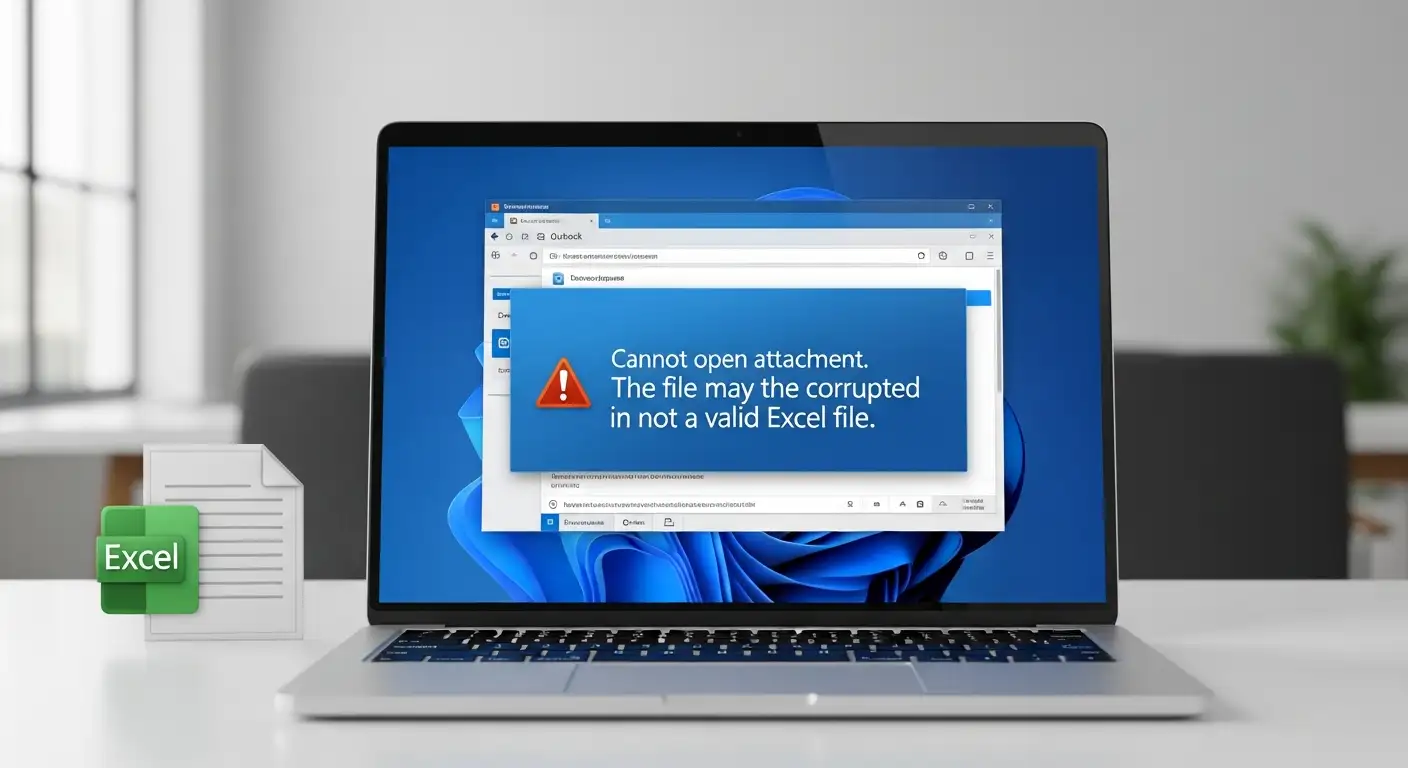
On November 28, 2025, Microsoft issued a service alert (EX1189359) for users of the new Outlook client on Windows. The alert states that some users “may be unable to open Excel files attached to email messages,” and those users receive an error message: “Try opening the file again later.”
Microsoft explained that the root cause is an encoding error in Excel file names that contain non‑ASCII characters. When the attachment name includes characters outside the standard ASCII set (for example, accented letters or characters in non‑Latin scripts), the bug prevents Outlook from successfully opening the file.
Because of this encoding problem, even though the file appears attached and even downloadable, the new Outlook client fails to launch it properly, triggering the error.
Who is affected, and when did it start
According to the alert, the issue affects any user of the new Outlook client who receives an Excel attachment with a non‑ASCII filename.
Reports suggest the bug has been present since around November 23, 2025, at least for some customers using Exchange Online.
Microsoft says it has developed a fix for the problem and begun deploying it, though at the time of the alert, the fix had not yet reached all users and was still being validated.
Because of variation in deployments, some users may see the problem resolved while others still experience it. That makes it tricky; one moment it works, the next it doesn’t.
How to work around the error when the new Outlook fails
If you get the dreaded message “Try opening the file again later” when trying to open an Excel attachment, here are a few things you can try now:
Use Outlook on the web (OWA): Since the bug seems tied to the new Outlook desktop client, opening the email in Outlook on the web and downloading the Excel file from there may bypass the problem. Microsoft itself suggests this alternative.
Download the attachment manually and open it locally: Instead of relying on the built‑in “open in Excel” from within Outlook, save the file to your computer first, then open the .xlsx file directly with your spreadsheet application. That typically avoids the encoding‑handling issue.
Rename the file name (ask sender or yourself): if possible, ask the sender to rename the attachment using only ASCII characters (plain Latin letters, digits). A simpler filename without non‑ASCII characters may prevent the bug from triggering. This is useful especially when the sender uses accented letters or special characters in filenames.
Temporarily revert to classic Outlook or an older client: If your workflow depends heavily on opening Excel attachments reliably, switching back to a previous Outlook version, or using the classic Outlook client, may help until Microsoft’s fix fully reaches your environment. Some users report new Outlook previews or other clients still open attachments normally.
Why this matters: Impact on workplaces and everyday users
This bug isn’t just a minor annoyance. For many people, especially in multinational teams or regions where filenames frequently include accented or native‑script characters, this makes sharing spreadsheets over email unreliable.
Imagine receiving quarterly reports, invoices, or data sheets in Excel, but they won’t open because someone named the file “résumé Q4.xlsx.” For organizations using Exchange Online, it could block workflows entirely or force complicated workarounds.
For users just managing daily tasks, budgets, school data, and project trackers, the bug undermines trust in the new Outlook client. The inconvenience alone may prompt affected users to switch back to older Outlook versions or revert to web‑only workflows.
Moreover, because the root cause is an encoding error rather than a malicious attack, many may not realize it is a software bug and may suspect something else, leading to confusion, frustration, and an extra IT support burden.
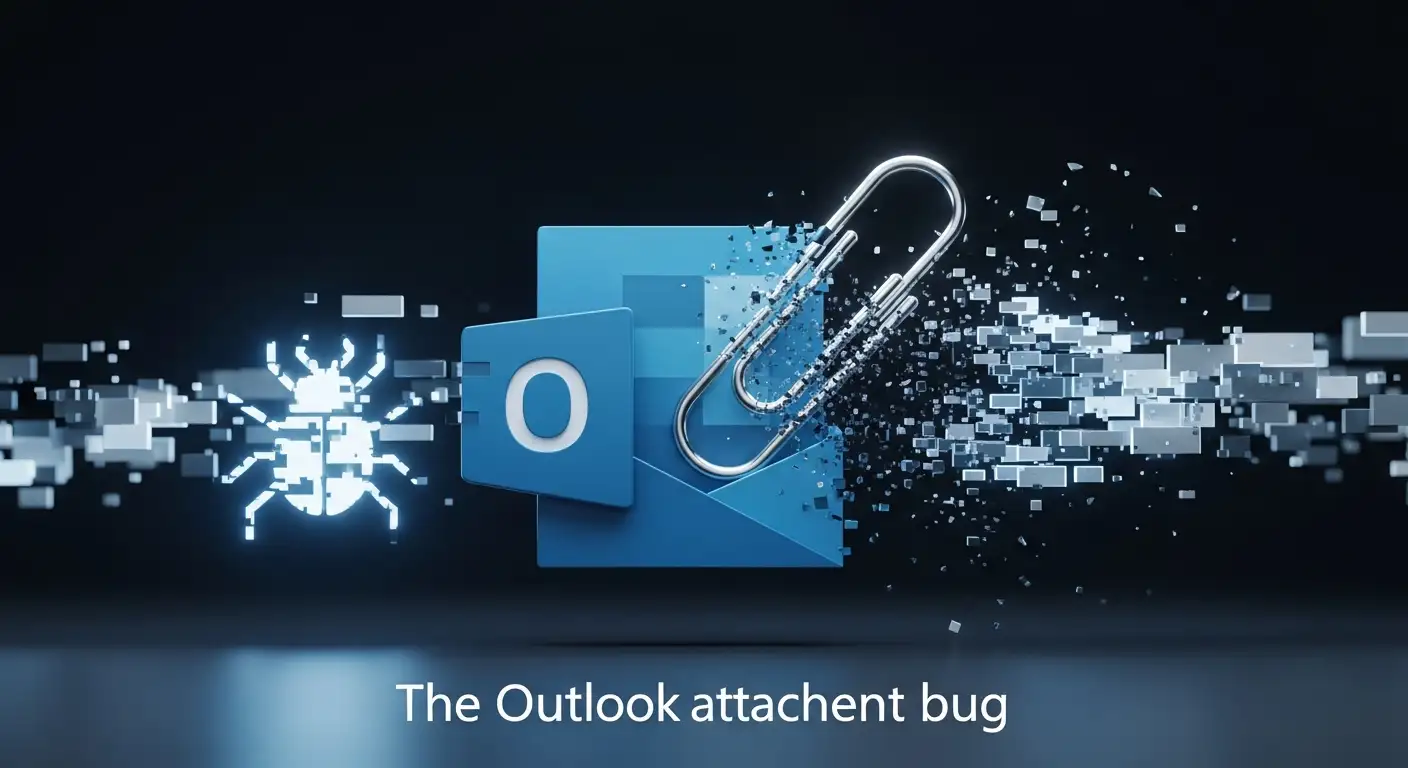
Key insights of the new Outlook attachment bug
what you can do / what Microsoft is doing
Microsoft has publicly acknowledged the bug and deployed a fix.
There are workable alternatives: use Outlook on the web or download attachments manually.
For files with ASCII-only filenames, the problem does not occur, meaning a simple filename convention can mitigate the issue.
What’s wrong/what remains challenging?
The bug affects any user receiving Excel attachments with non‑ASCII filenames, a broad problem given many languages and naming conventions.
Not all users receive the fix at the same time; inconsistent behavior makes this unpredictable.
Workarounds add friction: downloading, renaming, or switching clients is an inconvenience, especially for frequent Excel users.
Organizations may face disruption: automated workflows, shared mailboxes, or distributed teams may run into compatibility issues.
FAQs
Why can’t I open Excel attachments in the new Outlook?
Because of a known bug: when the Excel file’s name includes non‑ASCII characters, the new Outlook client fails to decode the filename properly. That triggers an encoding error and shows “Try opening the file again later.”
Is it an Exchange issue or an Outlook client issue?
It is a problem in the desktop version of the new Outlook, not Exchange itself. The encoding error arises when the Outlook client tries to open the file attachment; the issue does not impact web or classic Outlook as severely.
Can I use Outlook Web Access to open attachments while this is fixed?
Yes. Using Outlook on the web (or web-based Outlook) is one of the recommended workarounds to successfully download and open Excel attachments until the fix reaches you.
Does this bug also affect Word or PowerPoint attachments?
According to some community reports and technical discussions, the new Outlook’s attachment-handling bug may also affect Word/PowerPoint attachments under certain conditions. But the confirmed issue in the official alert refers specifically to Excel.
Final thoughts
If you’re seeing the dreaded message that Excel attachments “can’t be opened” in the new Outlook, you’re not alone. This new Outlook Excel attachment error stems from a filename encoding bug, particularly when non‑ASCII characters are involved. The issue is real, acknowledged by Microsoft as a new Outlook attachment bug, and affects even Exchange Online users.
But it is not the end of the world. For now, you can rely on workarounds like using Outlook on the web, downloading attachments first, or asking senders to use ASCII‑only filenames. Until Microsoft rolls out the fix to your environment, these steps can save you a lot of headaches.
You can also read these important cybersecurity news articles on our website.