Apple iMessage Flaws Patched in iOS 27.2.1: What to Do
|
Item |
Detail |
|
Update |
iOS 27.2.1 and iPadOS 27.2.1 |
|
Release date |
November 9, 2026 |
|
Headline flaws |
CVE-2026-113961 and CVE-2026-113960 in Messages |
|
Other fixes |
Bluetooth, CoreUtils, AirPlay and rapportd pairing bugs |
|
Devices |
iPhone 11 and later, plus several recent iPad models |
|
Known attacks |
Apple has not reported any |
|
Action |
Install the update now |
What did Apple fix in its November 2026 security update?
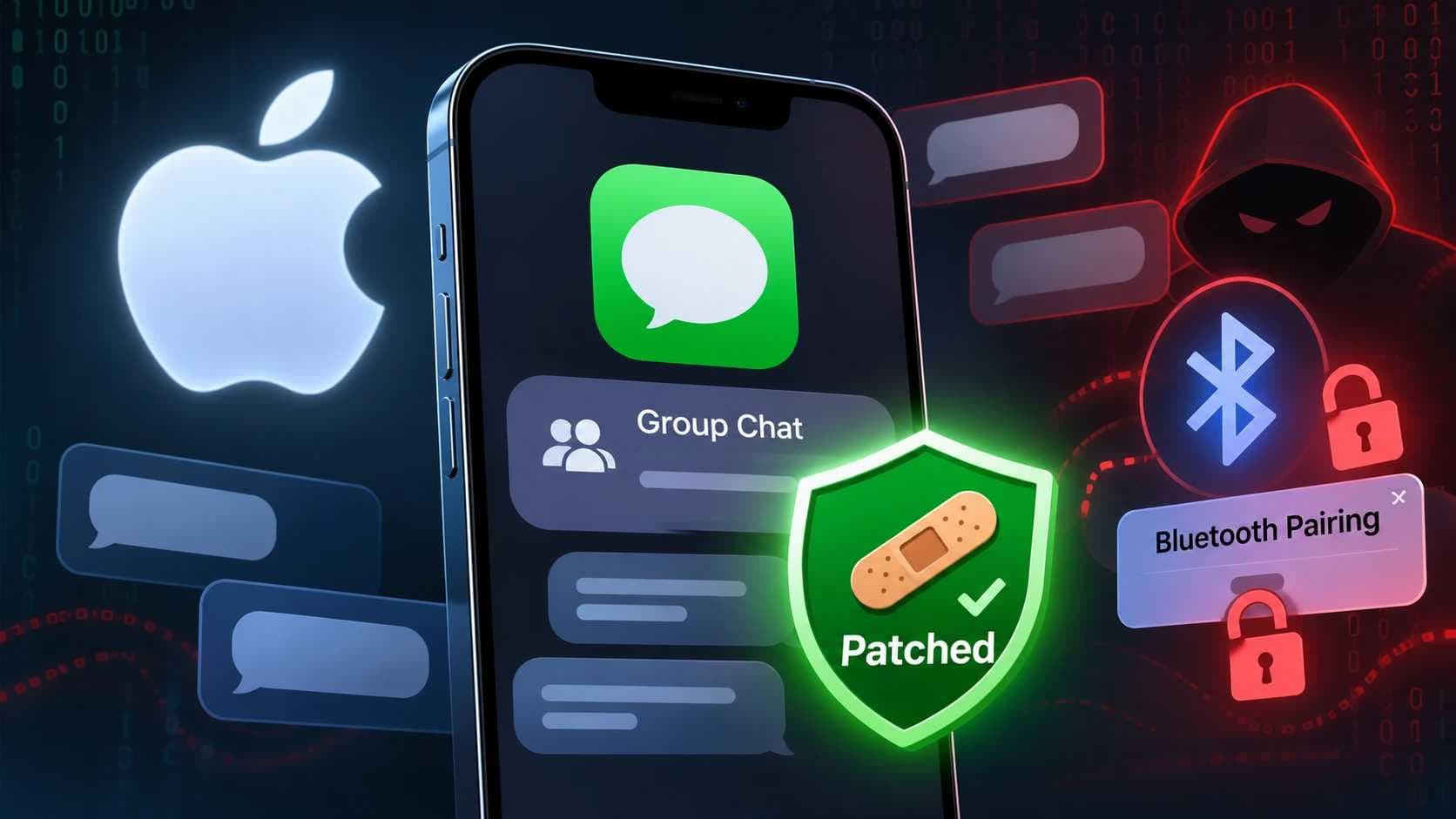
On November 9, 2026, Apple released iOS 27.2.1, which closes an iMessage flaw that could let a remote attacker join a group chat. The same release fixes several Bluetooth and AirPlay pairing bugs. Apple's own security notes are the primary reference: [Apple security releases page, add verified URL].
Here is the short version. A stranger who should never see your team's group thread might have been able to get into it. Another bug could show new members messages from before they arrived. Neither needs the victim to tap anything. That is why Apple iMessage group chats deserve a second look this week.
TL;DR
- Apple patched two Apple iMessage group chat flaws, one for uninvited joining and one for reading older messages.
- The same update fixes Bluetooth and AirPlay pairing bugs that mostly matter to someone nearby.
- Apple has not reported evidence that attackers exploited these flaws, but updating takes minutes and removes the question.
Background: Why Apple iMessage Security Vulnerabilities Matter Now
Patching speed is the real story behind this release. The 2026 Verizon Data Breach Investigations Report studied more than 22,000 confirmed breaches. It found that vulnerability exploitation, at 31%, overtook credential abuse as the leading way attackers get in.
The same report shows defenders falling behind. The median time to fully patch rose to 43 days in 2025, up from 32 days a year earlier. Attackers do not wait that long. Verizon's researchers say the gap between disclosure and exploitation has shrunk from months to hours, according to a summary of the report.
Phones are part of this picture. The DBIR also notes that the human element was involved in 62% of breaches, and mobile-centric phishing succeeded about 40% more often than email phishing. People trust what arrives on their phones, and many small firms run client work through a messaging app.
Apple iOS Security Patches Come in Waves
This update is small. iOS 27.2.1 is light compared with iOS 27.2, which carried more than 130 fixes. Small does not mean skippable. Two of the nine flaws touch private conversations, and several others affect how your phone accepts nearby devices.
iMessage Group Chat Vulnerability: What Apple Fixed
Two Messages bugs share one theme: who gets to see what inside a group. Both were reported by anonymous researchers.
CVE-2026-113961: Joining a Group Without an Invitation
This one is described as an authorization problem. A remote attacker could join an iMessage group chat without an invitation and receive the messages sent to it. Apple fixed it by adding stronger checks on who can join.
Think of a locked office door that checks your badge only some of the time. The lock exists, but one path skips it. Apple's fix makes sure the check happens every time.
CVE-2026-113960: Reading Messages From Before You Joined
The second flaw is quieter. A person who was legitimately added to a group could read messages sent before they joined. Apple removed the code behind the flaw.
Many people expect new members to see only what comes next. This iMessage privacy flaw broke that expectation. Picture a contractor added to a project chat who could scroll back through earlier pricing talk.
iMessage Unauthorized Access: What We Do Not Know
Some details are missing. One outlet reports that Apple has not said whether either flaw was exploited before the fix. Several write-ups also describe the join flaw as possible without other members noticing. I could not confirm that from Apple's wording, so treat it as unverified.
Apple Bluetooth Pairing Vulnerability and AirPlay Fixes
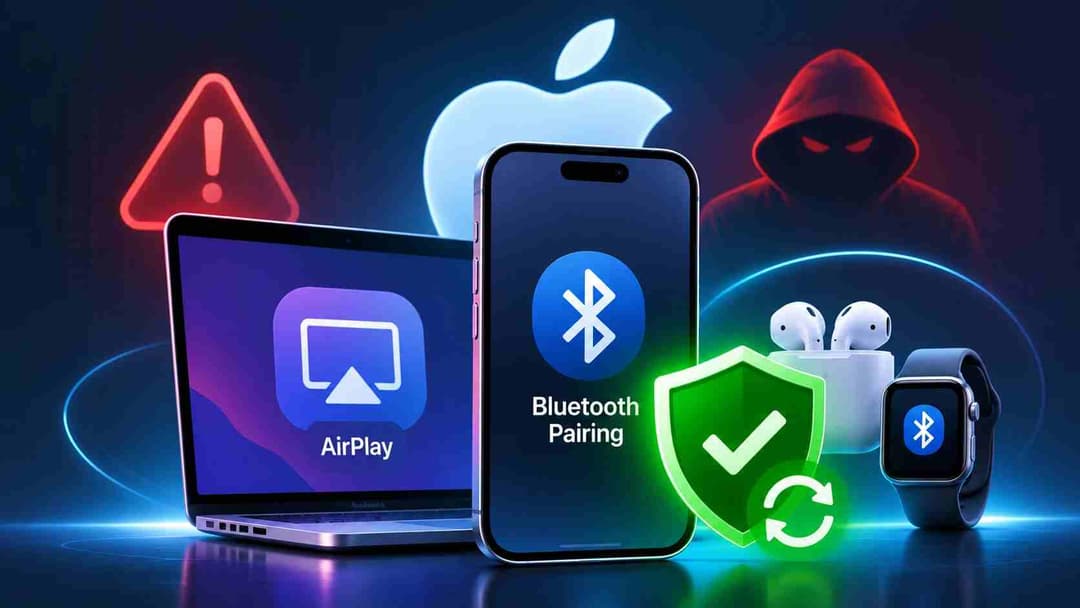
The rest of the release is about pairing, the handshake that lets two devices trust each other. Most of these bugs need the attacker to be close by, either in Bluetooth range or on the same network.
|
CVE |
Component |
What it allowed |
Attacker position |
|
CVE-2026-113965 |
CoreUtils |
Pairing without user interaction |
Malicious Bluetooth device |
|
CVE-2026-113964 |
CoreUtils |
Bypass of the pairing code attempt limit |
Within Bluetooth range |
|
CVE-2026-113970 |
Bluetooth |
Memory corruption (use-after-free) |
Within Bluetooth range |
|
CVE-2026-113968 |
AirPlay |
Bypass of the pairing code attempt limit |
Within Bluetooth range |
|
CVE-2026-113969 |
rapportd |
Bypass of the AirPlay pairing code limit |
Same network |
Table data comes from Cyber Security News coverage. Confirm each row against Apple's advisory before publishing.
Why Pairing Code Limits Matter
A pairing code is a short number. It is safe only because a device refuses to keep guessing. If that limit fails, someone nearby could keep trying until a guess works. A use-after-free bug is different. The system keeps using memory after releasing it, which can let an attacker corrupt what the process holds.
The nine fixes also include App Intents and brotli issues, which fall outside this article's focus.
 Defender’s Technical Breakdown
How It Works: A Defender's Technical Breakdown
I will not walk through exploitation. Nobody needs a how-to here, and Apple has not published one. What helps defenders is understanding the failure patterns Apple's descriptions point to.
When analyzing these descriptions, I see two classes of bug. The first is a missing or weak authorization check, which is what the join flaw and the history flaw look like. The second is a rate-limit bypass, where a safety counter fails and brute force becomes practical. Both come from a control that exists but does not hold in every code path.
A Real-World Reference Point: FORCEDENTRY
iMessage has been a target before. In 2021, a flaw tracked as CVE-2021-30860 and nicknamed FORCEDENTRY was reported by Citizen Lab as used against political dissidents and human rights activists. Apple patched it that September.
The comparison has limits. FORCEDENTRY was exploited in real attacks. For the November 2026 flaws, Apple has reported no exploitation. The lesson is about attention, not alarm. Messaging apps are high-value targets, and patches are the cheapest defense.
Illustrative Scenario (Hypothetical)
This is a made-up example, not a case from my own work. A 15-person accounting firm keeps one group thread for client deadlines. The owner adds a part-time contractor in March. In October, a staff member leaves, and nobody audits the member list.
Under the history flaw, anyone added later could read months of earlier client chatter. Under the join flaw, the member list itself could no longer be fully trusted. Neither requires malware. Both turn a convenience feature into an exposure.
Illustrative Device Review Worksheet
Use this template to check each phone. The menu names may differ slightly by version.
DEVICE REVIEW WORKSHEET (template only)
Owner: ____________ Model: iPhone ___ (11 or later? Y/N)
OS version: ______ Target: 27.2.1
Software Update run and restarted: Y/N
Bluetooth: unknown devices removed from My Devices: Y/N
AirPlay access set to Current User: Y/N
Group chats reviewed: ___ groups, ___ unknown members
Sensitive info shared in groups before this patch: Y/N
Escalate to IT or a security provider: Y/N
Actionable Remediation: How to Fix iMessage Security Vulnerabilities
Follow these steps in order. Most take under five minutes per device.
- Check your model. The update covers iPhone 11 and later. Owners of an iPhone XS, XS Max or XR are directed to iOS 18.7.12, which carries the Bluetooth and AirPlay fixes but, per one outlet, not the two iMessage bugs. Treat that as a single-source claim until you confirm it on Apple's page.
- Install the update. Open Settings, tap General, then Software Update, and install iOS 27.2.1 or iPadOS 27.2.1. Restart if prompted.
- Confirm the version. Open Settings, General, About and read the version number. Record it on your worksheet.
- Review group chats. Open each work group, tap the group name, and read the member list. Remove anyone you do not recognize.
- Clean up Bluetooth. In Settings, Bluetooth, remove devices you no longer use or never recognized.
- Limit AirPlay. Restrict AirPlay to the current user where possible, and turn off Bluetooth and AirPlay when you do not need them.
- Rethink what goes in group chats. Move passwords, client files and financial details to a managed platform with access controls and logs.
- Enforce updates across the fleet. If you manage company phones, use your MDM to require the patch within a set deadline.
Comparing Your Mitigation Options
|
Approach |
What it covers |
Effort |
Limits |
|
Install iOS 27.2.1 |
All nine flaws |
Low |
Needs a supported device |
|
MDM-enforced update |
Whole fleet |
Medium |
Requires an MDM tool |
|
Turn off Bluetooth and AirPlay when idle |
Pairing bugs only |
Low |
Does nothing for iMessage |
|
Review group members |
Group exposure |
Low |
Cannot prove past access |
|
Lockdown Mode |
Broader attack surface |
Medium |
Apple has not tied it to these CVEs; limits features |
|
Move sensitive talk off consumer chat |
Data exposure |
Medium to high |
Needs a policy change |
Patch First, Then Tidy Up
The takeaway is simple. Apple fixed real weaknesses in Apple iMessage group chats and in how iPhones pair with nearby devices. Nothing here proves anyone was attacked. But the fix is free, fast and already available.
Update first. Then audit your group
chats and your pairing settings, because the habits that made these bugs matter
will outlast this patch. If you run a business and want help building an update
policy or reviewing mobile risk, a security provider such as Hoplon InfoSec can
assess your devices and processes. Good Apple iMessage hygiene starts
with knowing who is in the room.
Frequently Asked Questions
Is the iMessage group chat flaw being exploited?
Apple has not reported evidence of exploitation for these flaws. That can change, so install iOS 27.2.1 anyway.
Which iPhones get the iMessage fixes?
The update runs on iPhone 11 and later. Older models such as the iPhone XS and XR reportedly receive iOS 18.7.12 instead, which one outlet says lacks the two iMessage fixes.
Do I need to turn off Bluetooth permanently?
No. Updating fixes the flaws. Turning off Bluetooth and AirPlay when idle only reduces exposure and is optional.
Can I check whether someone joined my group chat?
Open the chat, tap the group name and read the member list. Remove unknown members. This cannot prove no one read earlier messages.
Hoplon Insight Box
- Treat consumer messaging as untrusted for client data. Use managed tools with audit logs.
- Set a patch deadline for mobile devices, for example 72 hours for security releases, and enforce it with MDM.
- Audit group membership quarterly and when staff or contractors leave.
- Keep a simple device inventory so you know who runs what version.
Apple’s recent iMessage and Bluetooth vulnerabilities highlight the importance of proactive cybersecurity. Hoplon InfoSec helps organizations strengthen their security through VulnerabilityManagement, Mobile Application Security Testing, Cyber Threat Intelligence, andIncident Readiness, Response & Recovery services. These solutions help businesses identify security weaknesses, monitor emerging threats, and respond effectively to potential cyber incidents.
References
- AppleInsider report on iOS 27.2.1
- Cyber Security News coverage with CVE table
- SecurityWeek on the 2026 Verizon DBIR
Fact-Checking Policy
Facts come from Apple's release information as reported by the named outlets and from the Verizon DBIR. Where a claim rests on one outlet, the text says so. We update this page when Apple revises its advisory.
Author Bio and Review
Author: Mohammed Talukder is the Co-Founder and CEO of Hoplon InfoSec, with over 16 years of experience in cybersecurity and technology. His expertise includes offensive security, vulnerability management, cyber risk management, and incident response. His professional credentials include CISM, CISA, CEH, and CompTIA PenTest+. He has also received Infosys recognition awards for his professional contributions. He shares practical cybersecurity insights to help organizations strengthen their security posture.
Technical reviewer: Gazi Mahmud, Co-Founder and CIO of Hoplon InfoSec LLC, cybersecurity leader, and CISM & CISA certified professional with expertise in cyber risk management, security governance, compliance, and incident response.
Published: November 11, 2026 | Last Updated: November 11, 2026