
-20260501114204.webp&w=3840&q=75)
Weekly InfoSec Summary: April 22 - April 30, 2026
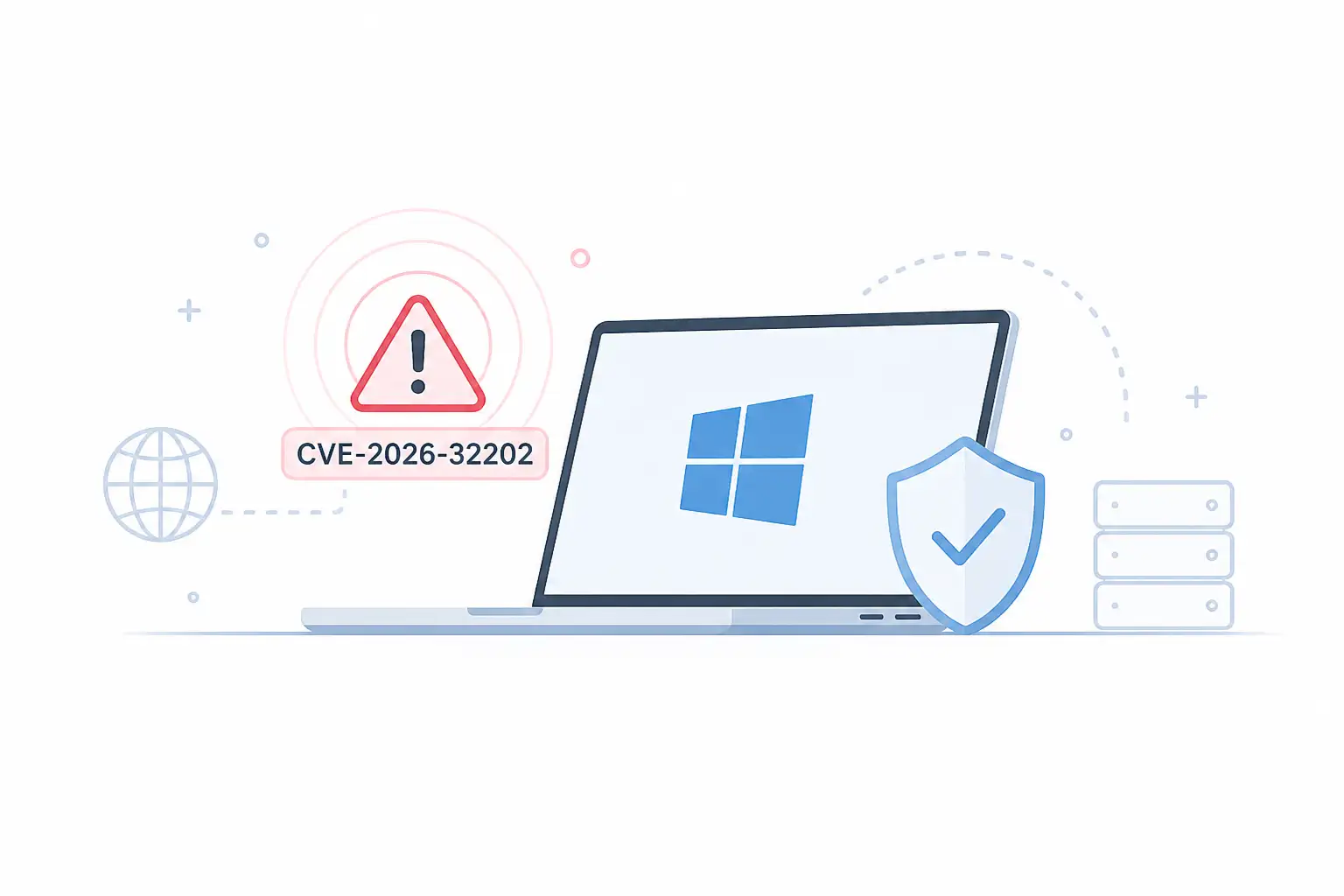
Windows Shell Zero-Click Vulnerability (CVE-2026-32202)
What happened:
- CISA added this to its Known Exploited Vulnerabilities list on April 28
- No click needed, no file to open, attacker just needs to be on the same network
- Affects Windows 10, Windows 11, and all Windows Server versions
Why it matters:
- Classified as CWE-693, meaning the security gate itself is broken, not just a single door
- Attack leaves no crash, no error log, machine keeps running normally while attacker is already inside
- Federal agencies must patch by May 12, 2026
What you should do:
- Open Windows Update right now and install everything pending
- Check Event Viewer for Event IDs 4625, 4648, and 4776
- IT admins: push the patch via WSUS or Endpoint Manager across all servers too, not just workstations
GitHub
CVE-2026-3854 Remote Code Execution
What happened:
- Wiz researchers disclosed a critical RCE flaw in GitHub, CVSS score 8.7 out of 10
- One git push command was all it took to get full server access
- A single unsanitized semicolon in an internal header was the root cause
Why it matters:
- GitHub runs shared backend storage, so one exploit could expose repositories from completely unrelated organizations
- At the time of disclosure, 88% of GitHub Enterprise Server instances were still running the vulnerable version
- GitHub.com itself was patched automatically within 2 hours of the report
What you should do:
- GitHub.com users: you are already covered, but enable two-factor authentication if you have not
- Enterprise Server users: upgrade to 3.14.25 or later immediately
- Rotate your personal access tokens as a precaution
- Review recent push activity in your repositories for anything unusual
Microsoft Store App Vibing.exe: Screen, Audio, and Clipboard
What happened:
- Researcher reports surfaced on April 27 alleging Vibing.exe captured screenshots, microphone audio, clipboard content, window titles, and a unique machine ID
- All data was reportedly sent to an Azure-hosted backend
- The app was listed on Microsoft Store as an AI voice input tool
Why it matters:
- Clipboard alone can contain passwords, OTP codes, crypto wallet addresses, API keys, and sensitive work documents
- No official CVE or malware verdict confirmed as of April 27, but the privacy risk is real and documented
- VirusTotal showed 0 detections at the time of submission, meaning AV tools would not have flagged it
What you should do:
- Search for Vibing in your installed apps and uninstall it if found
- Clear clipboard history from Settings, then System, then Clipboard
- Run a full Windows Defender scan
- Rotate any passwords, API keys, or work tokens that were visible or copied while the app was active
- Businesses: block unapproved AI input tools on managed endpoints
ADT Data Breach: 5.5 Million People Exposed
What happened:
- ADT detected unauthorized access on April 20, 2026
- Have I Been Pwned lists 5.5 million unique email addresses tied to the incident
- ShinyHunters claimed responsibility with a pay-or-leak extortion approach
- Exposed data includes names, phone numbers, physical addresses, and for a smaller subset, dates of birth and last four digits of SSN or tax ID
Why it matters:
- Home security breach hits differently because your home address is now in criminal hands paired with your security provider name
- Payment data and alarm systems were not confirmed compromised, but that does not reduce the social engineering risk
- A scammer who knows your address and your security company can open a very convincing conversation
What you should do:
- Check haveibeenpwned.com with the email you used for ADT
- Change your ADT password, especially if you reuse it anywhere else
- Enable MFA on your ADT account and your email account
- Watch for fake ADT calls, texts, and emails about service upgrades, billing issues, or technician visits
- If your date of birth or SSN digits were in the exposed subset, consider placing a credit freeze
-20260501114651.webp)
Outlook.com
Outage: Sign-In Failures
What happened:
- On April 27, Microsoft confirmed it was investigating intermittent Outlook.com sign-in failures
- Users were stuck in login loops, seeing "something went wrong" errors, or locked out of their mailbox after a successful password entry
- Hotmail, Live.com, and MSN email users were all pulled into the same issue since they all run through the Outlook.com authentication system now
Why it matters:
- Outages create a second wave of phishing risk because people get desperate and start clicking recovery links from unknown sources
- Microsoft confirmed no breach, no cyberattack, and no compromised login system in relation to this event
- Repeated password resets during an active outage can actually trigger new verification challenges
What you should do:
- Check Microsoft's official service health page before changing anything
- Test in a private browser window first
- Do not reset your password while the outage is still listed as active
- Do not click any "Microsoft account recovery" links from unsolicited emails or texts
- Wait for Microsoft to confirm recovery, then clear Microsoft login cookies if your browser still shows errors
SharePoint Spoofing Vulnerability CVE-2026-32201
What happened:
- Microsoft patched this flaw on April 14 and CISA added it to the Known Exploited Vulnerabilities catalog
- Over 1,300 SharePoint servers were still exposed and unpatched on the public internet as of April 22
- Fewer than 200 systems had applied the fix in the days since release
Why it matters:
- Only affects on-premise SharePoint Server 2016, 2019, and Subscription Edition, not SharePoint Online
- SharePoint sits near document libraries, approval workflows, identity systems, and internal search, so a foothold here can spread wide
- The flaw involves improper input validation and allows network-based spoofing without authentication
What you should do:
- SharePoint 2016: apply KB5002861
- SharePoint 2019: apply KB5002854
- Subscription Edition: apply KB5002853
- Verify the build number after installation on every single node in the farm, not just the primary
- If your server was internet-facing before patching, treat it as a potential compromise and review logs, not just apply the patch and move on
- Reduce or remove direct internet exposure if it is not strictly required
Quick Summary
|
Story |
Date |
Severity |
Action Needed |
|
Windows Shell Zero-Click CVE-2026-32202 |
Apr 28 |
Critical, active exploit |
Patch Windows Update now |
|
GitHub RCE CVE-2026-3854 |
Apr 29 |
Critical, CVSS 8.7 |
Upgrade Enterprise Server, rotate tokens |
|
Vibing.exe Privacy Incident |
Apr 27 |
High, no CVE confirmed |
Uninstall, clear clipboard, rotate credentials |
|
ADT Data Breach 5.5M |
Apr 27 |
High, active scam risk |
Check HIBP, enable MFA, watch for impersonation |
|
Outlook.com Outage |
Apr 27 |
Service disruption |
Check Microsoft status, avoid resets |
|
SharePoint CVE-2026-32201 |
Apr 22 |
High, 1,300+ exposed |
Apply KB patches, verify farm-wide |
Published: May 01, 2026
Last updated: May 01, 2026
Author: Radia | Senior Cybersecurity Analyst & Breach Reporter.Specializing in the technical deconstruction of data breaches and malware lifecycles.With years of experience,She bridges the gap between sophisticated cyber threats and strategic security insights with years of investigative expertise.
If you did not go looking for it, do not click it, trust it, or install it.




-20260925120840.webp&w=3840&q=75)
