Weekend Cyber Risk: How Attackers Exploit Distraction and Reduced Coverage
Weekends can create real cybersecurity risk, but not for the simple reason often claimed.
There is credible evidence that some cybercriminals exploit weekends and holidays when organizations may have fewer people monitoring systems or responding to incidents. The FBI and CISA have previously observed highly disruptive ransomware attacks occurring during these periods. That evidence does not establish that every type of cyberattack, including phishing, universally increases every Saturday or Sunday.
The more useful question is not, “Are hackers always busier on weekends?” It is:
What changes when employees are distracted, normal routines shift, security coverage is reduced, and an attacker sends a believable request at exactly the wrong moment?
That is where weekend cyber risk becomes practical.
This guide looks at what current research actually supports, how cybercriminals exploit low-attention moments, and what organizations can do without relying on employees to recognize every scam perfectly.
Key Findings
Several findings help separate evidence from common assumptions:
- The FBI and CISA have observed highly impactful ransomware attacks occurring on holidays and weekends, while warning that this does not mean a specific attack will occur during every such period.
- Verizon's 2026 Data Breach Investigations Report found a human element in 62% of breaches and placed social engineering at 16% of breaches analyzed.
- In Verizon's phishing simulations, the median successful click rate for mobile-centric channels such as voice and text was 40% higher than for email. The non-email sample contained only 35 campaigns, so that result should be interpreted with that limitation.
- A 2026 systematic literature review screened 4,402 papers and included 54 studies, concluding that phishing susceptibility is shaped by a combination of individual, environmental, and organizational factors rather than knowledge alone.
- A controlled study involving 472 participants found that time pressure significantly reduced phishing detection accuracy. Participants rarely inspected link URLs, but those who did performed better.
The evidence points toward a broader lesson: security controls should assume that good people will sometimes make rushed or imperfect decisions.
Are Cyberattacks Really More Common on Weekends?
There is not enough evidence to make the blanket statement that all cyberattacks are more common on weekends.
What we can support is narrower and more useful.
In a joint advisory, the FBI and CISA said they had observed an increase in highly impactful ransomware attacks occurring on holidays and weekends in the United States. They also explained that cybercriminals may view these periods as attractive because offices may be closed and malicious activity can receive a head start before normal operations resume.
You can review the original FBI and CISA holiday and weekend ransomware advisory.
The distinction matters.
Attack frequency asks how many attacks happen during a particular period.
Attack opportunity asks whether conditions make detection, verification, containment, or recovery harder.
A company might not receive more phishing emails on Saturday than Wednesday, yet a single malicious request arriving when its finance manager, IT administrator, or security analyst is unavailable may still have a better opportunity to cause damage.
That is the risk organizations should plan around.
Why reduced coverage matters
Security incidents rarely depend on one action.
A suspicious login may need investigation. A wire-transfer request may require confirmation. A malware alert may need an endpoint isolated. A compromised account may require active sessions to be revoked.
When the right decision-maker is difficult to reach, small delays can become important.
Weekend readiness therefore involves more than reminding employees to “stay alert.” It requires making sure critical security processes still work when the normal team is not at its desk.
Why Do People Fall for Phishing When They Know Better?
Knowing what phishing looks like does not guarantee that someone will recognize every phishing attempt.
A major 2026 systematic review of phishing susceptibility found that the problem involves individual factors, environmental conditions, and the gap between what people intend to do and what they actually do in the moment. The authors also identified a mismatch between security controls focused heavily on awareness training and the wider set of conditions that influence behavior.
Read the 2026 systematic review on phishing susceptibility.
This does not mean training is useless. It means training should be one layer rather than the entire defense.
Time pressure changes decisions
One of the clearest experimental findings involves time.
A 2022 study asked 472 participants to classify emails and manipulated the amount of time available. Time pressure significantly reduced phishing detection accuracy.
The same study found that participants rarely inspected the URLs behind email links. When they did, their detection performance improved.
Consider how easily an attacker can manufacture that pressure:
“Payroll closes in 20 minutes.”
“Your account will be disabled today.”
“The CEO needs this payment approved before the meeting.”
“Your delivery failed. Confirm your address now.”
The technical sophistication of the message may be less important than getting the recipient to act before checking.
Familiarity can make a request feel safe
Attackers also imitate situations that already belong in a person's routine.
An employee expects:
- shared documents;
- password notifications;
- invoices;
- calendar invitations;
- HR messages;
- delivery alerts;
- cloud login requests.
A message does not need to look extraordinary when appearing ordinary is more convincing.
This is why understanding broader social engineering attacks and manipulation techniques matters. Phishing is not only a malicious-link problem. It is often a decision-making problem designed around trust, context, and timing.
How Cybercriminals Exploit Low-Attention Moments
A useful way to understand these attacks is through three layers:
|
Layer |
What changes |
How an attacker may exploit it |
|
Attention |
You are rushing, multitasking, traveling, shopping, or switching tasks |
Create urgency so you act before checking |
|
Context |
You are expecting invoices, deliveries, login alerts, or work messages |
Send a lure that matches what already feels normal |
|
Control |
IT staff, managers, or approvers may be harder to reach |
Exploit slower verification or response |
The calendar itself is not the vulnerability.
The vulnerability appears when timing, context, and weak controls overlap.
Urgent account and payment messages
An attacker may claim that:
- a cloud account is about to expire;
- a payment failed;
- payroll needs immediate confirmation;
- banking details changed;
- a vendor invoice must be paid;
- an administrator needs an MFA code.
The common feature is not necessarily fear. It is decision compression. The attacker wants to reduce the time between receiving the request and acting on it.
Executive, IT, and vendor impersonation
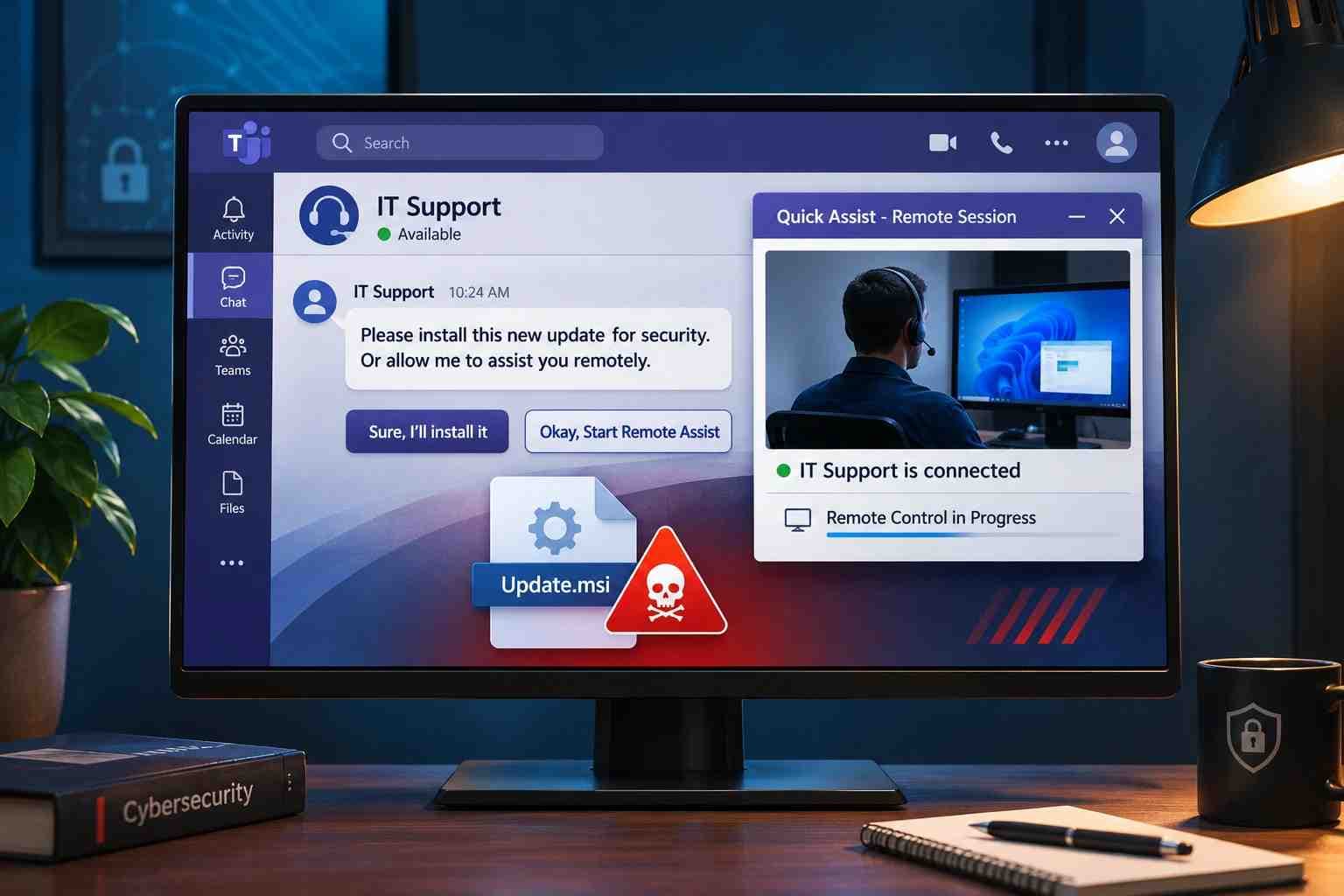
Messages that appear to come from senior executives, internal IT staff, suppliers, or known business partners deserve particular care when they request an unusual action.
Before changing bank details, resetting authentication, granting access, or sending sensitive information, verify the request through a second trusted channel.
That might mean:
- Calling the known phone number already stored for the person.
- Starting a fresh Teams or Slack conversation instead of replying to the suspicious message.
- Opening the official system directly rather than following the supplied link.
- Requiring a second authorized person for high-value payment changes.
The FTC similarly recommends contacting an organization using a phone number or website that you already know is genuine rather than relying on contact information in the suspicious message.
See the FTC's official phishing guidance.
AI can strengthen impersonation
Generative AI can help attackers produce more natural messages and can contribute to convincing impersonation campaigns. That does not mean every polished message is AI-generated or malicious.
The practical consequence is simpler: poor grammar is no longer a reliable security control.
For a deeper discussion of the changing attack methods, see Hoplon's guide to AI-driven social engineering attacks.
Mobile Phishing Deserves More Attention
Weekend activity often shifts away from desktops.
People check email from phones, read SMS messages while traveling, approve sign-ins from mobile devices, or deal with work notifications between personal activities.
That matters because smaller screens can hide context. Users may see less of a full sender address or destination URL, and SMS or voice communications can create different expectations than corporate email.
Verizon's 2026 DBIR found that the median successful click rate in mobile-centric simulated social-engineering channels, including voice and text, was 40% higher than email.
That figure needs context. The relevant non-email simulation dataset contained only 35 campaigns, so it should not be interpreted as proof that every mobile phishing campaign is 40% more effective.
Review the 2026 Verizon Data Breach Investigations Report.
Organizations with significant mobile exposure can also review Hoplon's mobile security and threat defense solutions.

What Attackers Actually Want You to Do
Most social-engineering messages ultimately try to cause an action.
Understanding that action is often more useful than memorizing every type of scam.
Enter credentials on a fake page
A fraudulent Microsoft 365, Google, bank, VPN, HR, or cloud login page may capture the username and password entered into it.
Hoplon's guide to common phishing attack types covers the broader set of phishing channels and impersonation methods.
Approve authentication
Some attacks go beyond passwords.
The attacker may ask for:
- an OTP;
- an MFA approval;
- a device authorization;
- account recovery information.
An MFA prompt should not automatically be considered legitimate because it came from the real authentication application. If you did not initiate the login, investigate it.
Send money
Business email compromise and vendor impersonation may focus on changing bank details or creating a fraudulent payment rather than stealing a password.
Financial verification procedures should therefore be designed separately from ordinary email security.
Install or execute something
A malicious attachment, installer, script, browser extension, or “support tool” can move the attack from deception into device compromise.
Disclose confidential information
The attacker may simply ask.
Employee records, customer information, internal documents, recovery codes, API keys, contract data, and authentication details can all be valuable without malware ever appearing.
How Organizations Can Reduce Weekend Cyber Risk
The strongest defense is not asking every employee to become a perfect phishing analyst.
It is building controls that limit the damage when a deceptive message eventually gets through.
1. Move toward phishing-resistant authentication
MFA is valuable, but not every MFA method provides the same protection against phishing.
NIST's current Digital Identity Guidelines state that authentication methods requiring manual entry of authenticator output, including many OTP methods, are not considered phishing-resistant. An attacker controlling a fake login page may be able to relay the entered code.
NIST identifies WebAuthn, used by FIDO2 authenticators, as an example of a standard that can provide phishing resistance by binding authentication to the legitimate verifier's domain.
See the NIST SP 800-63B authenticator requirements.
That does not mean every organization must replace every login method immediately. Prioritize accounts where compromise would have the greatest impact:
- administrators;
- finance teams;
- executives;
- email administrators;
- cloud administrators;
- remote-access accounts;
- identity administrators.
2. Verify sensitive requests independently
Create explicit rules for high-risk actions.
A request involving money, credentials, MFA, sensitive data, privileged access, or a change in bank details should trigger independent verification.
The person receiving the request should not need to decide from scratch whether verification is appropriate.
Make it part of the process.
3. Maintain an after-hours escalation path
Employees should know exactly what happens when something suspicious occurs outside normal business hours.
Document:
- who receives the first report;
- how urgent incidents are escalated;
- who can disable an account;
- who can revoke sessions;
- who can isolate an endpoint;
- who can stop a payment;
- how leadership is contacted;
- which external providers need notification.
Then test the process.
A document that no one can find on Saturday night is not an incident-response capability.
4. Protect the inbox and identity layer together
Email filtering can remove malicious messages, while identity controls reduce the impact when a message succeeds.
These defenses should support each other.
Organizations reviewing this layer can explore Hoplon's Email Security and Anti-Phishing service.
5. Train for decisions, not only warning signs
Traditional phishing training often asks employees to spot:
- bad spelling;
- strange sender addresses;
- suspicious attachments;
- unusual links.
Those signals remain useful, but training should also cover decision rules:
A request for credentials? Stop.
Unexpected MFA prompt? Deny and report.
Payment details changed? Verify separately.
Someone creates artificial urgency? Slow the process down.
You clicked something suspicious? Report it instead of hiding it.
The goal is not to teach employees every scam criminals could invent. It is to give them reliable actions that still work when the scam changes.
What If Someone Already Clicked a Suspicious Link?
First determine what actually happened.
Simply opening a webpage does not prove that an account or device has been compromised.
The response changes depending on whether the user:
|
What happened |
Main concern |
First priority |
|
Opened the page only |
Possible malicious page/download |
Close it and check what occurred |
|
Entered a password |
Credential theft |
Change the exposed password through the real service |
|
Reused that password elsewhere |
Multiple accounts exposed |
Replace reused credentials |
|
Approved MFA or entered a code |
Unauthorized authenticated access |
Review and revoke access/sessions |
|
Downloaded or ran a file |
Possible malware |
Begin device/security investigation |
|
Sent financial information |
Fraud |
Contact the financial institution |
|
Used a business account/device |
Organizational exposure |
Report immediately to IT/security |
Hoplon already has a dedicated response guide covering these scenarios in more depth: Clicked on a Phishing Link? What to Do Now.
Do not use the suspicious link again to change your password. Navigate to the legitimate service independently.
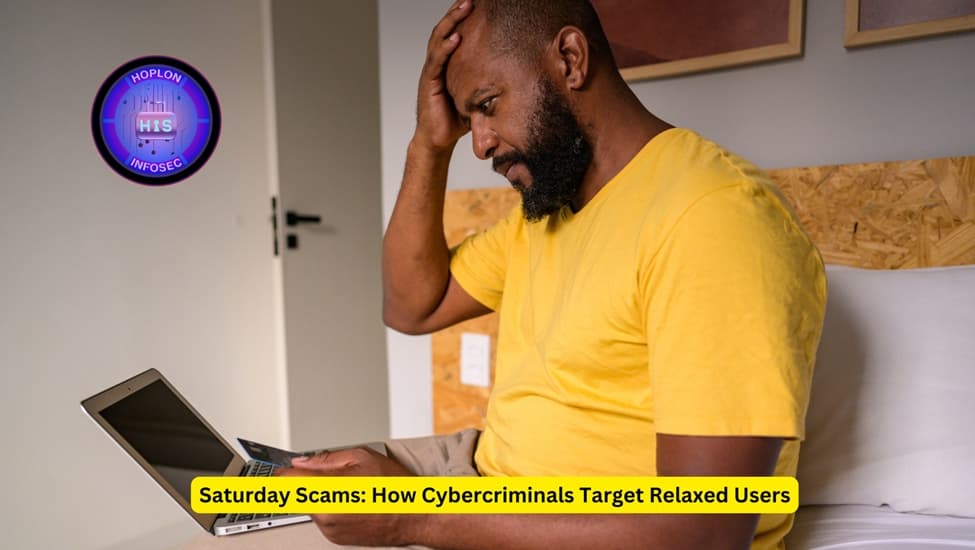
-20260826181757.webp&w=1080&q=75 "How Cybercriminals Target Relaxed Users on Saturday Scam")
Weekend Cybersecurity Checklist for Businesses
Before a weekend or holiday period, confirm the following:
- Critical security alerts are still monitored.
- Employees know the after-hours reporting method.
- Security staff have a documented escalation path.
- Privileged accounts use strong MFA, with phishing-resistant authentication prioritized where appropriate.
- Important backups are available and recovery procedures have been tested.
- Remote-access systems are patched and monitored.
- Unexpected payment or banking changes require secondary verification.
- Administrators can rapidly disable accounts and revoke suspicious sessions.
- Employees know not to approve unexpected MFA requests.
- High-risk incidents have clear internal and external contacts.
- Holiday coverage does not depend on a single unavailable person.
The objective is resilience, not perfect prevention.
Myth vs. Evidence: What the Research Actually Supports
|
Claim |
Evidence status |
Better interpretation |
|
“All cyberattacks spike every weekend.” |
Not established |
Some attack types and major incidents have been observed around weekends and holidays |
|
“Saturday is the main phishing day.” |
Not established |
Treat timing claims cautiously unless backed by a specific dataset |
|
“Relaxed people automatically fall for phishing.” |
Too simplistic |
Susceptibility involves individual, environmental, and organizational factors |
|
“Time pressure can affect phishing detection.” |
Supported by experimental evidence |
Attackers can benefit from creating urgency |
|
“MFA stops all phishing.” |
Incorrect as a general rule |
Some MFA methods can still be phished; phishing-resistant methods provide stronger protection |
|
“One click means the device was hacked.” |
Incorrect as a general rule |
Risk depends on what happened after the click |
|
“Training alone solves phishing.” |
Not supported by current evidence |
Awareness should work alongside technical and procedural controls |
This distinction is important because exaggerated claims may create attention, but they do not improve security decisions.
Frequently Asked Questions
Are phishing attacks more common on weekends?
There is not enough reliable evidence to claim that phishing universally increases every weekend. Government guidance has documented concern around impactful ransomware activity during holidays and weekends, but that should not be generalized to every phishing campaign or cyberattack category.
Why might cybercriminals target weekends or holidays?
Reduced staffing, slower escalation, closed offices, and delayed response can create useful operating conditions for attackers. CISA and the FBI have explicitly warned organizations about these conditions in the context of ransomware.
Does distraction make people more vulnerable to phishing?
Available research supports the broader idea that environmental factors affect phishing susceptibility, while a controlled experiment found that time pressure reduced detection accuracy. Evidence specifically proving a universal “weekend relaxation effect” is not established.
Is mobile phishing more dangerous than email phishing?
It can create different risks, but a universal comparison would be too strong. Verizon's 2026 simulations found a 40% higher median successful click rate for mobile-centric channels than email, but the non-email sample contained only 35 campaigns.
Can MFA stop phishing attacks?
MFA generally provides stronger account protection than password-only authentication, but not all methods are phishing-resistant. NIST states that authentication involving manually entered OTP outputs is not considered phishing-resistant, while WebAuthn/FIDO2 can provide phishing resistance through cryptographic verifier binding.
What should an employee do after clicking a suspicious link?
Stop interacting with the page, determine whether credentials or information were entered, check whether anything downloaded, and report business-related incidents promptly. The exact response should match what happened rather than assuming every click caused a complete compromise.
Build Security That Still Works When People Are Busy
Cybercriminals do not need everyone to make bad decisions. They need one convincing request to reach the right person at the wrong moment.
Weekends can create useful conditions for attackers when normal routines change, people work from mobile devices, verification becomes slower, or security coverage is reduced. But that is different from claiming that every cyberattack suddenly becomes more common on Saturday.
The practical answer is stronger than fear-based advice.
Reduce the number of decisions that rely entirely on user judgment. Strengthen authentication. Require independent verification for sensitive actions. Maintain after-hours response procedures. Protect both email and identity systems. Make reporting easy.
Organizations that are unsure whether those controls work together can use a broader security review to identify the gaps.
Hoplon Infosec's Cyber Security Assessment reviews areas including endpoints, networks, identity, cloud, policy, and people and provides prioritized findings rather than treating phishing as an isolated inbox problem.
Sources and Methodology
This article does not present original Hoplon Infosec research.
Hoplon Infosec reviewed current government guidance, standards documentation, breach research, and peer-reviewed phishing research to distinguish supported weekend cybersecurity risks from assumptions that could not be verified.
The research process prioritized:
- Government and joint cybersecurity advisories.
- Current standards and official technical guidance.
- Current breach and incident datasets.
- Peer-reviewed research.
- Consumer protection guidance where relevant.
No calculations were created from unrelated datasets, and no unsupported weekend phishing percentages were included.
The key evidence reviewed consisted of CISA/FBI guidance on holiday and weekend ransomware activity, NIST authentication requirements, Verizon's 2026 DBIR, a 2026 systematic review of phishing susceptibility, a 2022 controlled phishing experiment, and FTC phishing guidance.
Cybersecurity risk does not stop at the inbox. Weak identity controls, inconsistent verification processes, gaps in endpoint protection, and unclear incident procedures can all turn one deceptive message into a larger problem.
If your organization is unsure how those layers work together, Hoplon Infosec's Cyber Security Assessment can help identify weaknesses across endpoints, networks, identity, cloud, policy, and people.
For organizations specifically reviewing phishing, business email compromise, and account-takeover exposure, Hoplon's Email Security and Anti-Phishing service is the more focused next step.
No assessment or security product can guarantee that an organization will never experience an attack. The practical objective is to reduce preventable exposure and improve detection, verification, containment, and recovery.