
What Happened?
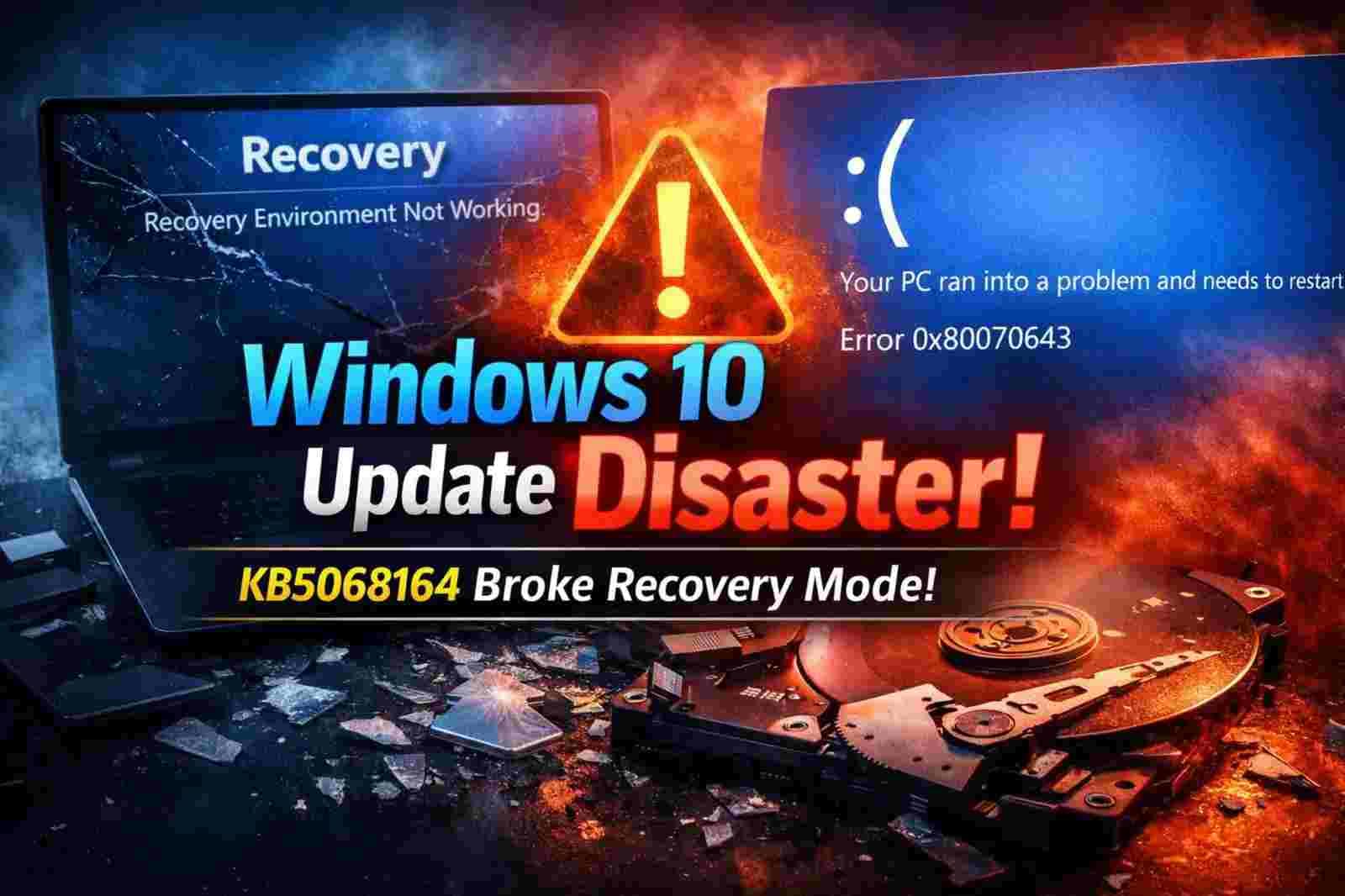
Microsoft released a standard security update for Windows 10 in October 2025. The update was called KB5068164. This update, on the other hand, had a big "bug."
Many people found that their Windows Recovery Environment (WinRE), also called "Recovery Mode," stopped working completely after they installed it. When people tried to boot into this mode to fix their computers, they couldn't get it to start.
What is WinRE, or the Windows Recovery Environment?
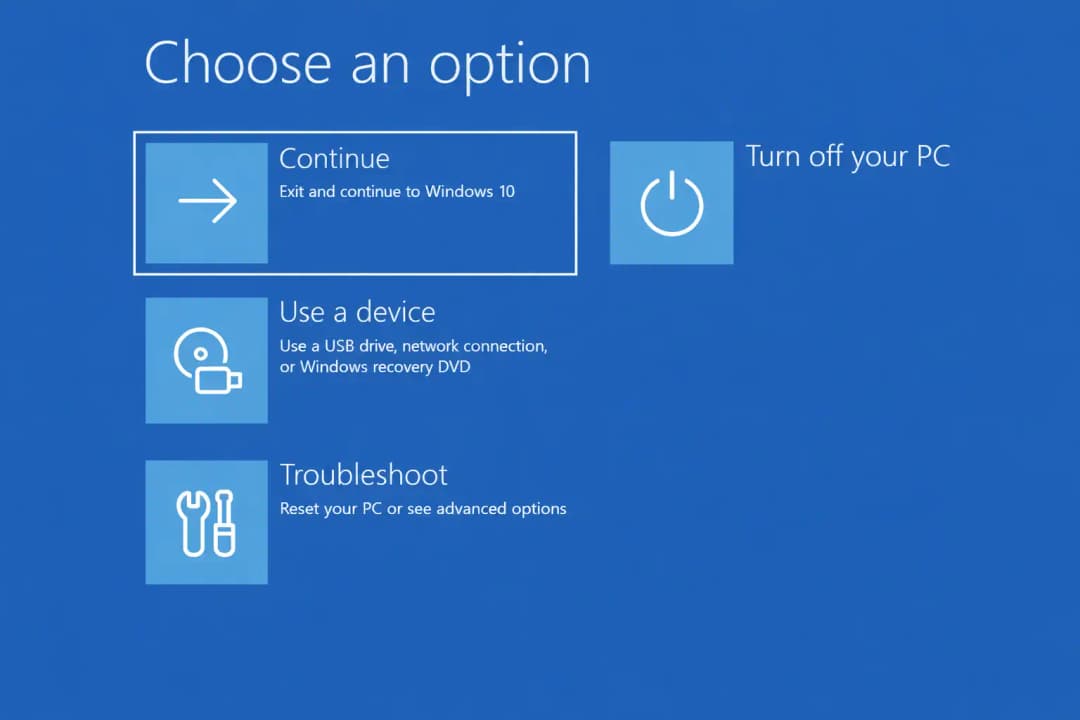
WinRE is like a first aid kit for your PC. If you need it,
• Your Windows won't start up (boot failure).
• You see a "Blue Screen of Death" (BSOD) and need to fix it.
• You have to either restart your computer or use System Restore.
• You need to remove malware that won't go away before Windows starts.
The Answer: Update KB5075039
Microsoft has now released KB5075039 to fix the broken recovery tool. This update is only for Windows 10 users and is meant to fix the WinRE feature that was broken last year.
Critical Requirements for the Windows 10 KB5075039 Update
This isn't an update that everyone can just "click and forget." There is one big technical problem:
1. Size of the partition: Your PC's recovery partition needs at least 256 MB of free space.
2. The Common Error: If your recovery partition is too small (which happens a lot with older Windows 10 installations), the update will fail with Error 0x80070643.
3. Manual Resizing: Microsoft says that if the update fails, users will have to manually make the recovery partition bigger. This means making the C: drive smaller and the recovery part bigger.
Technical Problems and Suggestions
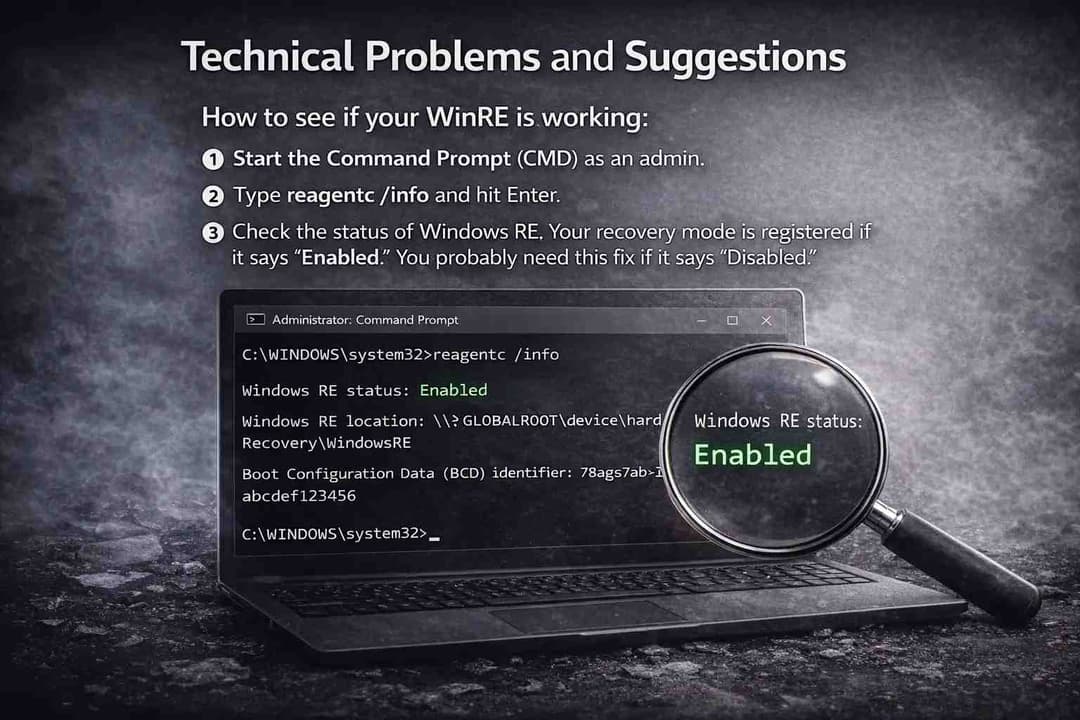
How to see if your WinRE is working:
To see what state your recovery environment is in, do the following:
1. Start the Command Prompt (CMD) as an admin.
2. Type reagentc /info and hit Enter.
3. Check the status of Windows RE. Your recovery mode is registered if it says "Enabled." You probably need this fix if it says "Disabled."
Safety Measures:
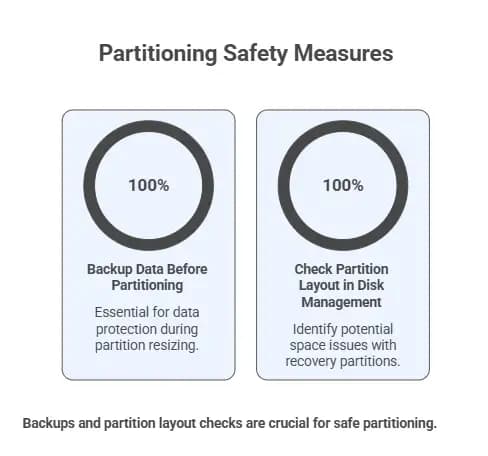
• Make a backup of your data: Always make a backup of your important files before trying to resize any partitions (if the update fails). There is a small chance of losing data when partitioning if the power goes out or something goes wrong.
• To see your current partition layout, right-click the Start button and choose Disk Management. You might run into the space problem above if your "Recovery Partition" is very small, like 100MB or 450MB total.
In short
You should check for updates and install KB5075039 if you have Windows 10. It makes sure that you have the tools you need to fix your computer if it ever crashes or won't start.
For more latest updates like this, visit our homepage.





