
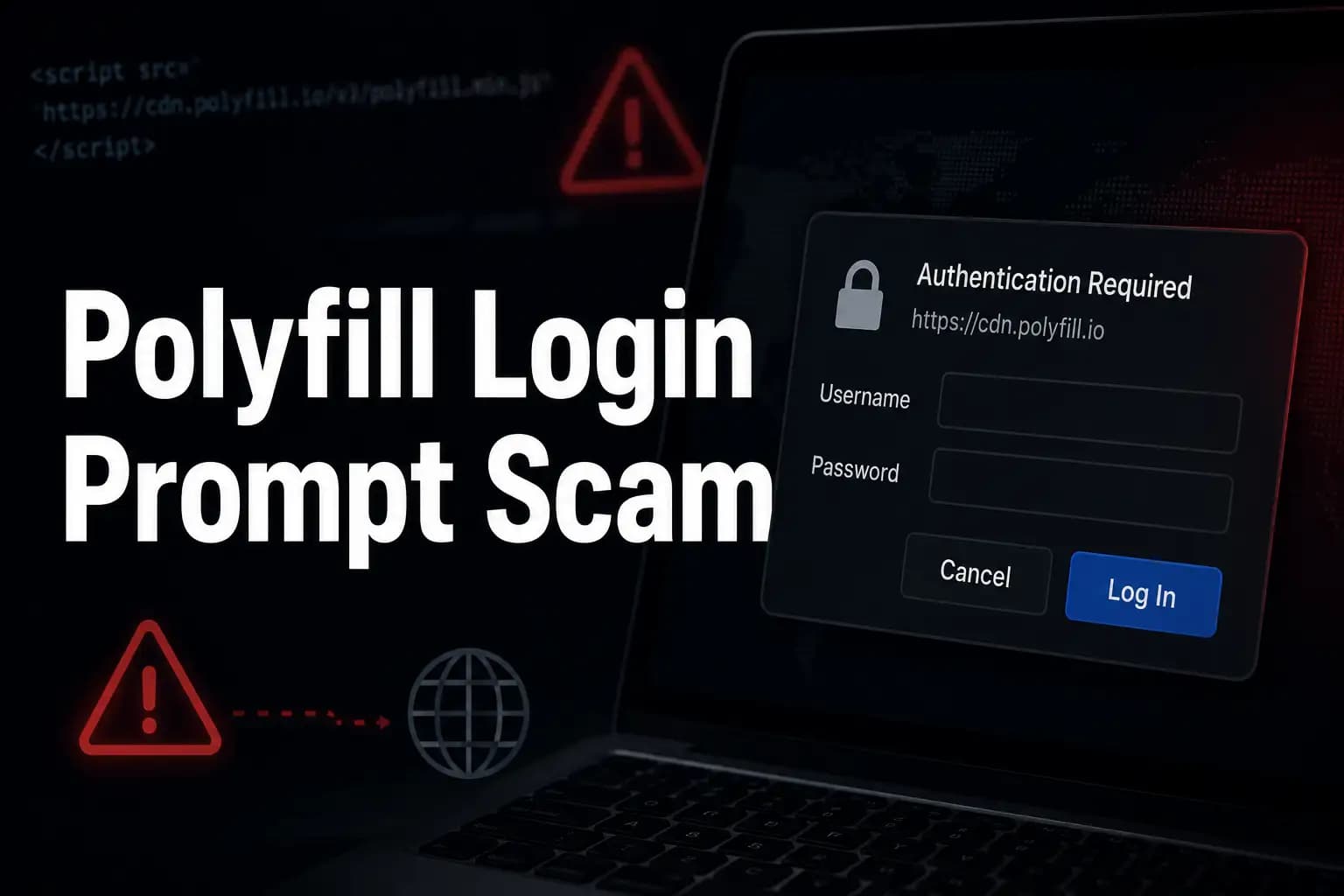
Trusted websites like Toshiba and Muji will sometimes pop up suspicious login
windows.
Early in June 2026, visitors to some pages on the websites of Toshiba and Muji
were warned that an unexpected browser sign-in prompt related to the external Polyfill.io service might appear.
That matters because even a trusted site can display a dangerous authentication
popup when it loads old third-party code. That’s the big problem with the
Polifill login prompt scam.
This is an important incident for users, developers, security analysts, and
business owners to learn from, as it shows how old web dependencies can cause
new security risks long after the initial problem was reported. Toshiba and
Muji have warned users not to enter credentials on the suspicious-looking
prompt. They also advised those who had already entered their login details to
change their passwords.
As of now, no evidence suggests that hackers directly compromised the Toshiba
or Muji websites. There was also no verified public evidence that the
credentials entered into the popup were stolen. But the only sure answer
remains obvious. Be cautious of unexpected requests for browser authentication,
particularly if they appear on sites that usually do not require a login.
What is the Polyfill Login Prompt Scam?
A malicious browser login pop-up known as the Polyfill Login Prompt Scam appears when a webpage loads code or resources from Polyfill.io. The page of the website has a normal login form for the website. This is a different problem. The prompt is presented as a username and password box at the browser level, which can make it seem more legitimate than a typical phishing page.
Polyfill itself isn’t a scam. Polyfill A polyfill is a piece of code (usually
JavaScript on the web) used to provide modern functionality on older browsers
that do not natively support it. For years, polyfills have been used by
developers to make websites work across browsers. The problem was a third-party
CDN domain that was later acquired to serve unsafe code in 2024 and then
appeared to generate HTTP 401 authentication prompts in 2026.
This is why the Polyfill Login Prompt scam is better understood as a
third-party script vulnerability rather than a traditional website hack. The
website may be a legitimate site, but a single old external dependency can give
the visitor a fake login popup experience.
Incident Summary
|
Item |
Details |
|
Main issue |
Unexpected browser login prompts appeared on trusted websites |
|
Known affected brands |
Toshiba and Muji confirmed warnings |
|
Reported related brands |
Zojirushi, FiNC Technologies, Ishiyaku Publishers, Hobonichi and Samsung Smart TV websites |
|
Linked service |
Polyfill.io |
|
Main risk |
Credential exposure through suspicious authentication prompts |
|
Confirmed breach? |
No confirmed public evidence of direct website compromise at the time of reporting |
Why the Polyfill Login Prompt Scam is Important Now
The web is based on trust. A visitor goes to the website of a well-known brand
and assumes everything on that page is controlled by the brand. In reality,
many websites load scripts from analytics tools, CDNs, ad services, chat
widgets, fonts, and old compatibility libraries. One overlooked external
reference is a possible weak point.
That’s why the Polyfill login prompt scam is a solid example of a website
supply chain attack risk. A company can lock down its own server, patch its
CMS, and protect its login page but still be vulnerable if an old third-party
script goes rogue.
The average user is in danger of being confused. A browser authentication popup
doesn't always look like a fake webpage. It can be official-looking, simple,
and clean. That’s what makes a browser authentication scam so dangerous. People
might think, "This is a Toshiba" or "This is Muji."
"When the prompt is actually activated by a third-party resource.
How the issue works in layman’s terms
Let’s say you go to a store you trust. You enter the front door, but inside the store a stranger has set up a small desk asking for your password. The store itself may not be fake, but the desk shouldn’t be there. This is an easy way to understand this matter.
Technically, a web page can have a script tag asking for JavaScript from an
external domain. If the external domain responds with an HTTP 401 status code,
the browser may consider this an authentication challenge. Subsequently, the
browser requests a username and password from the user.
In this case the old references to Polyfill.io
seemed to result in unexpected authentication prompts. This does not mean that
the affected page has to look visually broken. The user may simply see a box to
sign in and feel pressured to provide credentials.
Attack flow
|
Step |
What happens |
Risk |
|
1 |
User visits a trusted website |
User feels safe |
|
2 |
The page loads an old Polyfill.io resource |
Third-party dependency becomes active |
|
3 |
Polyfill.io responds with an authentication challenge |
Browser generates a login popup |
|
4 |
User sees unexpected username and password request |
User may enter credentials |
|
5 |
Credentials may be exposed if collected |
Account takeover risk increases
|
Background: The Polyfill.io Supply Chain Attack of 2024
The 2026 suspicious login prompt issue is inextricably linked to the older Polyfill.io security controversy.
In 2024, several security firms raised alarms about Polyfill.io delivering malicious JavaScript via its CDN.
The incident affected more than 100,000 websites that continued to load code
from the domain.
The original polyfill project was created for web developers to help them
support older browsers. However, the original creator did not own the Polyfill.io domain at the time of
the 2024 incident. After the ownership change, researchers observed that
malicious scripts were being served by the CDN.
And that history is important because it tells us why we should not ignore old
Polyfill references. Even a seemingly modern and secure website can have a
forgotten script tag that opens the door to unexpected behavior. The Polyfill
login prompt scam illustrates how technical debt can return in a new guise.
What You See on Toshiba and Muji Webpages
Some visitors to Toshiba and Muji websites reportedly saw suspicious sign-in screens. Toshiba advised visitors to click “Cancel” if the prompt appeared and not to provide any information. Muji issued a similar warning, advising users to change passwords if they had entered login information.
The most important thing is that the popup was not a normal account login page. It was a browser-generated login prompt. This increases the problem, as many people know how to identify fake web pages, but fewer users know about prompts at the browser level.
Things to look out for
• The login prompt pops up suddenly.
• Login is usually not required for the page. - Username and password request made without context
• The popup is not the typical login design of the website.
• The request is shown when browsing product, support, or information pages.
If you see suspicious website behavior such as this login prompt, the safest
action is to cancel, close the page, and not enter any credentials.
“Is this a phishing attack?”
The Polyfill phishing attack label is useful but needs to be used with care.
Phishing (traditional definition): A fake page or email that tries to trick the
user into giving credentials. It’s a little different here, in that the user
might be on a real brand website when the prompt appears.
This makes the incident more similar to a third-party script injection attack
or JavaScript supply chain attack. The trust is from the legitimate website,
while the suspicious behavior is from a loaded external dependency.
So yeah, the end result might look like a fake login popup scam. But technically, the root problem isn’t necessarily a fake Toshiba or the fake Muji website. It is the risk introduced when trusted websites use external code that later proves to be unsafe.
Real-life example: how a user can be tricked
Say a customer visits a trusted retail site to check what’s in stock. Suddenly a browser pop-up asks for a username and password. The customer thinks, “I should log into the site.” They use the same password that they use for their email or shopping accounts.
Just that one action can create risk, even if the site itself isn’t
compromised. Attackers will often test reused passwords on other services. This
is known as credential stuffing. One exposed password can be a problem for
email, banking, shopping, cloud storage, and business accounts.
This is why a credential theft attack does not require a dramatic breach.
Sometimes it starts with a little confusing prompt at the wrong time.
Toshiba and Muji were also victims of hacking attacks
According to public information at the time of writing this, there is no known confirmed evidence of direct hacking of Toshiba or Muji websites. Both companies seemed to have responded by disabling or suspending the affected external service. Muji said it had not confirmed any unauthorized access or information leakage.
And that is an important difference. A website security alert does not
automatically mean that a company’s server has been compromised. In many web
supply chain cases, the problem is located in a third-party service, CDN,
library, or dependency.
But users should not dismiss the warning. If you have entered your credentials
via the suspicious prompt, changing the password is the right thing to do. If
that password was used elsewhere, update those accounts as well.
Impact analysis: Who cares?
The Polyfill login prompt scam aims at more than one type of audience. For regular web users, it matters because they could get tricked by unexpected prompts. It is important for developers, as legacy dependencies can introduce new risk. It matters to the executives because even if you don’t compromise internal systems, third-party code can break customer trust.
Industries with large public websites should take note. Long page histories are
common on websites in retail, electronics, healthcare, education, finance,
government, and media. Old campaign pages, archived landing pages, and
forgotten templates may still load old scripts.
Risk heatmap
|
Audience |
Risk Level |
Main Concern |
|
Website visitors |
High |
Entering passwords into fake authentication prompts |
|
Developers |
High |
Old script references hidden in templates |
|
Security teams |
High |
Third-party dependency monitoring gaps |
|
Business leaders |
Medium to High |
Brand trust and customer safety |
|
Students and analysts |
Medium |
Learning supply chain attack patterns |
What users need
to do now:
If you were presented with a Polyfill login prompt or other fake browser
login request, do not panic. The correct answer is pragmatic and simple. First
cancel the prompt. Don't try it with a real password, though.
Do not provide your email, account password, or work credentials.
• To dismiss this message, click “Cancel.”
•. Close the page and later open it again from the official home page.
• Change your passwords if you entered credentials.
• Change any passwords on other sites that you have reused on.
• Use multi-factor authentication where possible.
• Review recent account activity for suspicious logins.
• If it still appears, tell the owner of the website.
The advice is more pressing for business users. If you were using corporate
credentials, please contact your IT/security team. They may have to reset
sessions, review login logs, and see if passwords are reused.
What should organizations do now?
This should be a reminder to organizations to review every external script that their website loads. A simple search for references to Polyfill.io is a good starting point, but not sufficient. Old references may be present in templates, tag managers, legacy microsites, landing pages, and archived pages.
Security teams should perform a full third-party script review. They should also keep an eye on HTTP responses from outside resources. A script domain should never silently morph into a customer-facing login prompt on a surprise 401 response.
Checklist recommendation
• Remove any references to cdn.polyfill.io and polyfill.io. Look for old scripts in tag manager containers.
• Look at old campaign pages and archived pages. -Implement Content Security Policy to restrict trusted script sources.
• When you can, use Subresource Integrity.
• Monitor the behavior of third-party scripts regularly. Documentation of ownership for all external dependencies.
Organizations can also use attack surface management to find exposed web assets and forgotten pages. For deeper testing, web application security testing can help identify risky scripts, weak headers, and dependency exposure.
Common misconceptions about the Polyfill login prompt scam
Misconception 1: “If the website is trusted, every popup is safe.”
This is not true. Trusted websites can load third-party resources. If one of those resources behaves badly, the visitor may see something unsafe on an otherwise legitimate site.
Misconception 2: “A browser popup is always official.”
A browser popup can be triggered by a server response. It may look clean and simple, but that does not mean the request is safe or expected.
Misconception 3: “Only old websites are affected.”
Modern websites can still contain old code. Large organizations often have years of templates, microsites, and archived pages. That is where forgotten dependencies hide.
Misconception 4: “No confirmed breach means no action is needed.”
No confirmed breach is good news, but users who entered credentials should still change passwords. Security is often about reducing risk before evidence becomes damaged.
Broader security lesson: third-party code is part of your attack surface.
The biggest lesson is simple. If your website loads code from somewhere else, that external source becomes part of your security boundary. It may not be your server, but your users experience it as your website.
This is why website owners need a living inventory of scripts, libraries, and CDN dependencies. A spreadsheet created once a year is not enough. Dependencies change, domains expire, ownership changes, and old pages get forgotten.
For security teams, this incident sits beside other supply chain lessons. Log4j showed how a widely used component can affect organizations globally. SolarWinds showed how trusted software updates can become dangerous. Polyfill.io shows that even a small compatibility script can create large-scale web risk.
Hoplon Insight Box
Expert recommendations from Hoplon Infosec
The safest approach is to assume that every third-party script can become risky if it is not monitored. Remove unused dependencies, verify script sources, and test old pages regularly. A single forgotten JavaScript reference can create customer-facing risk years later.
For organizations with many websites, combine vulnerability management, cyber threat intelligence, and incident response recovery planning. That gives teams a practical way to detect, understand, and respond when a trusted page starts behaving strangely.
Trusted references
· MDN Web Docs: Polyfill definition
· Kaspersky: Remove Polyfill.io from your website.
· Checkmarx: Polyfill.io malicious code alert
· Sonatype: Polyfill.io supply chain attack explained
Content Coverage Summary
This article explains what happened on Toshiba and Muji websites, why Polyfill.io remains a security concern, how browser authentication prompts can appear, and what users should do if they entered credentials. It also covers the developer and business lessons around third-party scripts, supply chain security, and forgotten web dependencies.
Conclusion
The Polyfill Login Prompt Scam is not just another website warning. It is a clear reminder that old third-party code can still create real-world risk. A trusted brand page can become confusing for users if it loads a forgotten external resource that behaves unexpectedly.
For users, the rule is simple. Do not enter credentials into unexpected browser prompts. Cancel first, verify later. For organizations, the lesson is deeper. Know every script your website loads, remove abandoned dependencies, and monitor third-party behavior before customers notice something strange.
If your organization needs help finding risky third-party scripts, reviewing exposed web assets, or preparing for incidents like this, Hoplon Infosec can support your team with practical security testing, monitoring, and response planning. Start with a focused review before a small, forgotten script becomes a public security issue.
Author credibility
This article was prepared by the Hoplon Infosec Editorial Team with a focus on cybersecurity education, web security risk analysis, and practical incident response guidance. The content is based on publicly documented information and avoids unverified claims.
Published: June 6, 2026
Last Updated: June 6, 2026





