
Microsoft Finally Fixes the Windows Update Bug That Left Enterprise Networks Exposed for Over a Year
For more than thirteen months, IT administrators managing Windows 11 and Windows Server 2025 environments dealt with a frustrating and quietly dangerous problem. Updates were failing. Not crashing, not throwing loud errors, just silently refusing to install when deployed through a network share. The culprit was a bug inside the Windows Update Standalone Installer, better known as WUSA, and by the time Microsoft issued a permanent fix in June 2026, the issue had touched enterprise networks in ways that went far beyond a minor inconvenience.
This is the full story of what happened, why it mattered, and what organisations should do now.
What Windows WUSA network share update fix is and Why Enterprises Rely on It
Before getting into the bug itself, it helps to understand what WUSA actually does and why enterprise teams use it in the first place.
WUSA is a built-in Windows command-line tool that installs and uninstalls Microsoft Standalone Update files, the ones with the .msu extension. It communicates directly with the Windows Update Agent API to handle patches, hotfixes, and cumulative updates. For home users, WUSA rarely comes up because Windows handles updates automatically in the background. But in large organisations, the update process is anything but automatic.
Enterprise IT teams generally have a few options for pushing updates across hundreds or thousands of machines. They can use Windows Server Update Services (WSUS), Microsoft Endpoint Configuration Manager (SCCM), Microsoft Intune, or, in some environments, WUSA combined with network file shares. The last method is common in air-gapped or semi-isolated environments, in organisations that want tight control over which machines receive which patches, or in shops that simply have existing infrastructure built around that workflow. Administrators store .msu files on a shared network location and then run WUSA to pull and install them across target devices.
It is a straightforward, reliable method. Or at least it was, until May 2025.
When Things Started Breaking
Starting with updates released on May 28, 2025, specifically the cumulative update KB5058499, something changed under the hood in Windows that broke the WUSA network share workflow entirely.
The failure manifested as an error called ERROR_BAD_PATHNAME. For anyone who has spent time in Windows internals, that error code is telling. It means the system encountered a file path it could not resolve or interpret correctly. In this case, the problem only appeared under a very specific combination of conditions. The network share had to contain multiple .msu files at the same time. A single .msu file on the same share worked fine. Files stored locally on the machine worked fine. But the moment WUSA tried to reference a .msu file sitting in a folder alongside other . If MSU files on a remote share, the installation would fail.
The root cause points to how WUSA resolves paths when launched against a UNC path (the \server\share\file format typical of network shares) versus a local drive path. Something in the post-May 2025 update changed how WUSA evaluates the working directory when multiple files are present. The tool appears to have lost the ability to correctly anchor its path context when operating inside a multi-file remote directory, resulting in the bad pathname error being thrown before the installation even begins.
Administrators who tried double-clicking an .msu file directly from a network share containing other update files hit the same wall. The failure was not tied to any particular command syntax. It was the combination of the network location and the presence of sibling files that triggered it.
Critically, this bug only affected enterprise and managed environments. Home devices do not typically run WUSA against network shares, so the issue went unnoticed by general Windows users for a while. But inside corporate networks, the consequences were real.
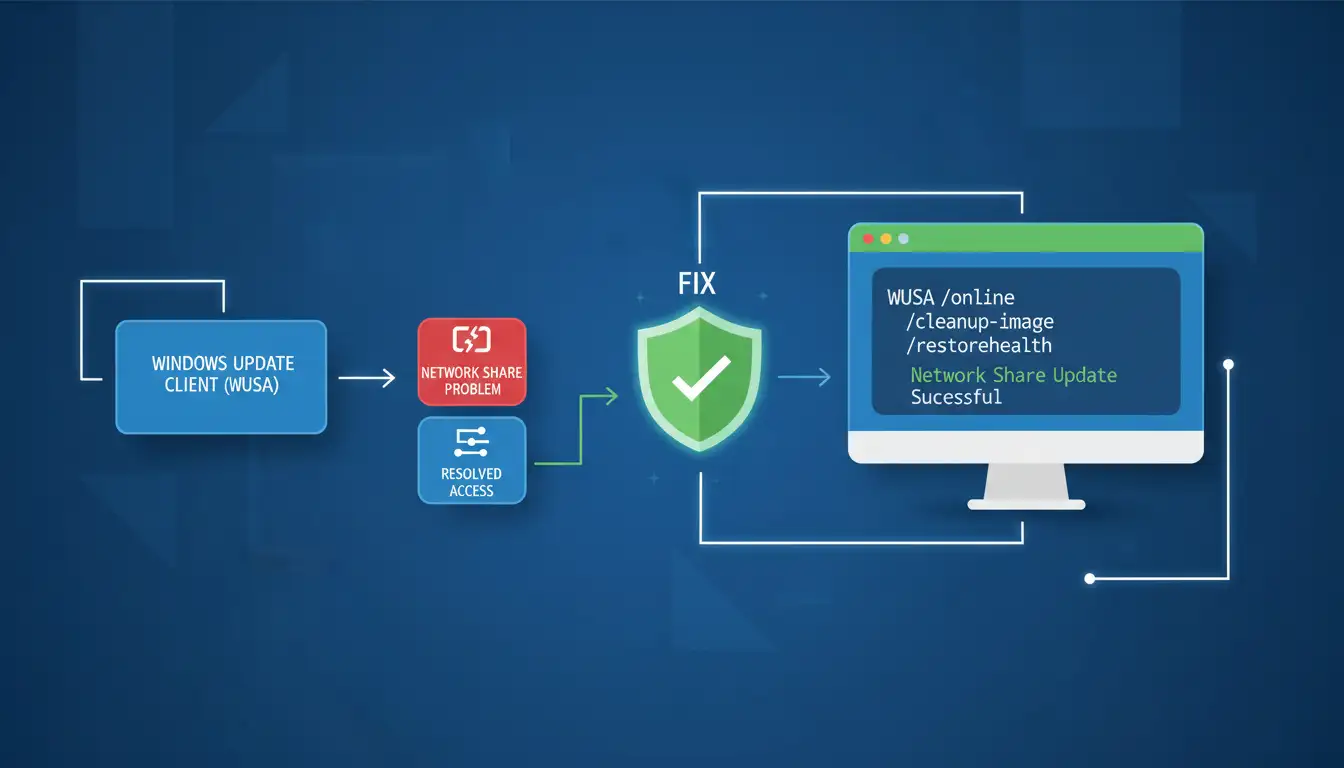
Thirteen Months of Exposure: Why This Was a Security Problem
Here is the part that tends to get buried in the technical coverage of this story. This was not just an inconvenient deployment bug. It was a security gap.
When WUSA fails silently or throws an error that gets attributed to a network issue rather than a software bug, patches do not get installed. Security patches, in particular, carry fixes for actively exploited vulnerabilities. An organisation that could not reliably deploy updates through its existing WUSA-based workflow had to either scramble to rebuild its deployment process or accept that some machines were going unpatched.
From May 2025 through June 2026, that window covers a significant span of Patch Tuesday releases. Each monthly cycle brings fixes for critical and high-severity vulnerabilities across Windows components. For organisations that rely on a layered vulnerability management strategy, a broken patch deployment tool does not just create administrative headaches. It creates real surface area for attackers to exploit.
Organisations that could not confirm patch installation had no reliable way to know their attack surface was shrinking the way it should be. And in environments that lacked proper endpoint security protection layered on top of patching, the gap was even wider.
This is exactly the kind of operational failure that security teams worry about: not a dramatic breach, but a quiet breakdown in a routine process that leaves machines exposed longer than they should be.
Microsoft Acknowledges the Problem in August 2025
Microsoft officially acknowledged the issue in August 2025, roughly three months after the bug was introduced. The company confirmed that Windows updates installed using WUSA would fail with ERROR_BAD_PATHNAME when the update was installed from a network share containing multiple .msu files. The failure applied both to command-line WUSA invocations and to double-clicking an .exe file or .msu file from such a share.
The acknowledgement came with a temporary remedy for home and non-managed business devices: a Known Issue Rollback distributed through Group Policy, made available in September 2025.
Known Issue Rollback is a Microsoft mechanism that allows the company to revert specific changes introduced by a Windows update without requiring a full patch rollback. Think of it as a targeted undo for a specific broken component. Microsoft can push these rollbacks to consumer devices relatively quickly because they go out through the standard Windows Update channel.
But here is the catch. Managed enterprise devices, the ones most affected by this bug, do not receive KIR packages automatically. In enterprise environments, Group Policy is configured by the IT team, and KIR packages must be manually deployed by administrators. Microsoft provided a downloadable Group Policy MSI for this specific rollback, but it added another layer of work for already-stretched IT teams. Worse, many administrators either did not hear about the rollback quickly enough or were already deep into workarounds by the time it arrived.
Workarounds That Kept Enterprise Teams Running
While waiting for a permanent fix, Microsoft advised administrators to copy the .msu files locally to each target device before running WUSA. That eliminates the multi-file network share condition and allows the install to proceed normally.
That is sound advice, but at an enterprise scale it is not trivial. Here is how a practical implementation of that workaround looks:
You can script the local copy and install process using PowerShell. A basic version would use Copy-Item to pull the file. MSU from the network share to a local temp directory, then invoke WUSA with the local path:
$source = "\\server\updates\KB5079391.msu"
$dest = "$env:TEMP\KB5079391.msu"
Copy-Item -Path $source -Destination $dest -Force
Start-Process -FilePath "wusa.exe" -ArgumentList "$dest /quiet /norestart" -Wait
Remove-Item -Path $dest -Force
For environments managing large numbers of machines, this script can be wrapped into a scheduled task, pushed via SCCM or Intune, or deployed through Group Policy startup scripts. The key is getting the file off the share and onto the local disc before WUSA touches it.
Microsoft also noted a quirk worth knowing: after restarting Windows following a WUSA install, wait at least fifteen minutes before checking update history in Settings. The Settings app can incorrectly report the update as not installed during that window, even when the installation succeeded. Jumping to conclusions too early led some teams to attempt redundant reinstalls and compounded the confusion.
For organisations that needed a cleaner alternative entirely, redirecting update deployment through WSUS or Intune for the duration of the bug was the most operationally sound path. Both tools bypass WUSA's path resolution issue entirely and offer better telemetry on deployment status across the fleet.
The Permanent Fix: June 2026 Patch Tuesday
As part of the June 2026 Patch Tuesday cycle, Microsoft finally delivered a permanent fix embedded in cumulative updates for all affected systems.
For Windows 11 (versions 24H2 and 25H2), the fix is included in KB5079391. For Windows Server 2025, it is in KB5094125. Organisations that apply these updates no longer need to use the local-copy workaround. WUSA should once again correctly resolve paths when operating against a network share containing multiple .msu files.
If your environment has already applied these June 2026 updates, you are covered. If you have not yet patched, applying these cumulative updates resolves both the WUSA bug and the usual monthly batch of security fixes in a single operation.
After applying the fix, verify the installation through Update History in Settings (remembering the fifteen-minute delay guidance), or confirm via PowerShell using Get-HotFix to check that the KB number appears in the installed updates list.
A Pattern Worth Paying Attention To
The WUSA network share bug does not exist in isolation. Looking at the timeline of Windows Update-related failures over the past year paints a picture that should concern enterprise security teams.
In April 2025, Microsoft resolved an issue preventing enterprise customers from installing April security updates through WSUS, failing with error 0x80240069. Then in August 2025, an identical 0x80240069 error appeared again, this time affecting Windows 11 24H2 updates. Earlier this week, Microsoft warned that some Windows devices upgraded to 24H2 or 25H2 were failing to install monthly updates at all.
Three distinct update deployment failures across roughly fourteen months, each affecting enterprise environments specifically, are not a coincidence. It points to deeper fragility in the Windows Update infrastructure as it interfaces with enterprise deployment tooling. These are not bugs that appear in lab environments. They surface in production, often after patches have already shipped to millions of devices, and they force IT teams to scramble for workarounds while security exposure quietly grows.
For organisations that have not done a recent cyber resilience assessment, this pattern is a good reason to do one. How resilient is your patching pipeline? What happens when your primary update deployment method breaks? Do you have compensating controls that catch the gap?
These are the questions that mature security programmes answer before an incident forces them to.
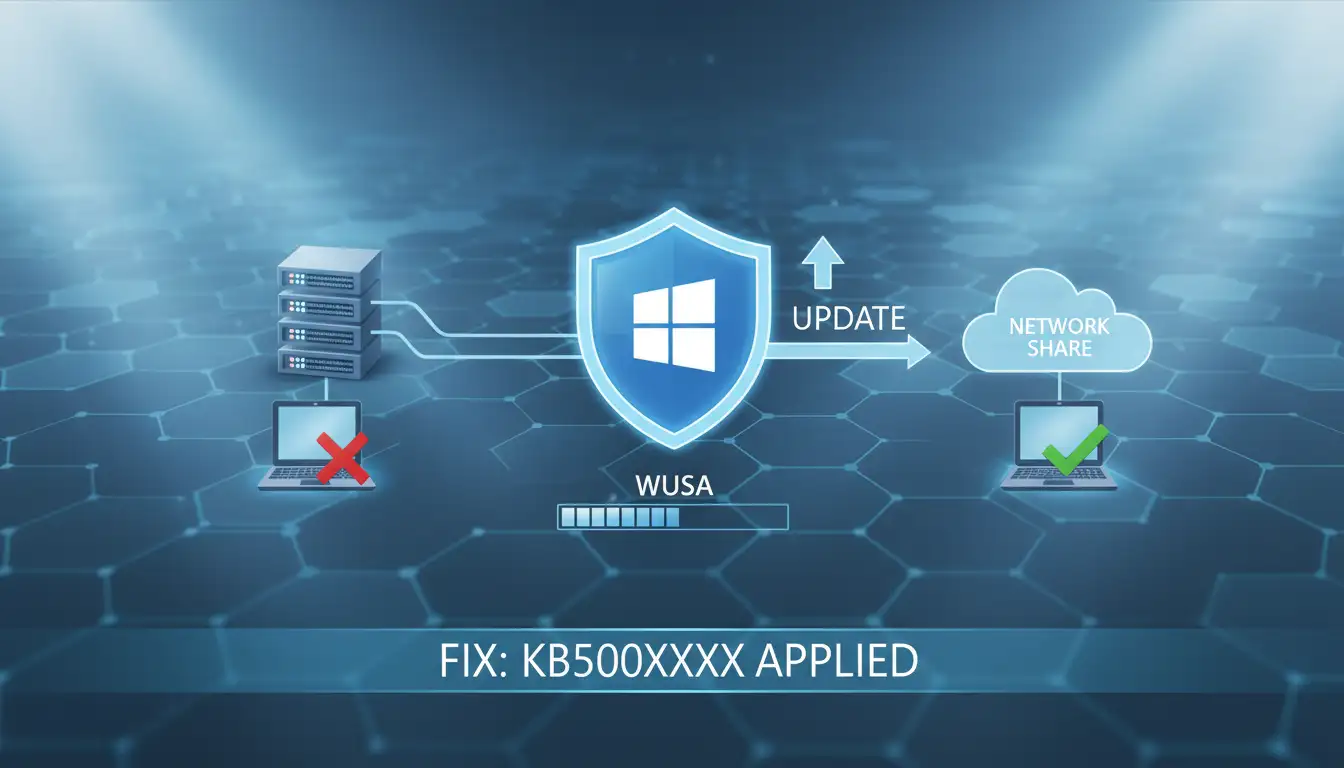
What Enterprises Should Do Now
There are immediate steps and longer-term structural improvements worth considering coming out of this episode.
On the immediate side, apply KB5079391 or KB5094125 as appropriate for your environment. Audit your update history to identify any machines that may have missed security patches during the affected window from May 2025 onward. If you find gaps, prioritise patching those machines and investigate whether any of the uninstalled updates covered critical vulnerabilities relevant to your environment.
From a longer-term architecture standpoint, organisations that rely heavily on WUSA and network shares for update deployment should consider whether that approach is appropriate at scale. WSUS, Intune, and SCCM offer more robust deployment tracking, better failure visibility, and less dependence on the specific path-resolution behaviour that broke here. For environments that must use WUSA, scripted local-copy workflows (as described above) provide a more resilient approach than directly referencing network paths.
Consider subscribing to the Windows Release Health dashboard. Microsoft updates this page when known issues are identified and resolved. Getting that information early, rather than waiting for it to surface through forum posts and help desk tickets, gives your team a head start on mitigation.
Organisations that want an external view of their update and patch posture, or that need help identifying what was left exposed during a period of deployment failure, can benefit from online threat exposure monitoring and formal gap assessments that map actual patch status against known vulnerabilities.
If your organisation went through a stretch of failed patch deployments and you want confidence that nothing slipped through, a structured vulnerability management review can identify what needs immediate attention.
The Broader Lesson
There is a tendency in enterprise IT to treat patching as a solved problem. You have the tools, and you have the schedule; the updates go out, and the machines stay current. This story is a reminder that the pipeline itself can break, and when it does, the exposure is real even if nothing visibly goes wrong.
Good security posture is not just about having the right tools. It is about having visibility into whether those tools are actually working and having contingency plans for when they are not. For many organisations, the WUSA bug was a stress test they did not know they were taking.
The fix is out. Now is the time to assess the damage, close any gaps, and think harder about the resilience of your update infrastructure going forward.
For organisations that need help evaluating their current patch posture, identifying exposure from missed updates, or building more resilient enterprise security workflows, explore endpoint security protection services, attack surface management, and incident response and recovery capabilities that go beyond reactive patching.




-20260925120840.webp&w=3840&q=75)
