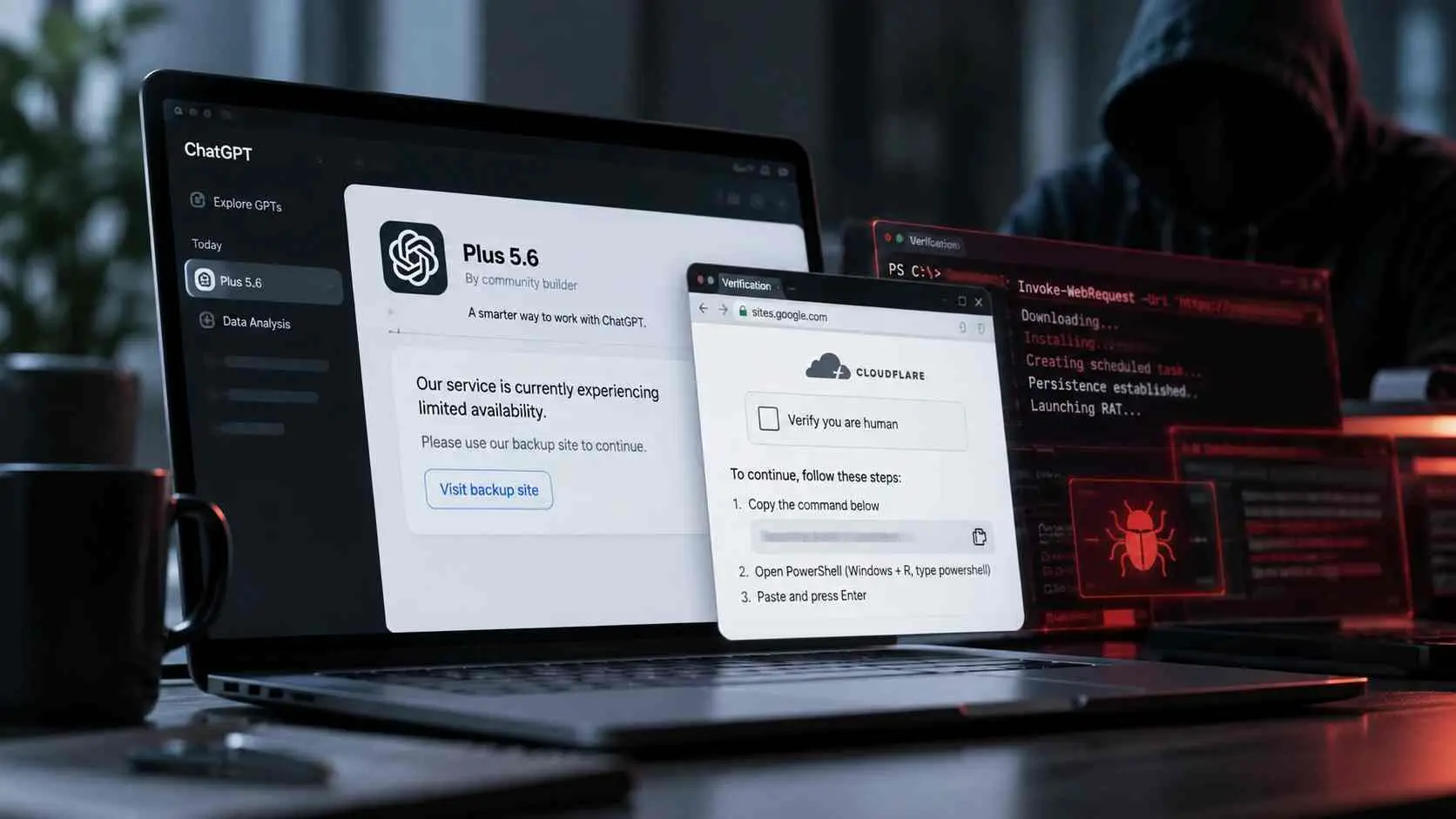
Imagine waking up to a message that your banking app just logged in from a foreign IP, or that your customer‑facing mobile app quietly leaked user data overnight.
In 2026, threats like these are no longer “what‑ifs”; they’re everyday risks for businesses that treat mobile security services like an afterthought. Globally, mobile‑centric breaches are rising, and industry watchers at firms like Gartner and OWASP have flagged mobile app vulnerabilities as one of the fastest‑growing attack surfaces in recent years.
In short, mobile security services are no longer optional extras; they’re continuous protection layers that sit between your app, your users, and anyone trying to exploit it.
For a business owner or developer, the core question is not “if” to invest, but “how early and how deeply” to embed mobile‑focused security into your development and operations workflow.
What exactly are mobile security services in 2026?
At its simplest, mobile security services cover everything that keeps mobile applications and the devices that run them from being hacked, drained, or misused. That includes both the code inside the app and the environment it runs in, so it spans from mobile app security testing to mobile device security services and all the way to mobile app security audits.
Think of it like a car’s safety system. You don’t just install airbags and call it done; you also check brakes, seat‑belt sensors, and driver‑assistance features. In the same way, modern mobile security services bundle:
- static and dynamic analysis of the app’s code,
- checks for risky permissions and data leaks,
- configuration reviews of backend APIs,
- and ongoing monitoring of real‑world threats.
Brands like Check Point, CrowdStrike, and SentinelOne now market mobile security software and platforms that go beyond traditional antivirus and tackle mobile‑specific risks such as sideloaded malicious apps, man‑in‑the‑middle attacks on Wi‑Fi, and OS‑level exploits.

Why mobile app security is suddenly so critical
If you’re still thinking “mobile apps are just phone versions of websites,” that mindset is exactly what attackers count on. In 2026, mobile devices are where people store more sensitive data than ever: banking credentials, payment cards, biometrics, and health records. At the same time, businesses are shipping apps faster, often with minimal security checks baked in.
That clash creates a perfect storm:
- Apps are delivered in short sprints, sometimes skipping proper mobile app security testing.
- Developers focus on features, not on blocking mobile app vulnerabilities.
- Users trust the app store’s approval as a “security stamp,” which it isn’t.
In this environment, mobile security services act as the controlled “reality check” that catches what both speed and convenience leave behind.
For example, a banking app might correctly process transactions but still expose sensitive data in debug logs or through insecure storage on the device, things that only a dedicated mobile app security testing engagement is likely to surface.
Industry reports and platform operators (including Google and Apple) have repeatedly warned that mobile platforms are among the top targets for credential‑stealing malware, phishing, and ad‑fraud farms.
Ignoring these signals is like continuing to drive through a well‑known crime‑prone neighborhood without even locking the doors of your car.
How mobile security services protect your business
When you engage a mobile security services provider, you’re not just paying for a one‑time scan. You’re activating a structured safety net that usually includes several core activities:
1. Mobile app security testing and vulnerability assessment
This is where the heavy lifting starts. A solid mobile security vulnerability assessment will:
- decompile the app and inspect its logic flow,
- look for hardcoded secrets, API keys, or weak encryption,
- trace how data moves between the app and the backend,
- and simulate how an attacker might abuse each weak point.
Tools and frameworks such as mobile app penetration testing suites and OWASP‑aligned checklists help testers map risks to the OWASP Mobile Top 10 list.
The result is a mobile app security assessment report that prioritizes “must‑fix” issues over “nice‑to‑have” best‑practices.
For a developer, this is like a code review with a security lens: your app passes the build, but the mobile security services team shows you exactly where a bug could become a breach.
2. Mobile app penetration testing and threat modeling
Beyond checking the code, many organizations run mobile app penetration testing services that mimic real‑world attackers. These tests:
- try to bypass authentication,
- tamper with local app data,
- intercept traffic to the backend,
- and probe for mobile app vulnerabilities that scanners might miss.
Additionally, mobile security consulting teams often run threat‑modeling sessions. They ask questions like:
- “What would a hacker gain if they took over this app?”
- “Can they steal data, impersonate users, or crash the service?”
The answers shape the application security vulnerability testing strategy, ensuring that high‑impact paths are covered first, not just easy‑to‑reach ones.
3. Continuous mobile security risk testing and monitoring
In 2026, attackers don’t wait for your next release; they adapt quickly. That’s why mobile security services are moving toward continuous mobile security risk testing and monitoring. Some platforms:
- scan new builds automatically,
- compare API structures for suspicious changes,
- and monitor for sudden spikes in error rates that might hint at exploitation.
This shift mirrors the rise of DevSecOps, where security testing for mobile applications fits naturally into CI/CD pipelines. For a startup or enterprise, the benefit is clear: you can keep shipping fast without giving attackers a rolling window of opportunity.

Common mobile app security risks and how services help
If you’re still unsure whether you actually need mobile security services, look at the most common problems they solve:
1. Weak data storage and insecure APIs
Many apps store passwords, tokens, or other sensitive data in local storage or logs without proper encryption. At the same time, backend APIs are often built with web‑security assumptions that don’t hold for mobile: weaker device isolation, looser user‑agent controls, and more OS‑level access.
Through mobile app security testing services and app vulnerability testing for mobile devices, experts:
- discover where sensitive data is written in plain text,
- flag APIs that don’t enforce proper authentication or rate limiting,
- and recommend fixes that align with mobile app security audits best‑practices.
2. Third‑party SDKs and embedded trackers
Most modern apps ship with dozens of third‑party libraries: analytics, advertising, social‑sign‑in, payment SDKs. Each of these adds complexity and can quietly create new mobile app vulnerabilities and how to fix them.
Mobile security services help in three ways:
- inventorying every third‑party module,
- checking for known vulnerabilities in those libraries,
- and assessing whether the app gives them more permissions than they need.
From a developer’s point of view, this is like conducting a background check on every contractor you hire; you don’t want one rogue plugin to compromise the entire house.
3. Misconfigured app stores and update channels
Attackers constantly look for ways to impersonate legitimate apps. Misconfigured certificates, lax review processes, or weak update channels can:
- allow fake versions of your app to appear in third‑party stores,
- or let attackers poison update mechanisms.
Here, mobile security software testing and mobile security protection assessment exercises help developers and businesses tighten:
- digital signatures,
- in‑app update logic, and
- distribution channels.
The result is a more robust barrier against the “knock‑off” copies that can steal user logins or trick people into installing malware.
When and how often should you test?
One of the most common questions in the “people also ask” section is: “How often should mobile app security testing be done?” The safe answer is: every significant code change, but at an absolute minimum:
- once before a major release,
- once after a major backend API change, and
- whenever a critical vulnerability is disclosed in a core library you use.
Shorter sprints can push teams to skip this, but mobile security testing is not a “do‑once and forget” task. Threat landscapes evolve, and new attack patterns emerge.
For example, if a new Android permission behavior changes or a messaging platform announces a privacy‑related vulnerability, it’s worth re‑running focused app security audits for enterprises or targeted mobile app penetration testing services.
For many businesses, the better approach is to make mobile security services a recurring cost, similar to maintenance rather than a one‑off project. That way, every new feature or design update is automatically vetted through a standardized mobile security risk testing workflow.
How to choose the right mobile security provider
If you’re evaluating mobile security services, a few practical questions can save you a lot of trouble later:
- What types of mobile app security testing do they offer? Look for a mix of static analysis, dynamic testing, and manual mobile app penetration testing.
- Do they provide application security vulnerability testing aligned with industry standards like OWASP or MASVS?
- Can they integrate with your CI/CD pipeline so security checks run automatically with each build?
- How do they explain findings? Reports should be clear, actionable, and avoid drowning you in jargon.
For startups, affordable mobile security testing services for startups that scale with usage and cover the core OWASP Mobile Top 10 items are often a better fit than heavyweight enterprise suites.
Larger organizations, on the other hand, will want app security audits for enterprises and ongoing mobile security consulting that can also support compliance and regulatory checks.
Brands like Check Point, CrowdStrike, and SentinelOne have published lists of top mobile security platforms and explain how they differ from generic antivirus tools. Comparing these with your own technical stack helps you avoid overpaying for features you don’t actually need.

The business value of mobile security services
Some leaders still see mobile security services as a cost, not a strategic investment. In reality, the opposite is often true. Consider:
- the cost of a data breach (legal fines, customer churn, reputational damage),
- the cost of rebuilding trust after a headline‑grabbing leak,
- and the cost of emergency patches that scramble your roadmap.
Investing in mobile security services early can:
- reduce the likelihood of critical vulnerabilities,
- make your product more attractive to regulators and partners,
- and give users one more reason to trust your brand over competitors who only “tick the box” on security.
For a developer, better security also means fewer late‑night pager alerts about suspicious activity. That’s not just a technical benefit; it improves morale, velocity, and the quality of life for your team.
Mobile security testing in 2026: what’s different now?
In previous years, mobile security services often focused on standalone antivirus or basic app‑store checks. But 2026 is different:
- mobile apps are deeper into core business workflows (banking, healthcare, logistics),
- there’s more reliance on cloud‑backed APIs and microservices, and
- attackers are increasingly targeting mobile endpoints as easy entry points into corporate networks.
Against this backdrop, leading mobile security servicesnow combine:
- device‑level protection,
- network‑level monitoring,
- and application‑level testing.
For example, platforms like Check Point Mobile Security Protection and CrowdStrike Falcon Mobile extend endpoint detection and response (EDR) concepts to mobile devices, so anomalous behaviors, unusual app installs, strange network calls, or suspicious API usage, can be flagged and blocked in real time.
That shift turns mobile security services from a “nice‑to‑have add‑on” into an integrated component of enterprise security architecture.
Final thoughts and practical next steps
If there’s one takeaway here, it’s this: in 2026, mobile security services are not a luxury reserved for fintech giants or big‑budget apps. They’re a practical necessity for any business that stores, processes, or transmits sensitive data through a mobile interface.
For a developer or CTO, the next logical step is simple:
- define which apps touch sensitive data or critical business logic,
- schedule an initial mobile security vulnerability assessment or mobile app security testing engagement,
- and then integrate mobile security risk testing into your regular release cycle.
If you’d like, you can also benchmark against industry‑recognized lists such as “Top Mobile Security Platforms” from Check Point or “Top Mobile Security Software for 2026” from SentinelOne, which summarize the current state of the market and explain how different platforms approach mobile‑specific threats.
- Run a preliminary mobile app vulnerability testing check on your most critical app within the next 30 days.
- If you’re a startup, look for affordable mobile security testing services that partner with or include providers like Hoplon InfoSec.
- For enterprises, prioritize mobile app security audits, mobile app penetration testing services, and continuous mobile security risk testing integrated into your CI/CD pipeline.
A trusted starting point: the Check Point page on Top Mobile Security Platforms explains how leading vendors approach mobile‑specific threats such as malware, phishing, and compromised devices.checkpoint
Published on: May 3, 2026
Last updated: May 3, 2026
Author Bio:
Name: Radia, is a mobile security expert specializing in securing mobile applications. With a strong focus on vulnerability assessments and risk analysis, Rasdia helps businesses safeguard their mobile apps from emerging cyber threats.