In July 2021, while most of America was grilling burgers and watching fireworks, a software company called Kaseya was hit with one of the largest ransomware attacks in history. The attackers picked that exact weekend on purpose. IT teams were on vacation, servers were quiet, and nobody was watching closely enough. By Monday, roughly 1,500 businesses around the world were locked out of their own systems.
That is not a coincidence. It is a pattern, and it repeats almost every year around the Fourth of July.
Quick Summary
Here is the short version before we get into the details.
| Question | Quick Answer |
|---|---|
| Why do attacks spike on July 4th | IT teams are short staffed and users are distracted, giving hackers a head start |
| Who confirmed this pattern | The FBI and CISA, in a joint advisory following real July 4th weekend attacks |
| Biggest risks this weekend | Phishing emails, ransomware, and fake public Wi-Fi hotspots |
| Fastest fixes | Update software, turn on MFA, avoid public Wi-Fi, verify payment requests |
| Who should read this | Business owners, IT teams, remote workers, and anyone traveling this weekend |
Now let's talk about why this actually happens, because understanding the pattern makes the prevention part much easier to remember.
Why Cyber Threats Spike Over the Fourth of July
Attackers are not lucky. They are patient, and holidays hand them exactly what they need.
Skeleton crews. Most internal IT staff take the long weekend off. If something goes wrong on Friday night, there may be nobody available to notice until Tuesday morning. That gap is where the real damage happens.
Distracted users. People planning barbecues, road trips, and fireworks shows are simply not reading emails as carefully as they would on a normal Wednesday. A rushed click on a fake shipping notice takes two seconds and can cost a company weeks of downtime.
Noisy attacks hidden in the quiet. Hackers often run loud, repetitive attacks like continuous password guessing during low traffic weekends, betting that nobody is monitoring logs closely enough to notice the spike.
The FBI and CISA confirmed this exact pattern in a joint advisory titled Ransomware Awareness for Holidays and Weekends, pointing directly to attacks that happened around the Fourth of July, Memorial Day, and Mother's Day weekends (CISA and FBI Joint Advisory, AA21-243A). Their conclusion was simple. Hackers do not take holidays off, so your defenses cannot either.
Common Holiday Scams to Watch For This Weekend
Phishing Emails Dressed Up as Holiday Deals
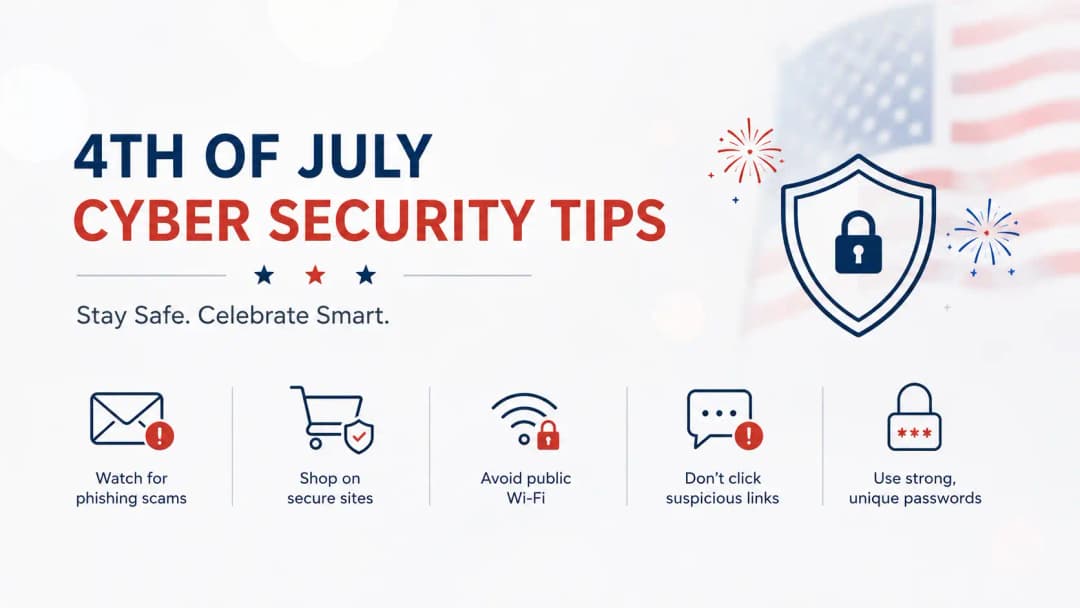
Fake firework show tickets, flash sales on grills and coolers, and last minute travel deal emails flood inboxes every June and July. They look convincing because they are timed perfectly with what people are already shopping for. Strong email security and anti phishing protection catches a large share of these before an employee ever sees them.
Ransomware Timed for Empty Offices
This is the big one, and it is exactly what happened to Kaseya. Ransomware does not need a long weekend to work, but a long weekend gives it room to spread quietly before anyone notices files are being encrypted.
Fake Public Wi-Fi Near Parades and Events
Crowded parade routes and fireworks venues are a perfect setup for fake Wi-Fi hotspots named something harmless like "Free Public WiFi" or "Venue Guest Network." Once connected, everything you type, including passwords, can be captured.
Urgent Money Requests
A message claiming to be from a vendor, a boss, or even a family member asking for an urgent wire transfer or gift card purchase spikes around holidays because people are more likely to act quickly without double checking.
Essential Protection Steps Before You Log Off
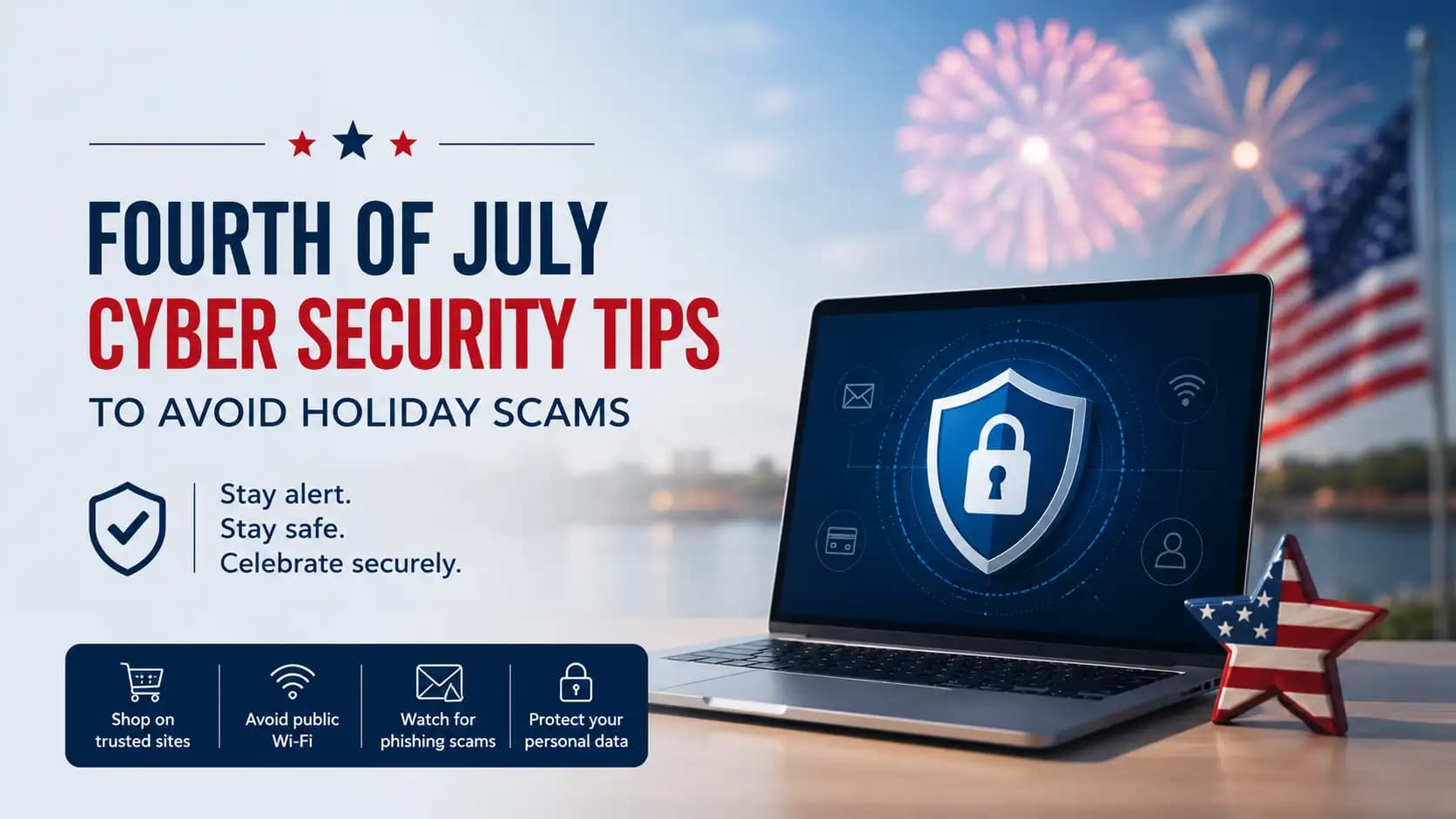
Update your software first. Patch operating systems, browsers, and business applications before anyone leaves for the weekend. Most ransomware exploits vulnerabilities that a simple update would have already closed. Ongoing vulnerability management makes this a habit instead of a last minute scramble.
Turn on multi factor authentication everywhere. Even if a password gets stolen through a phishing email, MFA usually stops the login attempt cold.
Avoid public Wi-Fi, or use a VPN if you must connect. Mobile data is almost always safer than an unknown hotspot at a crowded event.
Pause before wiring money. Verify any unexpected payment request or urgent bill change by calling a trusted, known phone number, not one provided in the message itself.
Assign weekend coverage. Even a skeleton crew needs someone who can respond if an alert fires at 2am on July 4th. Continuous extended detection and response monitoring helps close the gap when your internal team is smaller than usual.
Secure every device leaving the office. Laptops and phones traveling with employees need proper endpoint security and mobile security and threat defense, since a lost or stolen device over the holiday is just as risky as a phishing click.
What Businesses Should Do Before the Weekend
If you run a business, individual habits are not enough on their own. A few extra steps make a real difference.
Reduce what attackers can even find by reviewing your attack surface management before the holiday, closing any exposed ports, unused accounts, or forgotten test systems.
Keep an eye on online threat exposure monitoring and cyber threat intelligence feeds so you know if chatter about your industry or company is increasing before the long weekend even starts.
Run a quick dark web monitoring check to confirm none of your employee credentials are already floating around for sale, since stolen logins are one of the most common starting points for holiday attacks.
Make sure your team has actually practiced what to do if something goes wrong. A short refresher through security awareness training before a long weekend is far cheaper than the cleanup afterward.
If your business has not tested its defenses recently, this is also a good moment to schedule proper penetration testing, since finding a weak spot yourself beats finding out from a ransom note.
What to Do If You Get Hit Anyway
Even with every precaution, sometimes something slips through, especially when a skeleton crew is watching the systems.
Disconnect the affected device from the network immediately, but do not power it off completely, since that can destroy evidence needed later.
Contact your incident response team right away. A structured incident response and recovery process moves much faster than a panicked scramble, and can be the difference between losing a day and losing a month.
If the incident looks serious, a proper digital forensic investigation will help you understand exactly how the attacker got in, so the same door does not get left open again.
Report the incident. The FBI's Internet Crime Complaint Center accepts reports of ransomware and holiday scams, and reporting helps track patterns that protect other businesses too.
Frequently Asked Questions
Why do hackers target the Fourth of July specifically
Because IT staffing drops, users are distracted with celebrations and travel, and any breach that starts on a Friday often goes unnoticed until the following Tuesday, giving attackers extra time to spread.
Is public Wi-Fi at fireworks shows actually dangerous
Yes. Fake hotspots with harmless sounding names are a known tactic at crowded events, and connecting to one can expose your passwords and personal data instantly.
What is the single most effective protection for the holiday weekend
Multi factor authentication. It is the one control that stops most stolen passwords from turning into an actual breach.
Should small businesses worry about this too, or just large companies
Small businesses are frequently targeted precisely because they tend to have fewer IT staff covering the holiday, which makes them an easier target than a well staffed enterprise.
What should I do if I already clicked a suspicious holiday email
Disconnect from the network, change any passwords you may have entered, enable MFA if it was not already active, and contact your security team or provider immediately rather than waiting to see what happens.
Key Takeaways
Cyberattacks reliably spike around the Fourth of July because attackers count on smaller staff and distracted users, a pattern confirmed directly by the FBI and CISA.
The most common threats this weekend are phishing emails, ransomware, and fake public Wi-Fi networks near crowded events.
Simple steps like updating software, enabling MFA, and avoiding public Wi-Fi prevent the majority of holiday incidents.
Businesses benefit most from combining these habits with ongoing monitoring, tested security compliance practices, and a ready incident response plan, so a quiet weekend for your team does not turn into a quiet head start for someone else.