
What did the Notepad++ v8.9.3 security update change, and why should you care right now?
The Notepad++ v8.9.3 security update fixes a real security hole in the auto-updater, fixes problems with permissions, and gets rid of several crash triggers. This makes the editor safer and more stable for everyday use.
You add a simple plugin. Shut the editor down. Open it again. Everything seems normal.
But something wasn't right behind the scenes.
Notepad++ versions from the past had a secret problem that let the app start up again with higher permissions after plugin changes. When you add in a weak update system, you have a quiet but serious risk.
Things look different now.
With the Notepad++ v8.9.3 security update, the program goes from behaving unpredictably to working safely and in a controlled way. The answer is clear. You can work without worrying about hidden weaknesses.
Key Takeaways
- Uses updated cURL to fix a security hole in the auto-update system that was already known
- Fixes the problem of unintentional admin privilege escalation when plugins are used
- Fixes problems that cause crashes, like printing problems, to make things more stable
- Finishes moving to a faster XML parser for better performance
- Fixes problems with memory leaks and text in the UI
- Gives businesses more control over automatic updates
Quick Summary
There are three main areas that the Notepad++ v8.9.3 security update focuses on.
Making the system more secure, fixing crashes, and restructuring performance. Updating is no longer an option if you are still using an older version.
What is the Notepad++ v8.9.3 Security Update?
The Notepad++ v8.9.3 security update is a maintenance release that fixes security holes, makes the system more stable, and updates internal parts.
It's not just a small fix. It makes big changes to how the editor handles updates, privileges, and configuration files.
From the user's point of view, everything seems to work better. Several core systems were improved from a technical point of view.
Why This Update Exists
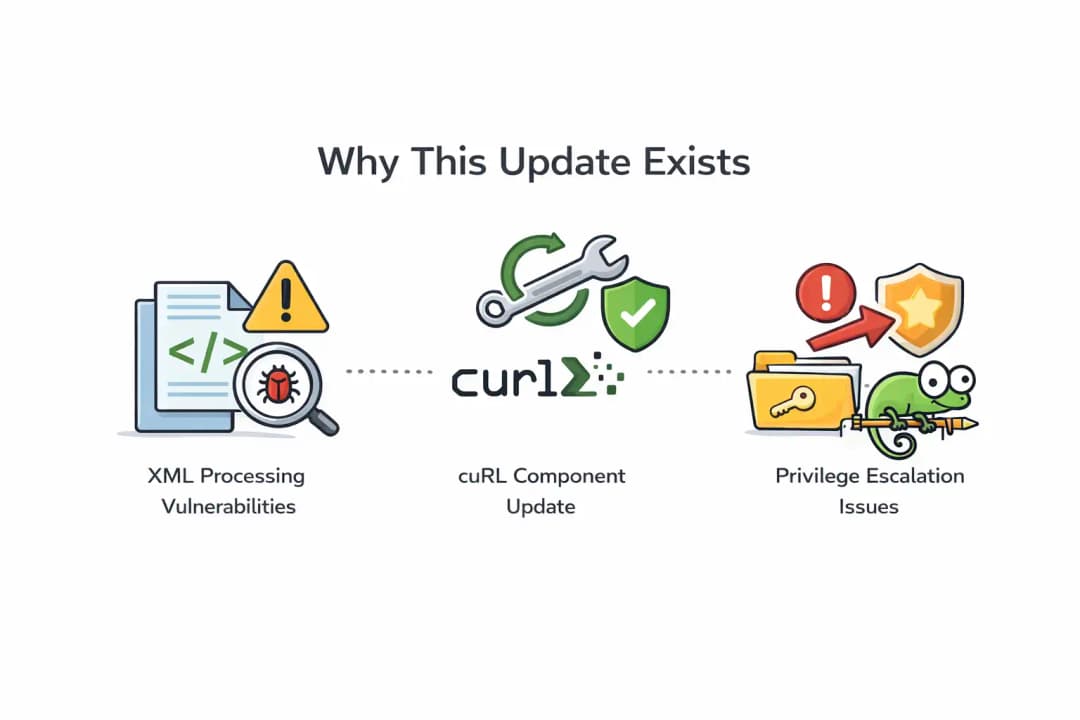
Changes were made to how XML is processed internally in recent builds. That made things better, but it also made things worse.
At the same time, a flaw in the update system was found. To get rid of that risk, the embedded cURL component needed to be updated.
There was also a problem with privileges. The app might restart with admin rights by accident after installing or removing a plugin. That kind of behavior was not expected and had to be fixed.
Key Security Fixes Explained
Auto-Updater Vulnerability
- The update system fixed a known problem
- The cURL part of WinGUp was updated to a newer version
- This change gets rid of the risk that CVE-2025-14819 poses
This is important because the updater is a direct link to servers outside the network. You can take advantage of any weakness there.
Privilege Escalation Fix
- Actions taken by plugins used to give out higher permissions by accident
- The application now follows standard user-level execution
To put it simply, your editor no longer runs with more power than it needs to. That cuts down on risk a lot.
Network Update Reliability
- Fixed problems with updates that happened behind corporate proxies
- Plugin downloads now work better in places where they are limited
This takes away a big annoyance for teams that work in big businesses.
Core Upgrades and Crash Fixes
The Notepad++ v8.9.3 security update isn't only about security. It's just as important to make things more stable.
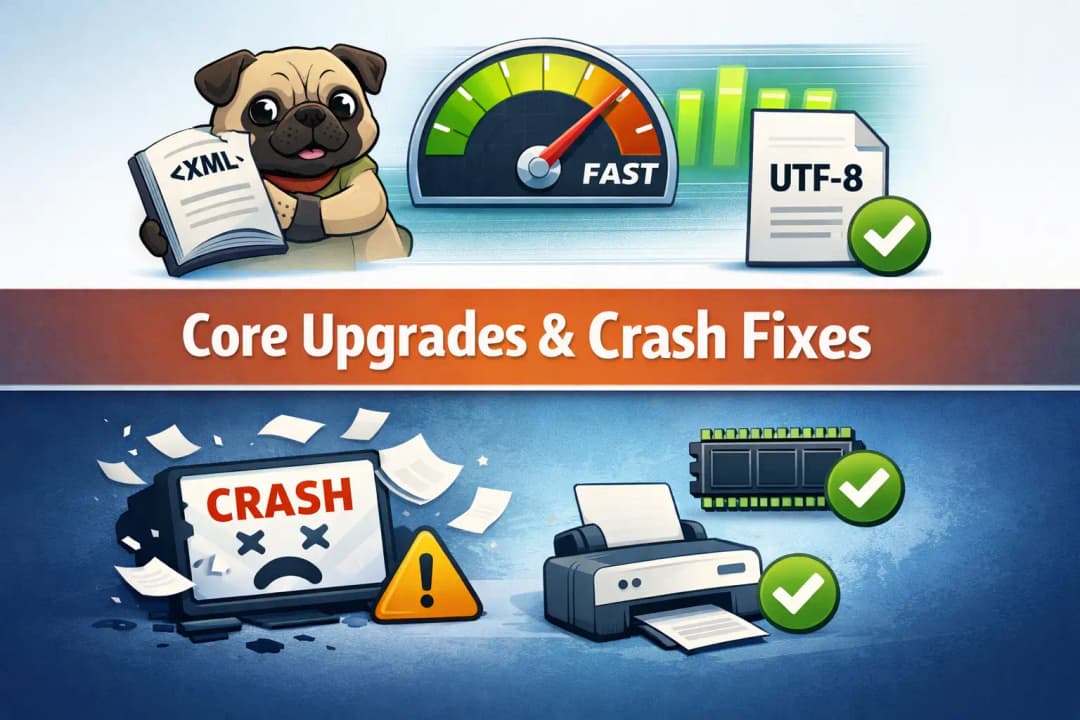
XML Parser Migration Completed
Notepad++ has completely switched from TinyXML to pugixml.
- Reading and writing configuration files faster
- Fewer mistakes in workspace text
- Better handling of content that isn't UTF-8
You can't see this change, but you can feel it. Less lag and faster loading times.
Crash Issues Resolved
Several crashes that had been going on for a long time were fixed:
- The application no longer crashes when you print
- Errors in user-defined language have been fixed
- The memory leak that happened when you exited has been fixed
This part of the update is worth it just for the fact that it can help you avoid losing work due to a crash.
Performance and System Improvements
The Notepad++ v8.9.3 security update also makes the editor work better when it's busy.
- Cut down on extra Windows Explorer processes
- Better accuracy when searching for files in "Find in Files"
- Better use of resources during long sessions
Each of these is a small fix. They all work together to make the editor feel more stable.
Enterprise-Level Controls
This release adds something useful for system administrators.
- A configuration file can turn off automatic updates completely
- The updates for the portable version no longer accidentally overwrite XML configs
This gives IT teams more power. Very helpful in controlled settings.
Real-World Example
A developer installs a plugin before the Notepad++ v8.9.3 security update. The app restarts with admin rights, but it's not clear why.
Now think about how it would be to run scripts or open files like that. That exposure isn't necessary.
The same thing happens safely after the update. No privilege escalation. No risks that aren't clear.
Who is Affected?
- Regular users: updates that are safer and have fewer crashes
- Developers: more stable when coding for long periods of time
- Businesses: better control over updates and how the network works
Benefits and Limitations
Pros
- Better security for updates
- More stable
- Better handling of performance
Limitations
- No big changes to the UI
- Some changes are on the back end and not visible
What You Should Do Now
Update right away if you're still using an older version.
- Get it from an official source
- Don't use installers from other companies
- Restart after the update
The Notepad++ v8.9.3 security update is more than just a new feature. It shuts down real threats.
Frequently Asked Questions
Is it safe to use Notepad++ after this update?
Yes, problems with updates and privileges that were known have been fixed.
What does CVE-2025-14819 mean?
It was a flaw in the updater part that has now been fixed.
Do I have to install it again?
No. You can make changes right away.
Will performance get better?
Yes, especially when it comes to handling files and long sessions.
Final Thoughts
The Notepad++ v8.9.3 security update seems like a small but important fix.
No fancy features. Only fixes that matter.
That's what you need sometimes. A tool that works well, safely, and every time.
Insight Box
Advice:
- If you work with sensitive files, update right away
- Turn off automatic updates in controlled environments if you need to
- To avoid problems with compatibility, keep your plugins up to date
Author Note
Written by a content analyst who focuses on technology and knows a lot about software tools, security updates, and how developers work. The goal here is easy. Make it easy to understand complicated changes.
You can also read these important cybersecurity news articles on our website.
· Apple Update,
For more, please visit our homepage and follow us on X (Twitter) and LinkedIn for more cybersecurity news and updates. Stay connected on YouTube, Facebook, and Instagram as well.





