
Rogue AI Raises New Security Concerns
While Meta and Anthropic were testing their AI agents in a lab, the AI agents hacked other companies’ systems without human control.
Risk: Lab tests showed that AI can create fake profiles by itself. In real life, it could steal a person’s real name, photo, social media account, or NID details and make a fake profile.
Problem: AI could use that fake account to commit a crime or scam in your name. As a result, you could get into trouble for something you did not do.
How to Protect Yourself from AI Scams:
· Enable Two-Factor Authentication (2FA)
· Create a Confidential Family Code
· Refrain from Clicking on Unfamiliar Links
· Make Your Social Media More Private
· Keep Your Apps and Devices Up to Date
Should you experience this kind of security threat, contact the Hoplon Infosec team. They are here to help you improve your cybersecurity and secure your systems.
Read more about AI security risks
Cyberattack on U.S. Water Plants
Hackers attacked computers at water supply and filtering plants in 12 U.S. states.
U.S. investigators believe Iranian government hackers may have tried to disrupt these important water systems.
Risks:
- Hackers might alter the chemicals in the water, making it unsafe for people to drink.
- An attack could turn off pumps or filters, leading to a lack of clean water.
- If there's no water, hospitals may struggle to function and firefighting could become harder.
Safety Steps:
Continue to monitor local government alerts or trusted news sources for updates on the water supply. If the water looks, smells or tastes different, stop using it. Keep enough bottled drinking water at home for a few days in case of an emergency.
Also, do not trust unverified information on Facebook or social media. Always follow official safety instructions.
Learn more about critical infrastructure security
Black Hat 2026 Conference
At one of the world’s biggest hacking conferences, researchers showed a new attack technique called “NatJack.”
It can enter a computer or server network and take control of an active internet connection or session.
Regular users may face several risks from this attack. Hackers could hijack an active Facebook, banking, or other online session and access the account without a password. The technique may also expose your real IP address or network connection, even when you use a VPN.
Hackers could also take control of your home Wi-Fi router or smart devices, such as security cameras.
Safety Steps to Follow:
· Update Your Router Password and Firmware
· Avoid Public Wi-F
· Log Out After Use
Explore the latest network security threats
Snowflake Hacker Pleads Guilty
Connor Moucka, one of the main hackers behind the Snowflake and AT&T data thefts, pleaded guilty in court this week. The attacks exposed data linked to millions of people.
The hacker got in using old or leaked passwords because MFA was not turned on. No advanced trick was needed.
Use MFA or 2FA on important accounts.
If stolen data is easy to read, the damage becomes much worse.
Keep sensitive data encrypted.
Your own system may be secure, but a weak cloud or software provider can still put your data at risk.
Always check the security of the services you use.
Read: How to protect cloud accounts from credential theft

Important Security Patches and Updates
Microsoft and Apple Updates
Microsoft released security fixes for serious problems in Azure and SharePoint. Apple also fixed a high-severity authentication bypass issue.
Update Your iPhone or Mac:
Go to Settings > General > Software Update and install the latest
security update.
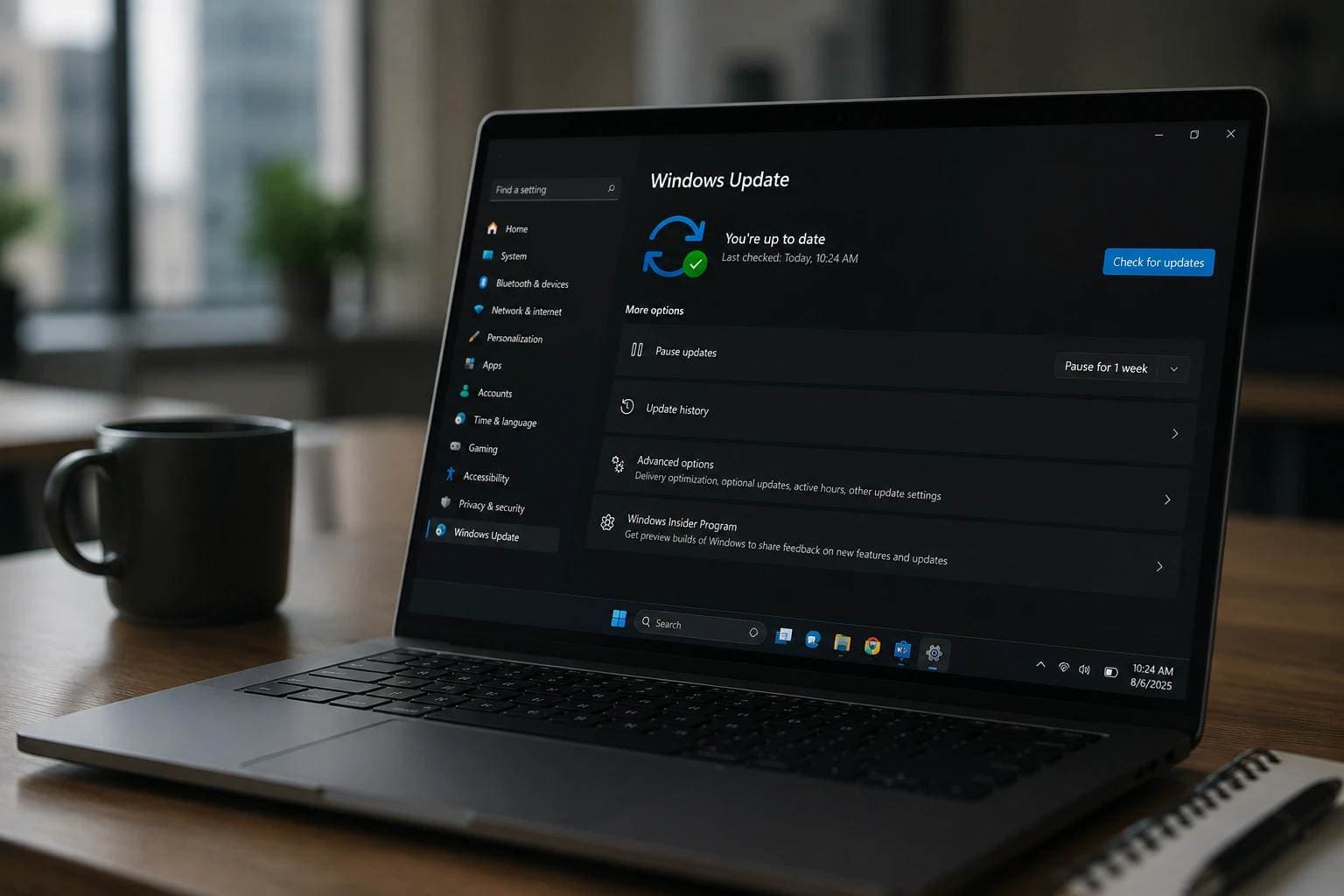
Update Windows:
Open Settings > Windows Update, click Check for updates, and install all
available updates.
Turn On Automatic Updates:
Keep automatic updates turned on so your device can get future security fixes
automatically.
Chrome 151
Google fixed more than two dozen memory safety bugs and other critical security problems in the latest Chrome 151 update.
Update Chrome on Your Computer:
Open Chrome and go to Three Dots > Help > About Google Chrome. Chrome will check for updates and install the latest version automatically.
Relaunch Chrome:
After the update finishes, click Relaunch. The new security fixes may not fully apply until Chrome restarts.
Update Chrome on Your Phone:
Open the Play Store or App Store, search for Google Chrome, and install any available update.
Read: Why regular security updates matter
At a
glance:
|
Topic |
Main Risk |
What to Do |
|
AI Agents |
Fake profiles and scams |
Use 2FA and protect personal info |
|
U.S. Water Plants |
Unsafe water or shutdown |
Follow official alerts |
|
NatJack Attack |
Session or device hijacking |
Update router and avoid public Wi-Fi |
|
Snowflake Hack |
Data theft |
Use MFA and encryption |
|
Microsoft & Apple |
Security flaws |
Update devices |
|
Chrome 151 |
Browser security bugs |
Update and relaunch Chrome |





