
A big change is coming to Windows, but most people don't know what it is yet. The 2026 Microsoft Secure Boot update isn't just another regular patch.
This is a very important change that could make your system less secure overnight or keep it safe. This update has a direct effect on you if you use Windows today.
The Secure Boot certificate will expire in 2026, and Microsoft is getting users ready with updates like WinRE and setup improvements.
Understanding Windows Secure Boot
Secure Boot is like a digital security guard that checks all the software on your computer before it starts. It stops anything that looks suspicious from getting in right away. UEFI Secure Boot certificates are at the heart of this system.
These certificates show that your boot files and operating system are safe. Your system can't guarantee safety during startup without them.
Why Secure Boot Certificates Expire
You might be wondering why a security certificate, which is so important, would run out. It's like a passport. It must be renewed to stay valid. The Secure Boot certificate expiration date of 2026 is there because old certificates can become less secure.
Hackers get better over time, and old certificates may not be able to stop new threats. Microsoft Secure Boot update 2026 is needed for this reason.
Microsoft Security Update 2026 Overview
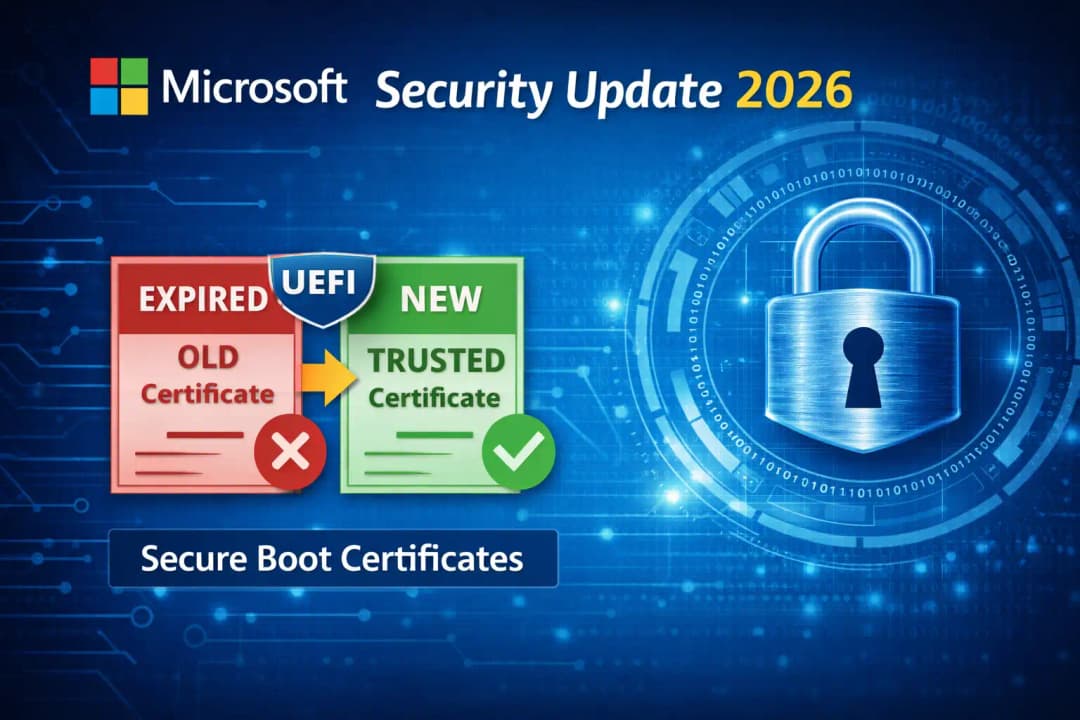
Microsoft is not sitting around and waiting for problems to happen. The Microsoft security update 2026 adds new certificates and takes away old ones.
This update for Windows Secure Boot certificates makes sure that only trusted software can run when the system starts up. It is a proactive step to stop big security breaches from happening.
WinRE Update Microsoft and Setup Changes
The Microsoft update for WinRE is very important in this case. The Windows Recovery Environment now has new security features to deal with changes to certificates.
The Windows setup update 2026 also makes sure that new installations come with the most up-to-date security features. This means that even new systems are safe from the start.
Key Changes in Microsoft Secure Boot Update 2026
The Secure Boot KEK DB/DBX update is one of the most technical parts. These are databases that keep track of software that is allowed and not allowed.
Microsoft is also sending out a security update for the Windows boot manager. This keeps bad tools from taking over the boot process itself.
Impact on Windows 10 and Windows 11
More people are paying attention to the Windows 11 Secure Boot update because newer systems depend on it a lot. Windows 10 users, on the other hand, are not exempt. Some older devices might not work with it.
The Microsoft Secure Boot update 2026 might not work well if the firmware is out of date.
Windows Boot Security Vulnerability Risks
If you don't pay attention to this update, it's like leaving your front door unlocked in a busy area. The Windows boot security hole is very real now.
Your system may not boot securely after the certificates have expired. Worse, hackers could use this hole to run bad code before Windows even starts up.
How to Update Secure Boot Certificates
Updating isn't as hard as it seems. Windows Update will send updates to most users. Sometimes, you may need to update your Microsoft firmware to secure boot. This makes sure that the hardware in your system can read the new certificates.
How to Check Secure Boot Certificate Windows
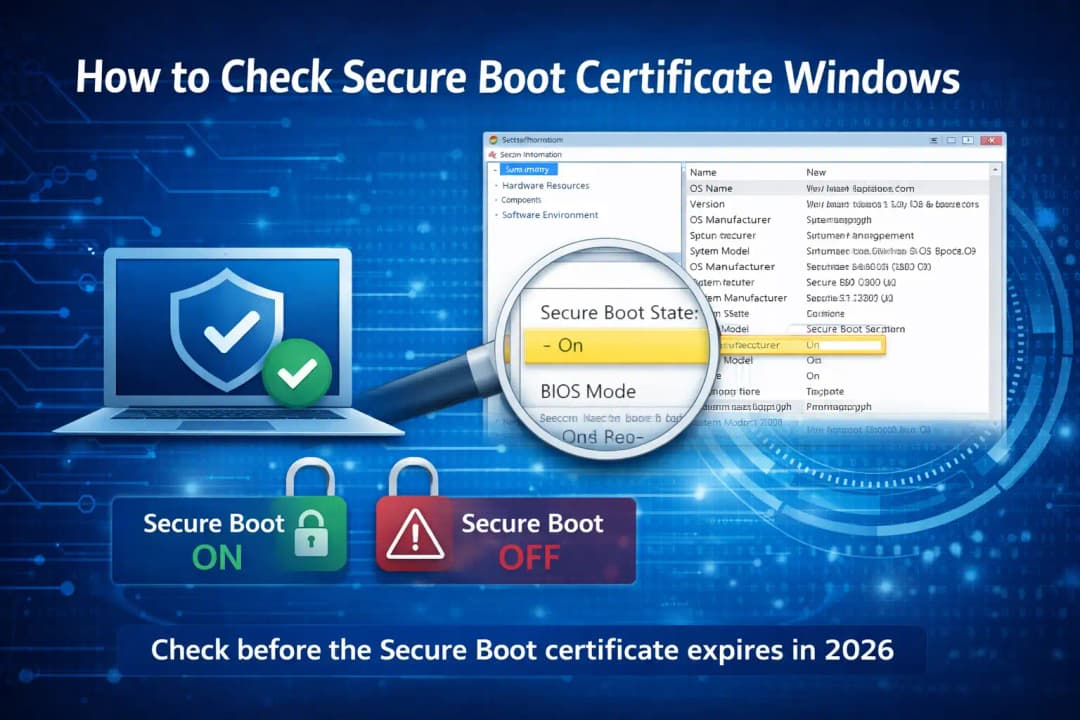
You can use Windows' system information tools to find out if Secure Boot is on or off. It tells you if Secure Boot is turned on and working. If your system shows warnings or is disabled, you need to do something before the Secure Boot certificate expires in 2026.
Microsoft WinRE Dynamic Update and Setup Dynamic Update
Microsoft WinRE dynamic update and Windows setup dynamic update run in the background without making any noise. They get your system ready for big changes without getting in the way of your daily use. These updates make sure that the recovery and installation environments meet the most recent security standards.
Real-Life Example of Boot Security Failure
A few years ago, old boot certificates let some malware get around startup security. Before users even logged in, systems were already hacked. Because of that event, Microsoft had to rethink how it did things, which led directly to the Microsoft Secure Boot update 2026 strategy.
Secure Boot Certificate Replacement Strategy
The process of replacing the Secure Boot certificate is meant to stop sudden failures from happening. Microsoft is slowly updating systems instead of waiting for them to expire. This step-by-step method lowers risk and keeps users safe without causing any problems.
Best Practices to Stay Protected After 2026
The easiest and most effective thing you can do is keep your system up to date. Updates that happen on a regular basis fix security holes before they become big issues. It's also helpful to know how to fix Secure Boot security problems. Just knowing the basics can keep you safe after 2026.
-20260330065356.webp&w=1080&q=75)
Conclusion
The Microsoft Secure Boot update of 2026 is more than just a technical update. It is a very important step for security. This is the most important thing to remember. Stay informed, stay aware, and don't ignore security alerts. It is important for the safety of your system.
FAQs
What is the 2026 Microsoft Secure Boot update?
It is a big security update that replaces Secure Boot certificates that are about to run out to keep Windows systems safe.
What will happen if I don't update before 2026?
Expired certificates could make your system less secure or stop it from booting up safely.
How do I find out if Secure Boot is on?
You can check if Secure Boot is on and working right by using Windows System Information.
Is this update done automatically?
Most systems will get it through Windows Update, but some may need to update their firmware by hand.
Is this more of a problem for Windows 11 than for Windows 10?
The update affects both versions, but Windows 11 relies on Secure Boot more.
You can also read these important cybersecurity news articles on our website.
· Apple Update,
For more, please visit our homepage and follow us on X (Twitter) and LinkedIn for more cybersecurity news and updates. Stay connected on YouTube, Facebook, and Instagram as well.





