
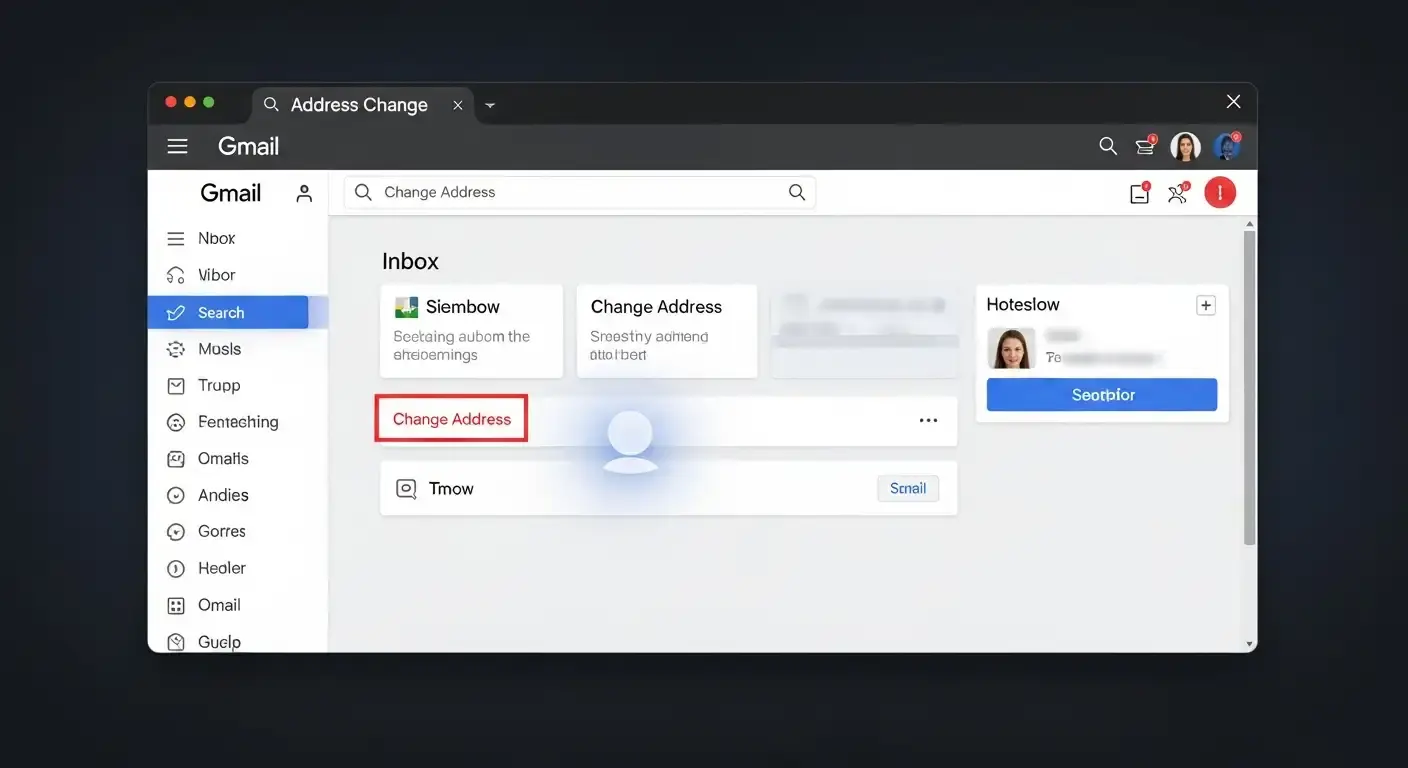
You can finally change your Gmail address without losing your emails, your logins, or your mind.
People started asking that big question in January 2025 after headlines said that Google now lets people change their Gmail addresses. CyberPress and Google's own product documentation say that the truth is more complicated than that. There is an update for changing your Gmail address, but it's not as easy as clicking a button, and it's definitely not what viral videos made it sound like.
Let's take a step back, clear up any confusion, and talk honestly about what Google changed, what it didn't change, and what this means for regular users and businesses.
People are not asking because they want to know. They are asking because their Gmail address is linked to everything they do online.
Bank alerts, job applications, cloud files, app logins, client emails, and even old memories. One mistake could put years of data at risk.
When social media started yelling, "You can finally change your Gmail address," both panic and excitement came over me.
There is a feature that lets you change your Gmail address, but you need to know how to separate your identity, aliases, and account structure to use it.
What Google Did Change and What It Didn't
The truth about claims that you can "change your Gmail address."
Let's get straight to the point.
Most people still can't permanently change their @gmail.com username on Google.
You can't change coolkid2009@gmail.com into john.smith@gmail.com. That rule is still the same.
Google has changed how people can manage identity layers around their Gmail accounts. This includes better handling of aliases, clearer controls for forwarding, and more options for flexibility in Google Workspace.
A lot of articles didn't explain this. People are confused because of that gap.
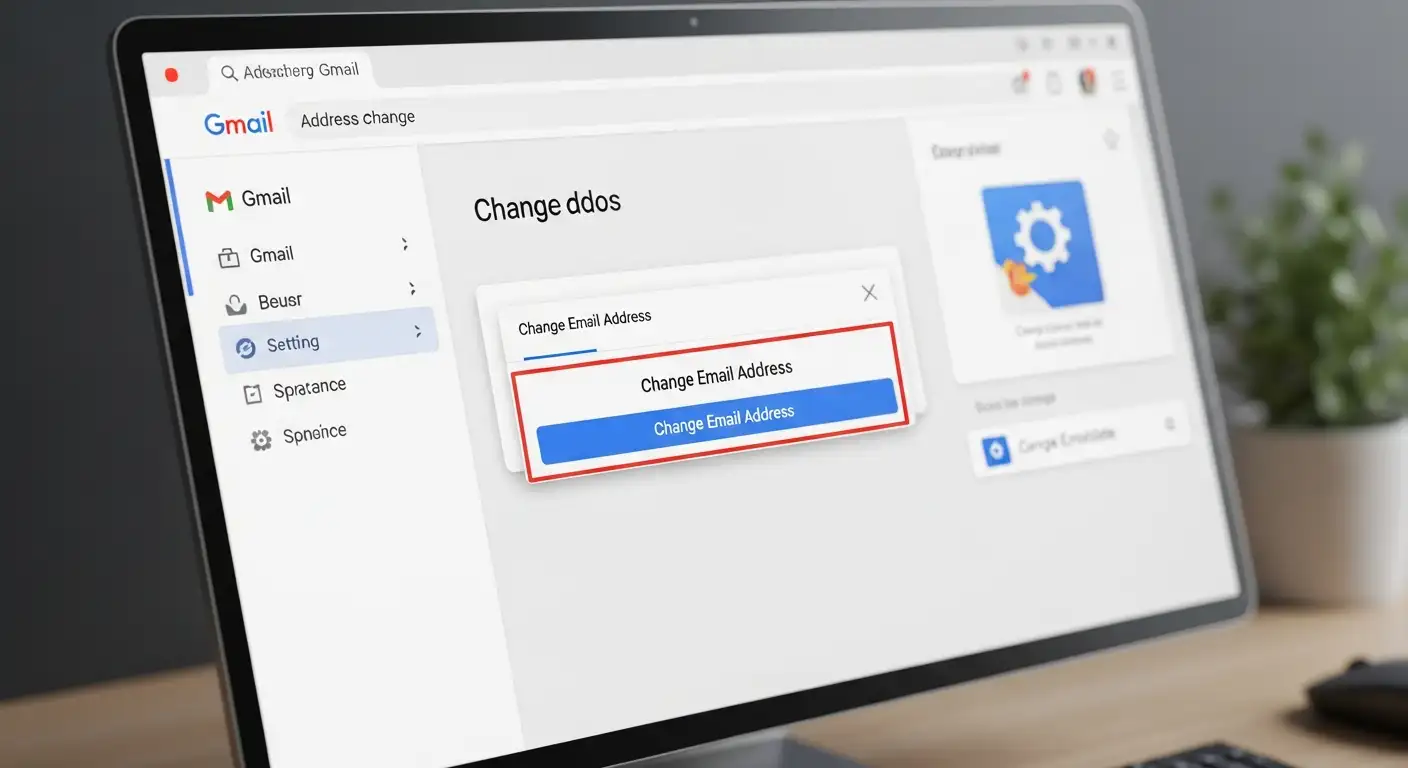
Why Google won't let you change your Gmail username
This isn't being stubborn. It is safe.
Your Gmail address is more than just an email. It is the name of your Google account. It controls who can get to:
Google Drive
YouTube
Pay with Google
Apps from other companies
Ways to get back into your account
If you could change your Gmail username at any time, account hijacking and impersonation would go through the roof. Google has been clear about this for years, even though it annoys users.
How to Change Your Gmail Address in Simple Terms
It's better to think of the Gmail address change feature as giving you more options for your identity than as replacing your username.
This is what users can really do now
Add and manage Gmail aliases.
Send emails to a new Gmail or business inbox.
Move old emails to a new account without any problems.
Change the names of your work email addresses with Google Workspace.
Change the name of your email account without losing your history.
Each choice fixes a different issue.
What Is a Gmail Alias? No Tech Talk
A Gmail alias is a name you can use to send emails to your inbox.
Emails sent to the alias go to the same mailbox. You can sort them, filter them, and even send replies from some aliases in some cases.
But this is the most important part.
Your original Gmail address is still there; an alias does not replace it.
Your main identity is still there even if someone asks for your email.
People ask, "Is Gmail alias the same as changing email?" for this reason. Often feel let down. It helps you stay organized, not change things.
Email forwarding and why people use it to change their brand
Email forwarding is one of the best ways to clean up your identity.
For example, you could make a new Gmail account or a business email. You can automatically send all of your old messages to your new address.
This lets you move slowly without missing anything important.
Many people use forwarding when they change jobs, rebrand, or move from a personal Gmail account to a custom domain.
Forwarding doesn't change your sender address by default, but it gives you more time and peace of mind.
Why Google Workspace Is All of a Sudden Everywhere
There is a reason why you saw a lot of Google Workspace upgrades.
Workspace lets companies change the email usernames that are linked to their own domain. For instance, hello@company.com could turn into contact@company.com.
This is the only place where you can really change your Gmail username.
That's why searches like "Gmail address change for business use" and "professional email setup service" are going up quickly. People want to be in charge, and Workspace lets them do that with rules.

Why People Went Crazy About This Update on the Internet
This update caused a lot of trouble.
Short videos promised to change your Gmail name right away. There were arguments in the threads about whether the feature was real or not. People on Reddit shared screenshots that weren't fully tested. No one took the time to explain the difference between aliases and real account identity.
It was clear what the most common fears were.
People were worried about getting locked out of their accounts.
They were afraid they would lose emails.
They were afraid that they would break the logins for banks and apps.
It's understandable to be afraid of these things. Gmail isn't casual anymore. It is a part of the infrastructure.
The truth is calmer. There were no changes that Google made. Nothing breaks on its own. Most of the time, damage only happens when people hurry without knowing what they're doing.
Example That Happens Every Day
Think of a small business owner who set up a personal Gmail account years ago.
It was fine at first. Then the business got bigger. People started to judge the email address. There was less trust.
They typed in "best way to rebrand Gmail address" and ended up here.
Instead of changing the name of Gmail, it usually works better to build a better identity around it.
They make an email for Workspace.
They move old emails.
They send messages on.
They slowly add new contacts.
No drama. No data is lost.
How to Safely Change Your Gmail Identity
If you want to change your Gmail identity, take your time and follow a set of steps.
To start, make a list of all the places you use Gmail. Apps, banks, and subscriptions.
Second, figure out what you really want. A cleaner inbox or better branding for your business.
Third, pick the right tool. Alias, forwarding, moving, or workspace.
Fourth, try it out before you switch completely.
A Gmail migration service can help you avoid mistakes if your inbox is important to your income or reputation. Email problems rarely fix themselves.
FAQs
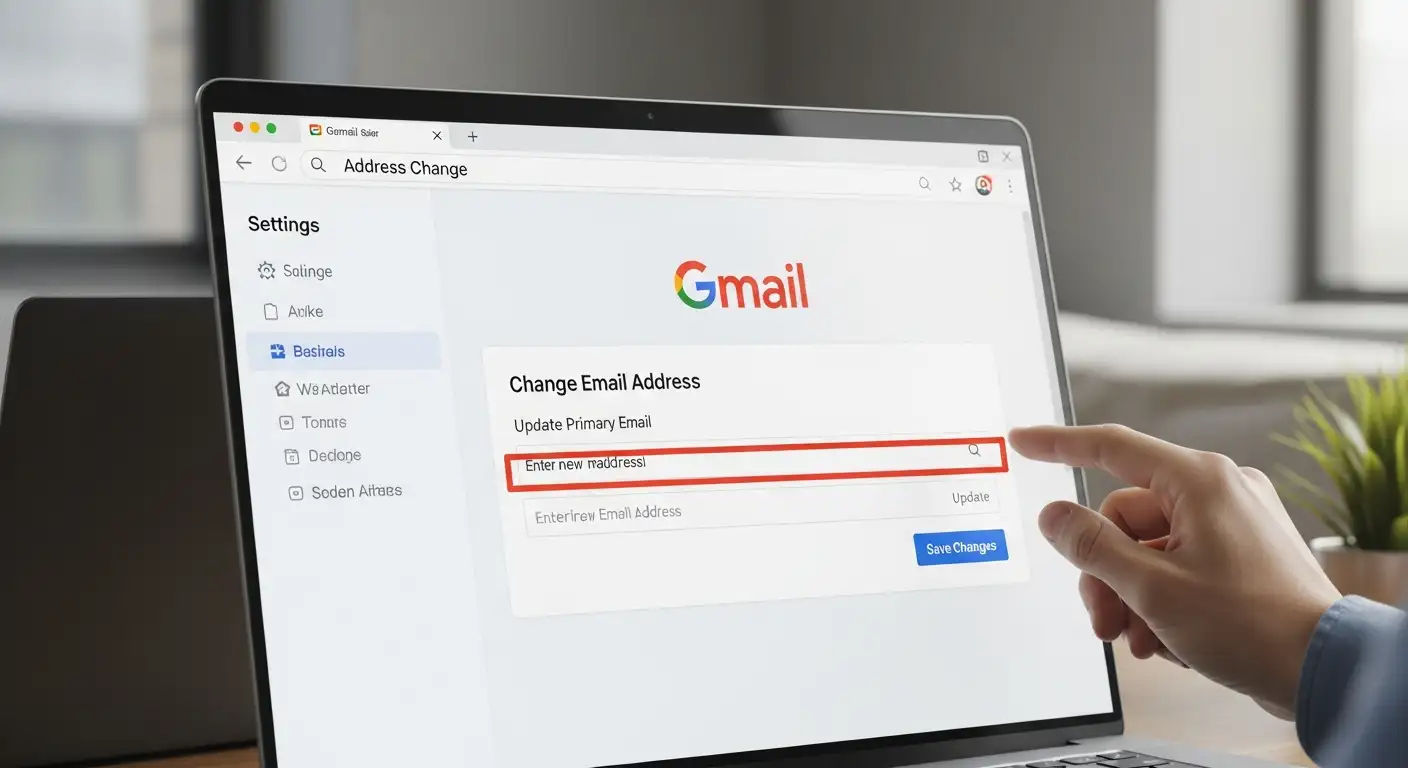
Is it possible to permanently change my Gmail address?
No. You can't permanently change your username with a standard Gmail account.
Is changing your email the same as using an alias?
No. Aliases only send messages to the right place. They don't change who you are.
Does Google let you change the name of your Gmail account?
Only in Google Workspace can you use custom domains.
If I move, what happens to my old emails?
If migration is done right, they can be safely moved.
Final Thoughts
The ability to change your Gmail address is not a miracle update.
You can also read these important cybersecurity news articles on our website.
· Apple Update,
· Windows Fix,




-20260925120840.webp&w=3840&q=75)
